Photo Selection
AI Photo Selection for Wedding Photographers
AI photo selection scores the frames you shot — sharpness, exposure, faces, near-duplicates — and proposes a shorter list to work from. It is good at the mechanical half of the job and of no use at the half that needs a person: which moment belongs in the story. This post explains what the scores actually measure, where the step sits in a wedding workflow, and how to keep the final choice in your hands.
By Smart Photo Selection TeamUpdated Published 4 min readIn Photo Selection
What AI photo selection actually does
The useful version of the feature analyses photographs and ranks them. It looks at how sharp a frame is, whether it is correctly exposed, whether faces are present and clear, and which frames are near-copies of each other. In Smart Photo Selection it then proposes a shorter set for you to review, based on the photos uploaded to the booking. It does not invent photos, retouch faces or publish anything — the output is a list you can add to and remove from.
What the scores measure
- Sharpness: whether the intended subject is in focus, which catches camera shake and missed focus at a glance.
- Exposure: frames that are badly blown or crushed, where detail cannot be recovered.
- Faces: whether the photo contains clear faces, so group shots and portraits are not dropped in favour of empty rooms.
- Near-duplicates: bursts of the same moment, so you break ties between three similar frames instead of comparing them by eye.
- Order and orientation: portrait and landscape frames are identified, which later matters for album layouts.
Where it fits in the workflow
- 1
Upload the shoot
Bulk-upload the wedding into the booking, one folder per function, so every later step has structure to work with.
- 2
Run the first pass
AI-assisted culling sets aside blurry and duplicate frames; you review what it proposes and restore anything that matters.
- 3
Finish the cull by hand
Check the story: sequences, quiet moments, the frames only someone who was there would keep.
- 4
Hand over to the client
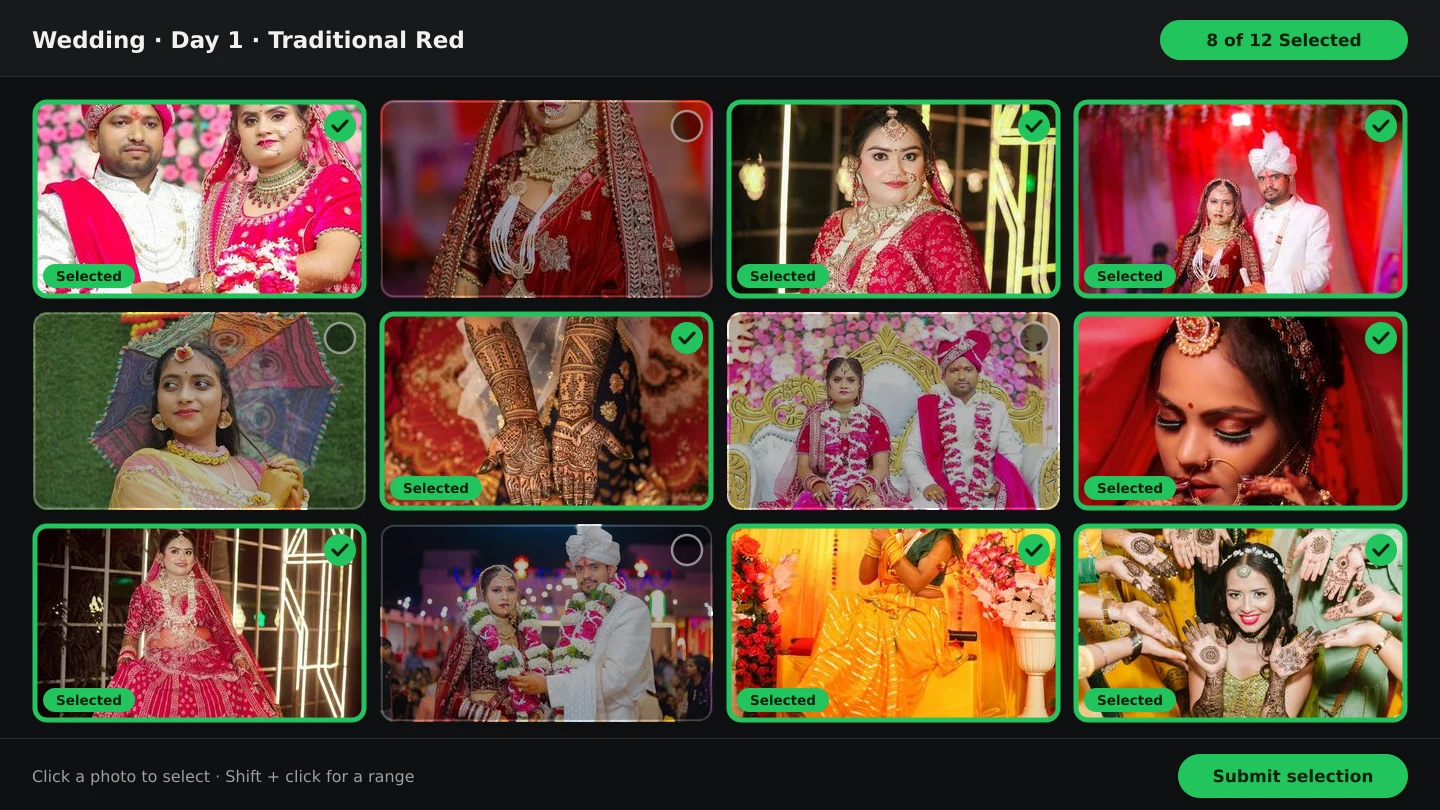
Share the gallery so the couple marks favourites and submits a locked selection.
A worked example
Take a wedding with 3,000 photos across four folders. The AI first pass flags the clearly unusable frames and groups the near-duplicates, which turns an evening of scanning into a series of short decisions: accept the flag, or restore the frame. What remains still needs your eye — a blurry dance-floor frame may be the only one of a particular moment, and a technically perfect photo of a table setting may deserve to be dropped. The tool shortens the list; you decide what the list means.
What it should not decide
- Which moment is important. A parent's expression during the vows scores no higher than a sharp photo of the cake.
- What the couple asked for. Their brief is context the model never sees.
- Retouching decisions. Skin, stray hairs and distractions remain editorial choices.
- What is publishable. Nothing goes to a client, a gallery or a print without you.
AI-assisted or fully manual
| Fully manual | AI-assisted | |
|---|---|---|
| First look at a large shoot | You scan every frame in order | Flags and groups arrive first; you confirm |
| Duplicates | Compared by eye, easy to miss late in the day | Grouped together so ties are broken quickly |
| Story and context | Your judgement throughout | Your judgement throughout |
| Best suited to | Small shoots, or albums where every frame is in question | Weddings and events with thousands of similar frames |
If you are starting from scratch, the manual selection guide walks through the cull by hand, and using AI for photo selection covers the assisted route step by step. Both end at the same place: a gallery the couple can choose from.
AI photo selectioncullingwedding photographyworkflow
Frequently Asked Questions
Does AI photo selection publish or share anything?
No. It proposes a set for you to review. The client still sees only the gallery you share, and nothing is delivered without you.
Will it remove photos I want to keep?
Flagged frames are set aside rather than destroyed, and you can restore anything. Review the flags instead of accepting them blindly.
Can AI choose the photos for the album?
It can shortlist, and the album generator scores sharpness, exposure, faces and duplicates again when it builds sheets. The final album selection stays yours — see how AI chooses photos and layouts.
Does it work on RAW files?
Selection happens on the photos you upload to the booking. Check the formats your plan accepts, and keep your RAW archive as the source for editing.
Where does the analysis run?
Analysis runs in the browser on the booking's photos, so large shoots do not depend on re-uploading anything to a separate service.
Related Articles
- How to Select the Best Wedding Photos FasterA practical method for choosing the best photos from a large wedding shoot: two passes, folders per function, AI help and a locked client choice.
- A Wedding Photo Culling Workflow That Keeps UpA repeatable culling workflow for wedding photographers: remove rejects, break ties between near-duplicates and hand a clean gallery to the couple.
- How AI Chooses Photos and Album LayoutsWhat Smart Photo Selection's AI measures — sharpness, exposure, faces, orientation and duplicates — and how those signals become a hero photo and a balanced spread.
- The Client Photo Selection Workflow, Start to FinishHow client photo selection works online: share a gallery, let the client mark favourites, lock the set on submission and download exactly what they chose.
- What Is Photo Selection Software? The Complete Photographer's GuidePhoto selection software explained: online galleries, client proofing, AI shortlists and face search — what it does, who needs it and how it differs from culling.
Step-by-Step Guides
- How to Use AI Photo SelectionRun AI Photo Selection in Smart Photo Selection: set how many photos the album needs, rank the shoot by sharpness, exposure and faces, then adjust the shortlist by hand.
- How to Cull Photos Before SelectionCull the raw shoot in Smart Photo Selection: review folders at full size, remove blinks, blurs and test frames, and keep the client's view clean before selection.
- How to Select Photos Manually in Smart Photo SelectionChoose photos by hand in the Smart Photo Selection gallery: folder tabs, the Selected and Not Selected filters, full-size preview, Select All and saving the selection.
- How to Choose Photos for an AlbumPick the photos that go into the book: use client picks and folder filters in Album Studio's photo picker, and decide how many frames a sheet can hold.
Related Features
Design Your Next Album in Smart Photo Selection
Generate spreads from a booking's photos, refine them in the layer-based editor and export print-ready files.