How Smart Photo Selection works
How Smart Photo Selection Works: From Booking Photos to Print-Ready Album
Smart Photo Selection turns the photos of a booking into a designed, editable wedding album. You choose the photos, the size and the style; the AI composes the spreads; you review, edit, retouch and export.
Here is each step, what happens in it and where you stay in control.
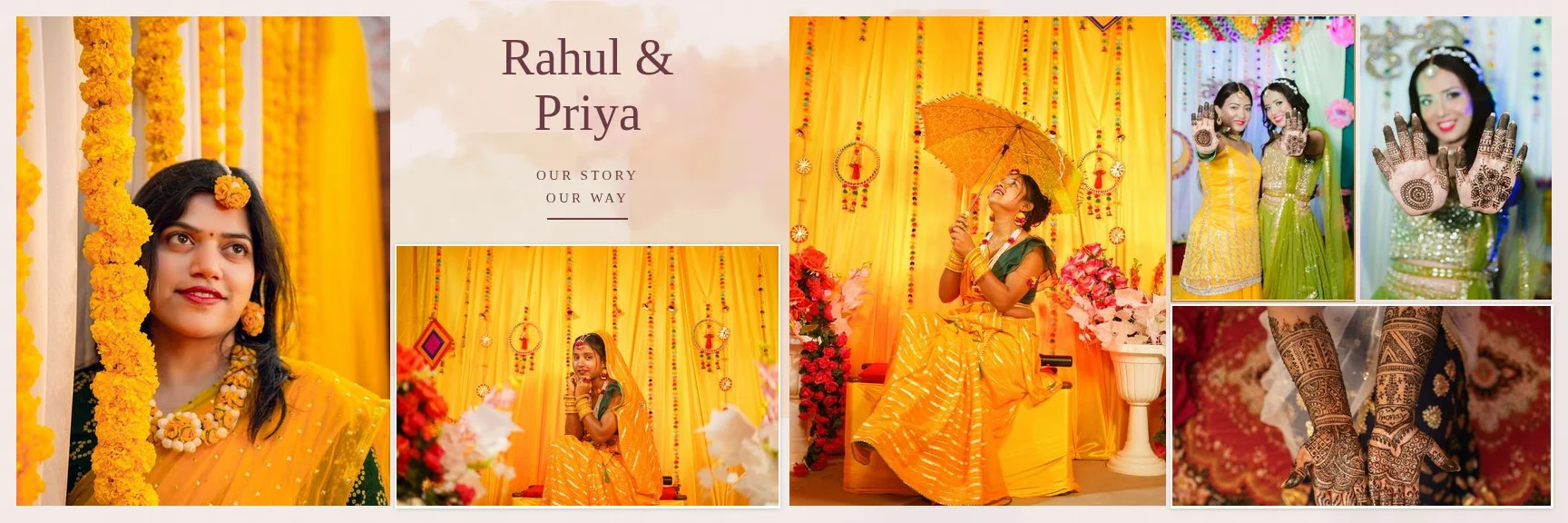
Sample layouts are shown with licensed sample wedding photos; your own photos take their place.
The Workflow in Nine Steps
- 01
Booking photos
Start from a booking's gallery (or upload photos for this album only).
- 02
Album size
12 × 36 in, 14 × 40 in or a custom size and DPI; spreads fold in the middle.
- 03
Template or style
Automatic designed spreads, a simple clean layout, or one of 400+ templates or your PSD.
- 04
AI generates
Photos are scored and selected, then each sheet is composed around a hero photo.
- 05
Review
Check every sheet; regenerate a sheet or the whole album for a new variation.
- 06
Editor
Change photos, crops, text and frames in the layer-based editor.
- 07
Retouch and colour
Heal, clone, dodge and burn; grade with curves, HSL and colour balance.
- 08
Fold check
Photos and text are kept off the centre fold; export is blocked if anything crosses it.
- 09
Export
Full-resolution JPG, PNG or layered PSD per sheet, or the whole album as a ZIP.
The AI part
What the AI Decides, and What You Decide
The AI analyses sharpness, exposure, faces, colours and near-duplicates to suggest a selection, then designs each sheet: which photo is the hero, how supporting photos are sized, where exposure blends and painted edges go, and which background colours come from your photos. Consecutive sheets use different layouts.
You decide which photos are in the album and in what order, the size, the style and the number of photos per sheet, and you approve every sheet. The AI never repaints or invents content in your photographs. Read the complete guide to AI wedding album design for the reasoning behind it.
Built for Print From the Start
Real pixel sizes
A 12 × 36 in spread at 300 DPI is 10,800 × 3,600 px; a 14 × 40 in spread is 12,000 × 4,200 px.
Resolution warnings
Photos below 200 ppi in their slot are flagged before you generate.
Fold-safe layouts
A 0.125 in safe zone on each side of the fold keeps faces and text out of the binding.
Print guides
Trim (0.125 in) and safe-area (0.375 in) guides in the editor.
Original files
Exports render from your original photos, not previews.
Colour
JPG embeds the template's ICC profile when a PSD template has one; otherwise files are sRGB without an embedded profile. There is no CMYK export.
Before ordering, check your lab's bleed and file requirements. See how to prepare an album for print.
Where Your Albums Are Stored
Album Studio is available to photographer (studio) accounts. Album projects, templates and generated files are saved in the browser (IndexedDB) on the device you use, and gallery photos are read from the booking rather than copied. Albums are not synced across devices yet, so finish an album on one computer and keep your exports.
FAQ
Common Questions
Do I need my own templates?
How long does generating an album take?
Can my client review the album online?
Which browsers work?
- AI Album GeneratorDesigned wedding album spreads built from your selected photos.
- Professional Photo EditorSelections, masks, retouching and colour grading in a layer-based editor.
- Wedding Album Templates150 templates in 10 styles, laid out for your album size.
- PSD Album AutomationDetect photo slots in your PSD and map photos in sequence.
- Smart Photo Selection GuidesStep-by-step how-tos with the real button and menu names.
- About Smart Photo SelectionWhat Smart Photo Selection is, who makes it and who it is for.
Create Your First Album
Pick a booking, choose a size and let Smart Photo Selection design the first draft.