Exposure designs
Double Exposure Wedding Album Designs
A double exposure spread blends two photos into one image: a portrait fading into the venue, the sky or a second portrait. Smart Photo Selection builds these blends from your own photos with gradient fades, painted watercolour edges and duotone tints, and keeps them editable as layers.
Triple exposures add a third photo for opening and chapter spreads.
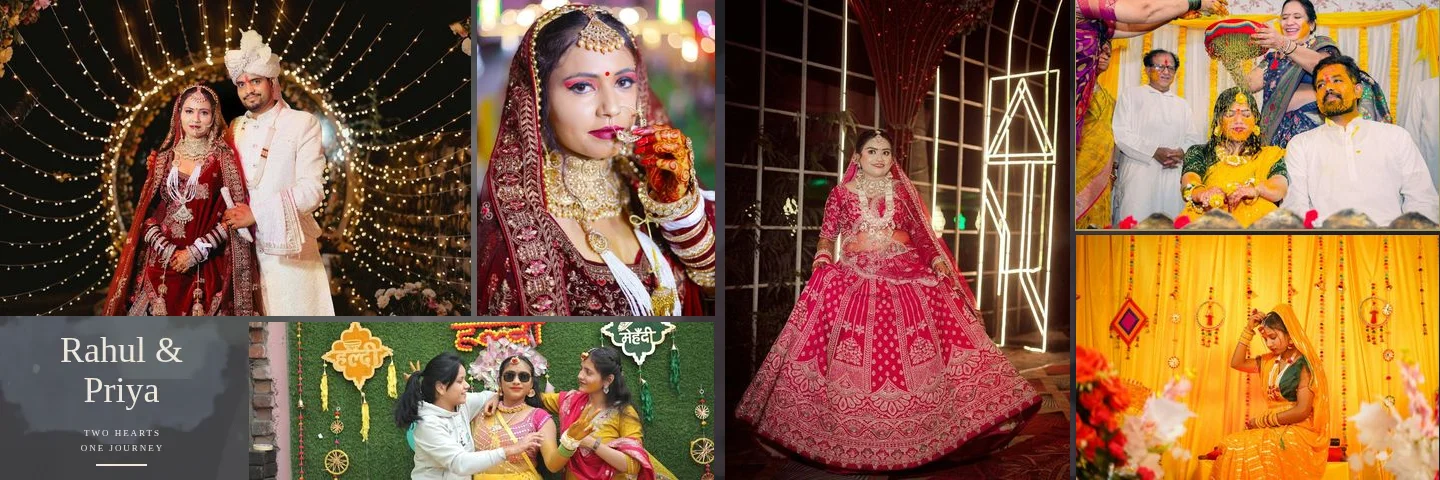
Sample layouts are shown with licensed sample wedding photos; your own photos take their place.
How Exposure Designs Are Built
Each exposure is a stack of ordinary layers: a background photo, a portrait above it, and a gradient fade mask on the portrait that dissolves it into the background. Nothing is generated or repainted; the photos are only cropped, masked, blended and tinted as a whole.
Double exposure
A portrait fades into a landscape or venue photo, usually with the portrait on one page.
Triple exposure
A faded background, a hero portrait and a crossing third photo.
Portrait exposure areas
Large portrait cells with painted duotone treatment in most library templates.
Paint and watercolour edges
Photo edges dissolve into paint washes in the template's palette.
Face-aware cropping
Faces are kept inside the visible part of the blend and off the centre fold.
Fully editable
Move the fade, change the blend mode or repaint the mask in the photo editor.
Where Exposure Designs Come From
The AI album generator uses double- and triple-exposure compositions when a sheet has a suitable portrait and a landscape photo, and regenerating a sheet gives a new variation.
In the template library, most templates include one or two portrait exposure areas. Only Modern Editorial has templates without one. Browse the Creative, Cinematic and Floral styles for the most painterly exposures.
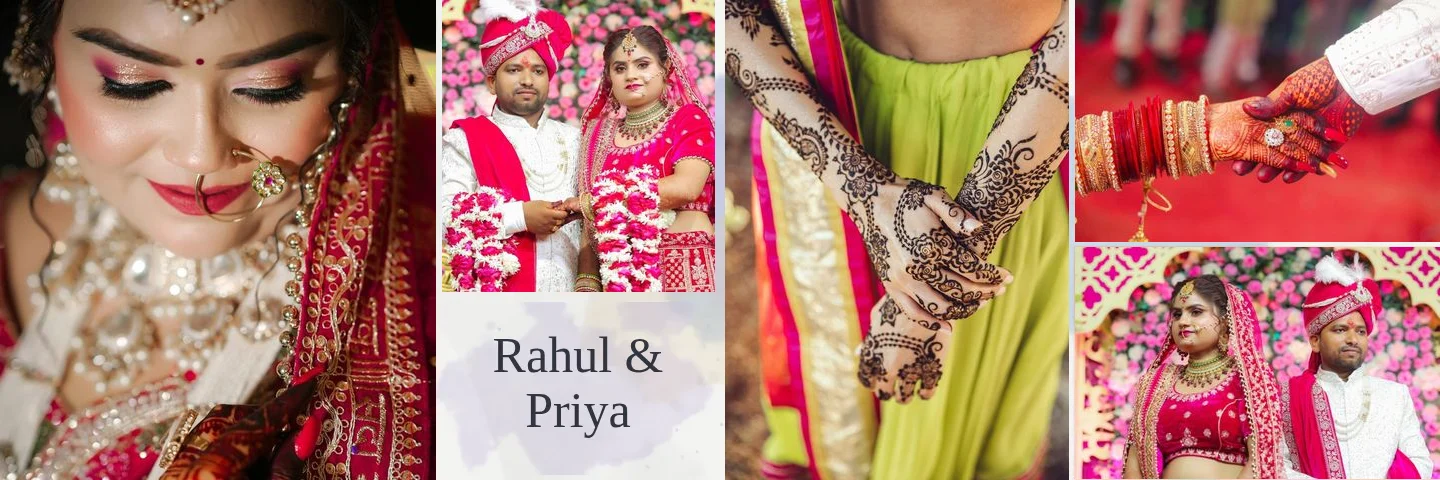
Cinematic 01 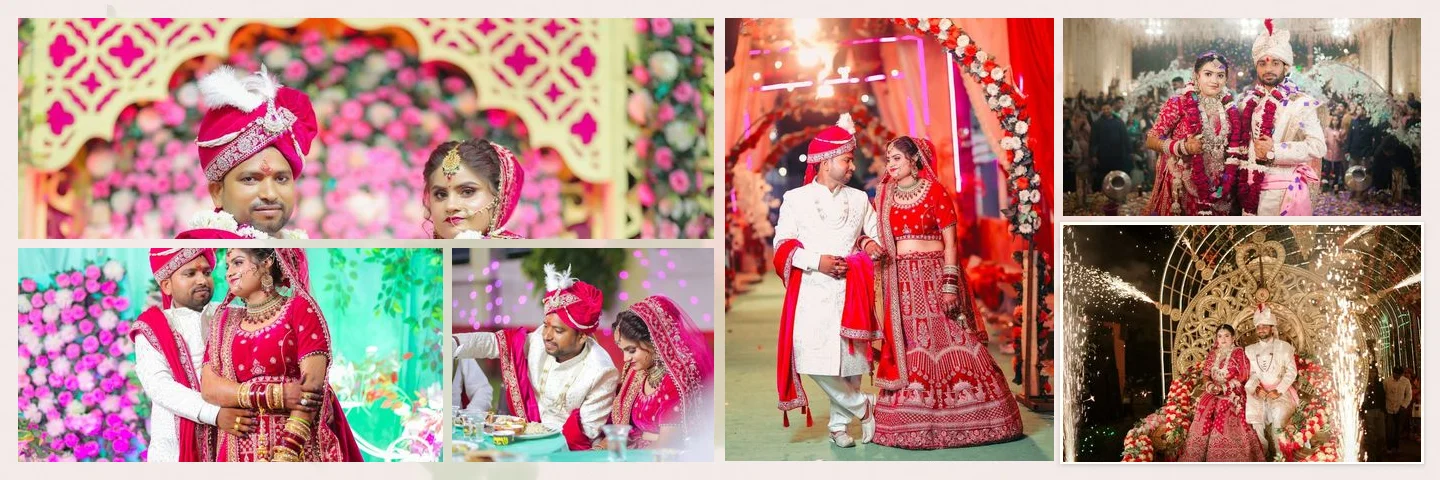
Floral 03 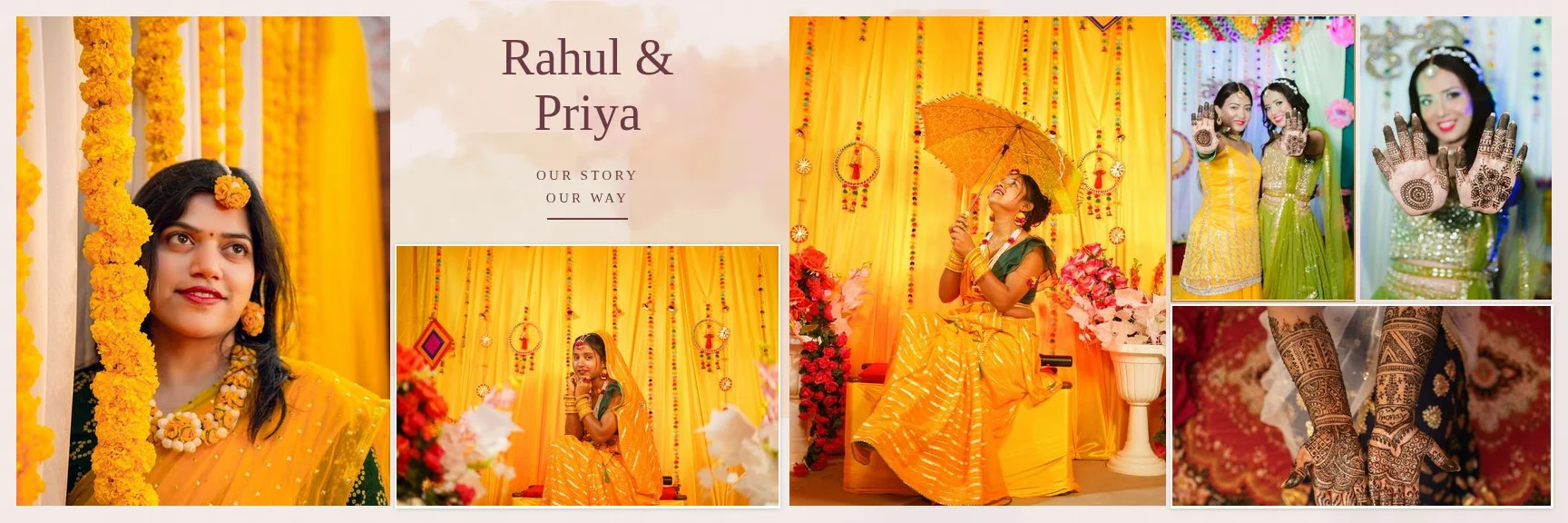
Indian Wedding 04
Choosing Photos for an Exposure
A clean portrait
A face or couple against a plain or dark background blends best.
A textured partner photo
Venue, sky, trees, mandap décor or fairy lights give the blend something to dissolve into.
Similar tones
Photos with similar colour temperature blend smoothly; grade them first if they clash.
Resolution
Exposure areas are large, so use full-resolution files; photos below 200 ppi in their slot are flagged.
For pairing ideas, read double exposure wedding album ideas.
FAQ
Common Questions
Does Smart Photo Selection create a double exposure automatically?
Will the exposure cross the centre fold?
Can I turn a double exposure into a normal photo frame?
Does the AI change faces or add elements?
- AI Album GeneratorDesigned wedding album spreads built from your selected photos.
- Wedding Album Templates150 templates in 10 styles, laid out for your album size.
- Professional Photo EditorSelections, masks, retouching and colour grading in a layer-based editor.
- Guide: Create a Double ExposureBuild or adjust an exposure blend step by step.
- Double Exposure IdeasPhoto pairings that work, and when to avoid them.
- How Smart Photo Selection WorksThe workflow from booking photos to print-ready export.
Design an Exposure Spread
Generate an album or open a template, then refine the blend in the editor.