Album size
14 × 40 Wedding Album Design & Templates
A 14 × 40 in spread (two 14 × 20 in pages) is larger and slightly taller than 12 × 36, with a ratio of about 2.86 : 1. The extra height gives portrait photos more room.
Templates are laid out again for this ratio rather than enlarged from a 12 × 36 design.
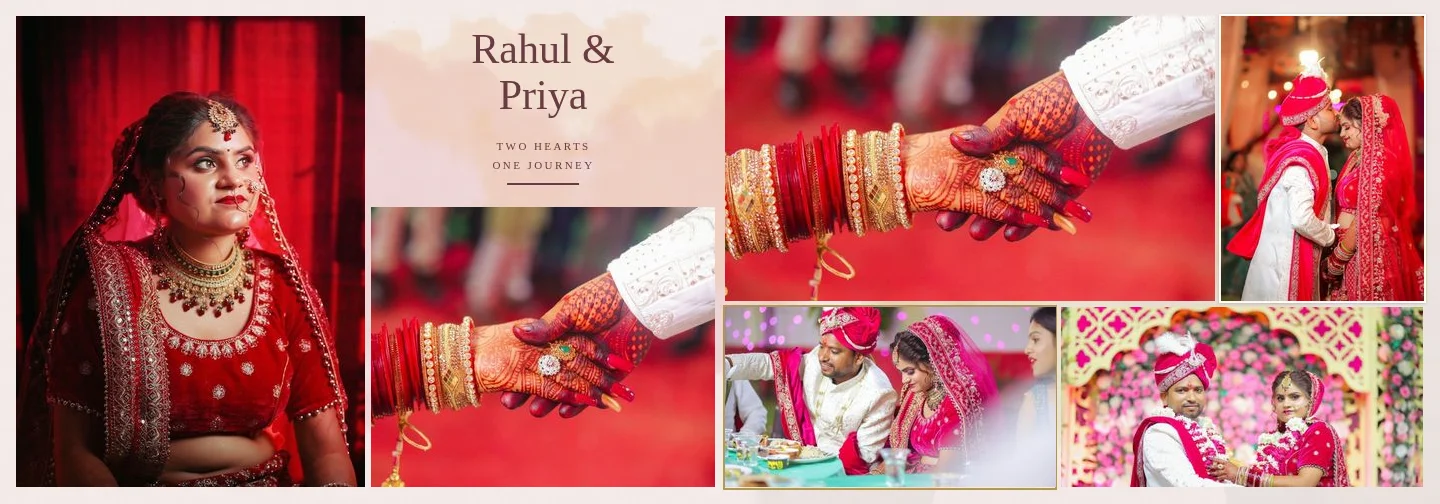
Sample layouts are shown with licensed sample wedding photos; your own photos take their place.
14 × 40 Album Pixel Dimensions
300 DPI
12,000 × 4,200 px
240 DPI
9,600 × 3,360 px
200 DPI
8,000 × 2,800 px
At 300 DPI a 14 × 40 sheet has about 30 % more pixels than a 12 × 36 sheet, so source photos need more resolution and exports take a little longer.
How 14 × 40 Layouts Differ
Because the spread is relatively taller, frames gain height: portrait photos can be larger, and dense layouts keep more breathing space between rows. Margins and gaps are kept in inches, so they look the same on both sizes.
A photo filling the full page height (14 in) needs 4,200 px for 300 ppi or 2,800 px for 200 ppi. Photos below 200 ppi in their slot are flagged before generation.
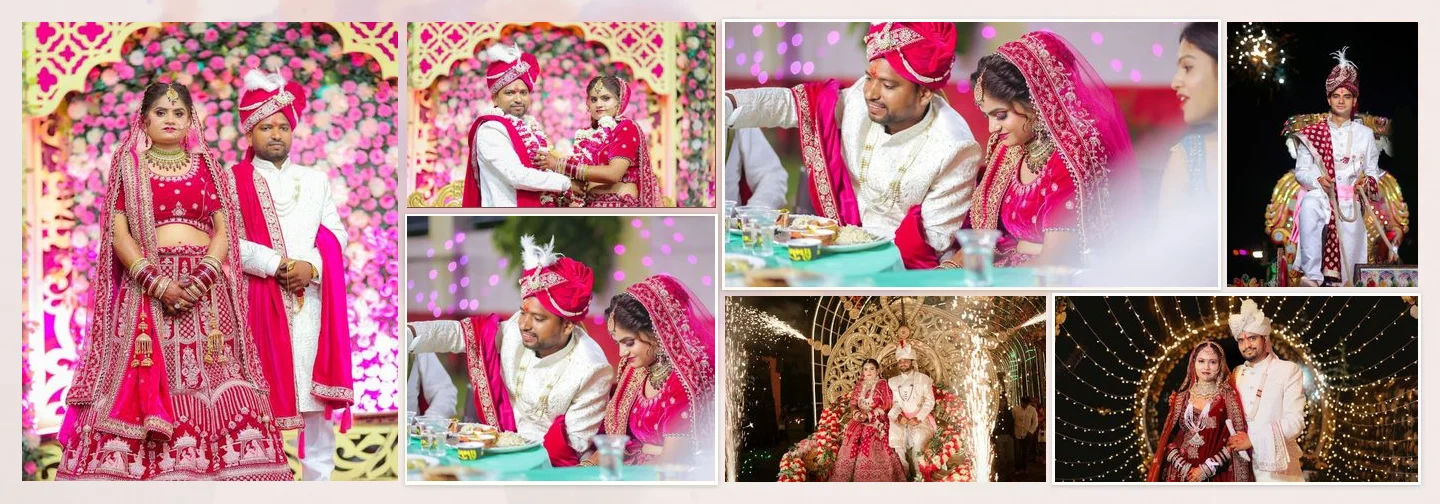
7 photos 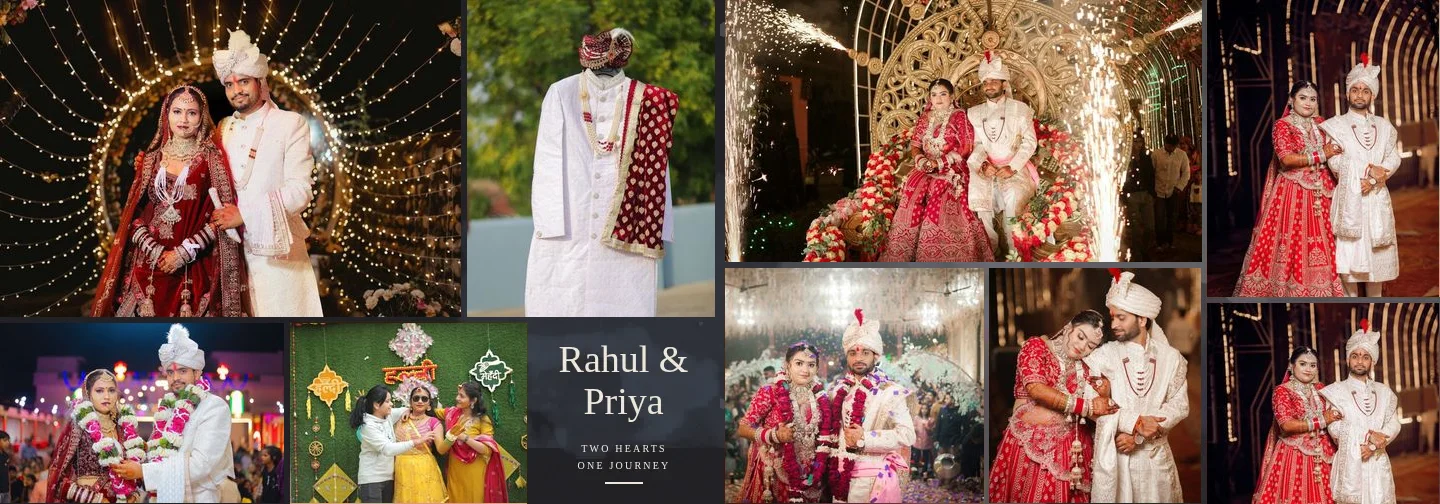
9 photos 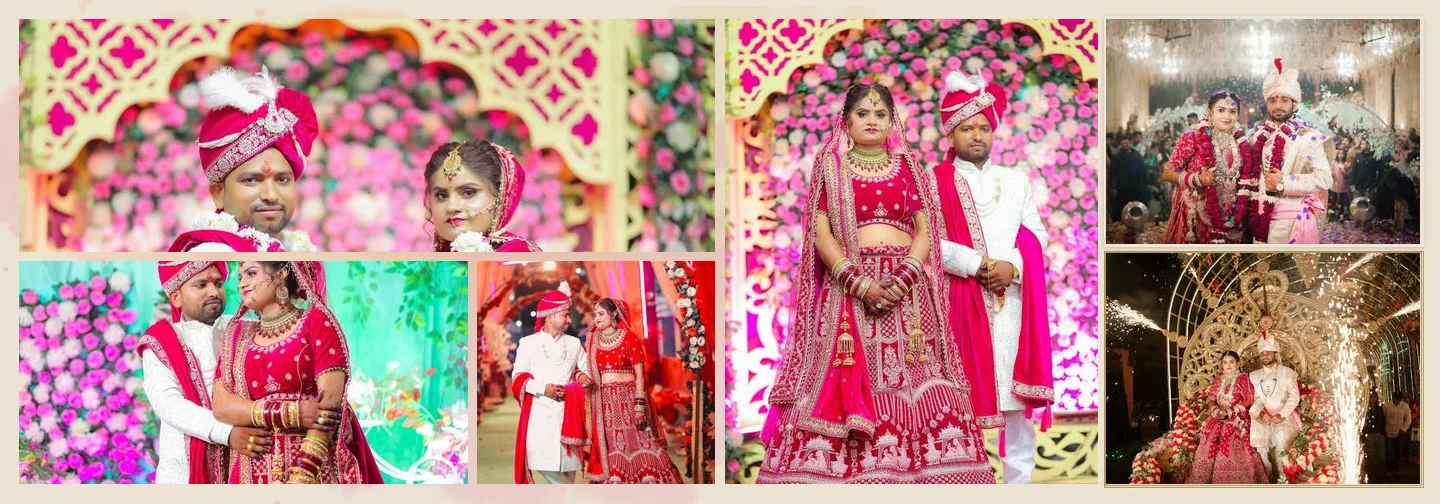
6 photos
FAQ
Common Questions
Is 14 × 40 the page or the spread size?
Can I use the same templates as for 12 × 36?
Do I need higher-resolution photos for 14 × 40?
Can I make a custom size?
- 12 × 36 Wedding Album DesignsPixel sizes, photo counts and templates for 12 × 36 in spreads.
- Wedding Album Templates150 templates in 10 styles, laid out for your album size.
- AI Album GeneratorDesigned wedding album spreads built from your selected photos.
- Guide: Design a 14 × 40 AlbumSet up and check a 14 × 40 album, step by step.
- 12 × 36 vs 14 × 40Pixel sizes, ratios and photo resolution compared.
- Album Software for PhotographersHow studios, album designers and labs use the album workflow.
Design a 14 × 40 Wedding Album
Pick a template at 14 × 40 in, or let AI compose the spreads for you.