




Skip to content

The All-in-One Platform for Modern Photographers

Capture Beautiful Moments Deliver Extraordinary Experiences

Manage bookings, automate photo selection, share beautiful client galleries, organize guests and create stunning wedding albums - all from one platform.

No app needed for guests - galleries open in the browser

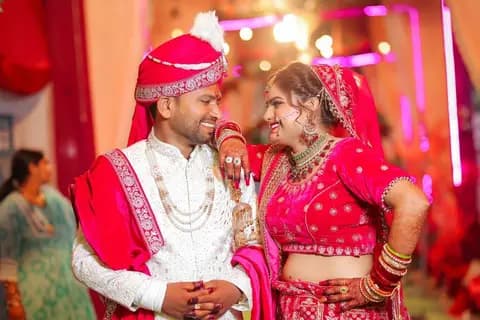
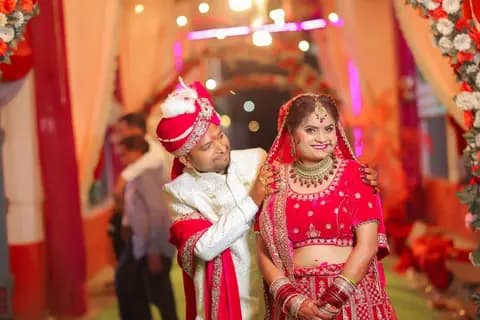
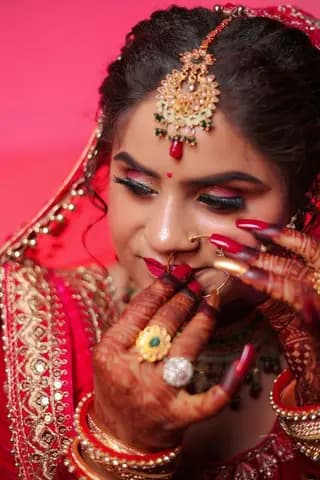
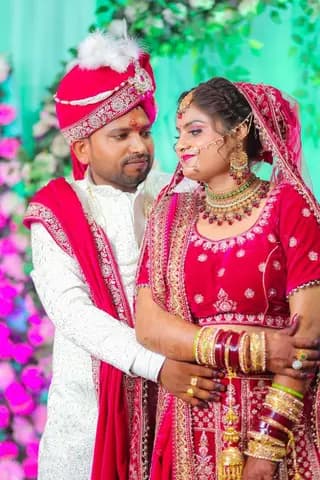
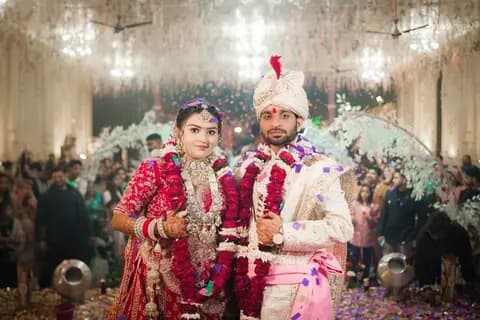
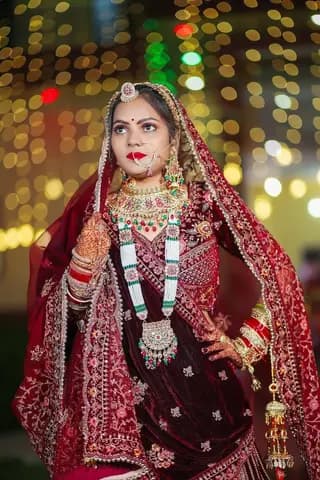
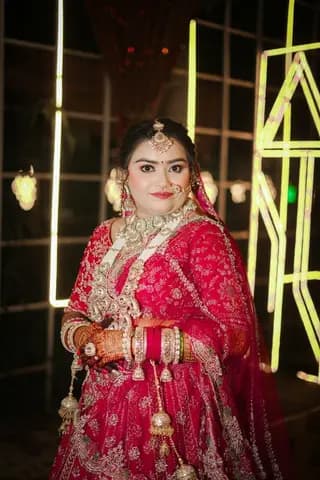
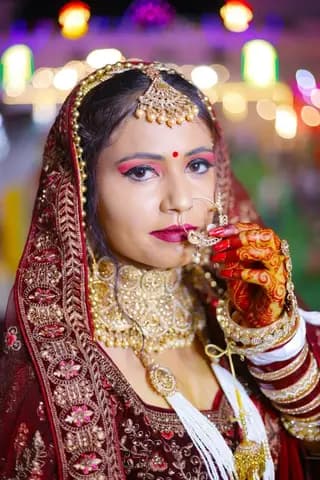
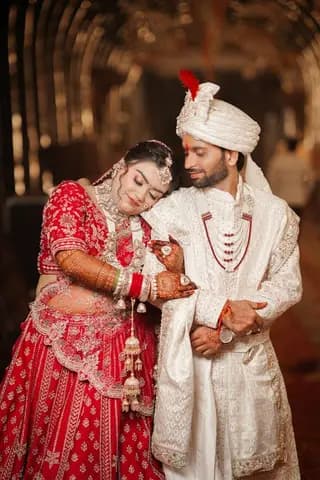
Bride in a maroon lehenga at a royal-style wedding
AI Face Scan Auto Album Creation

Wedding Gallery

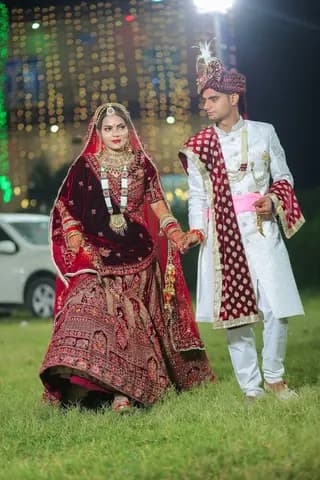
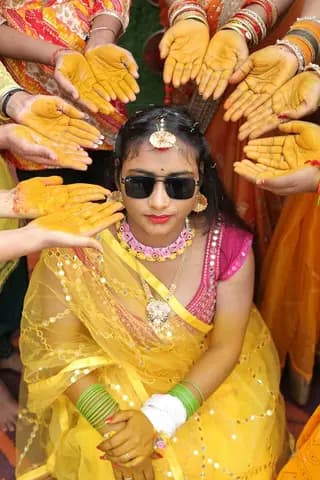
Haldi ceremony photoMehndi ceremony photoVarmala ceremony photo

Share via WhatsApp

Booking QR code

Open wedding album spread in maroon and gold, designed by the album engine
Client Gallery
  • Trusted by photographers across India:
  • PFX Photography, Bikaner
  • JBS Studio, Bikaner
  • Archana Color Lab, Bikaner
  • BM Studio, Bikaner
  • Vinayak Studio, Surupra

Your studio, connected

Every wedding workflow, in one place

From the first booking to the finished album, give your team and clients one simple way to work together.

  • Online Photo SelectionEasy and fast for clients
  • AI Face ScanFind every face automatically
  • Album AutomationPhotos plus PSD templates
  • Wedding Album DesignsProfessional layouts
  • Smart Photo ManagementOrganize and find photos
FROM SELECTION TO FINISHED ALBUM

How it works

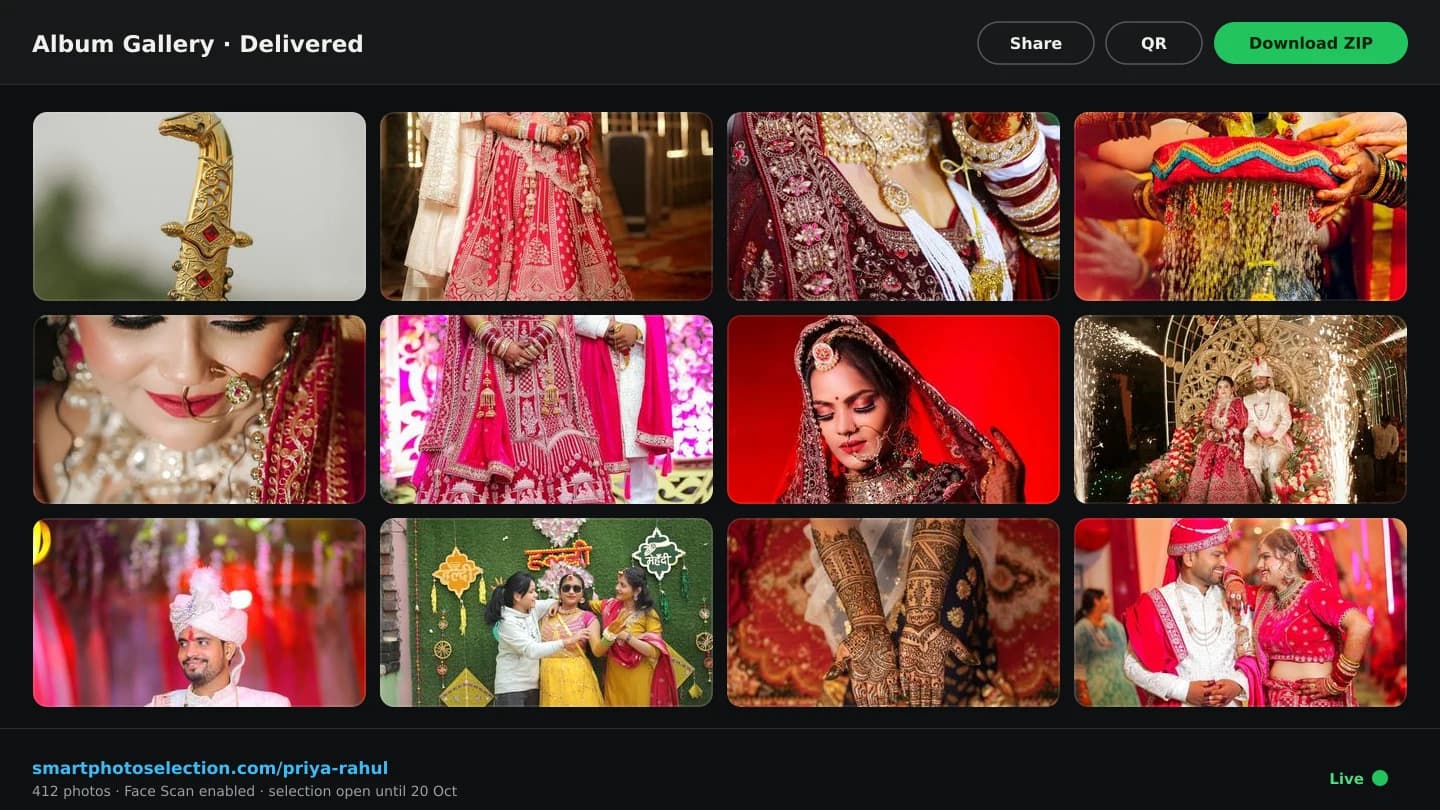
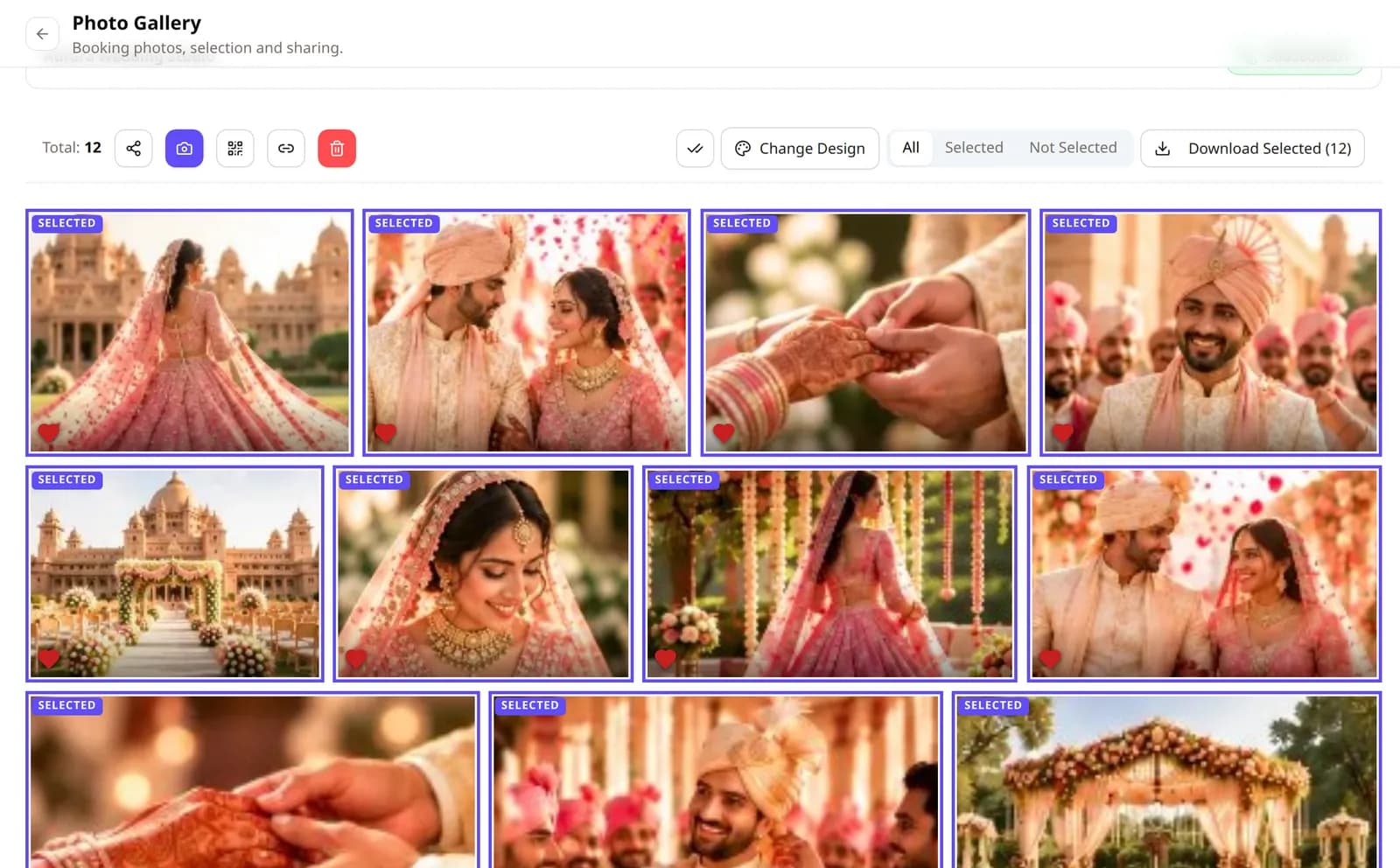
Photographer's booking gallery: share, scan, QR code, link and delete buttons, Change Design, All / Selected / Not Selected filter and Download Selected above the client's selected wedding photos

Run every booking from one place

Bookings, their galleries and the client's selection - organised per event, from the first upload to the final pick.

Booking management

One Booking for Every Wedding and Event

Create a booking for each client and event. It carries the photos, the gallery design, the watermark, the share links and the client's selection - and later the album - so nothing lives in scattered folders and chats.
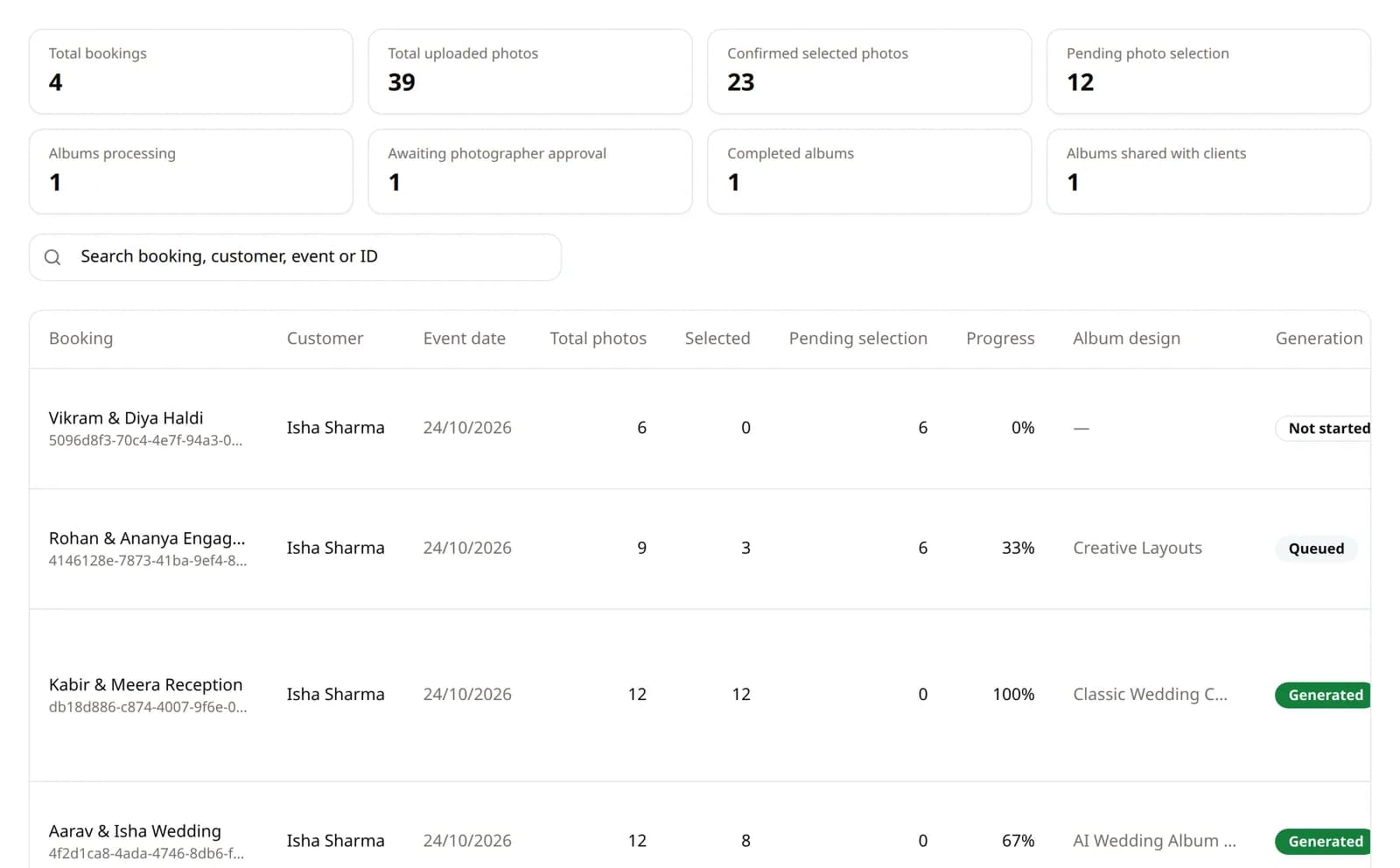
Booking analytics with totals for bookings, uploaded and selected photos and album states, and a table of demo bookings with selection progress, album design and generation status
  • Every booking in one table

    Booking analytics shows each booking's uploaded and selected photos, album design and generation status.

  • A gallery design per booking

    Pick the gallery design and cover photo for each booking - your studio name, phone and Instagram on every page.

  • Watermark per booking

    Your studio watermark applies by default; a booking can override it with its own setting.

  • Share, Scan and QR in one toolbar

    Each booking has its gallery link, face-scan link and QR code, plus guest invitations from the booking card.
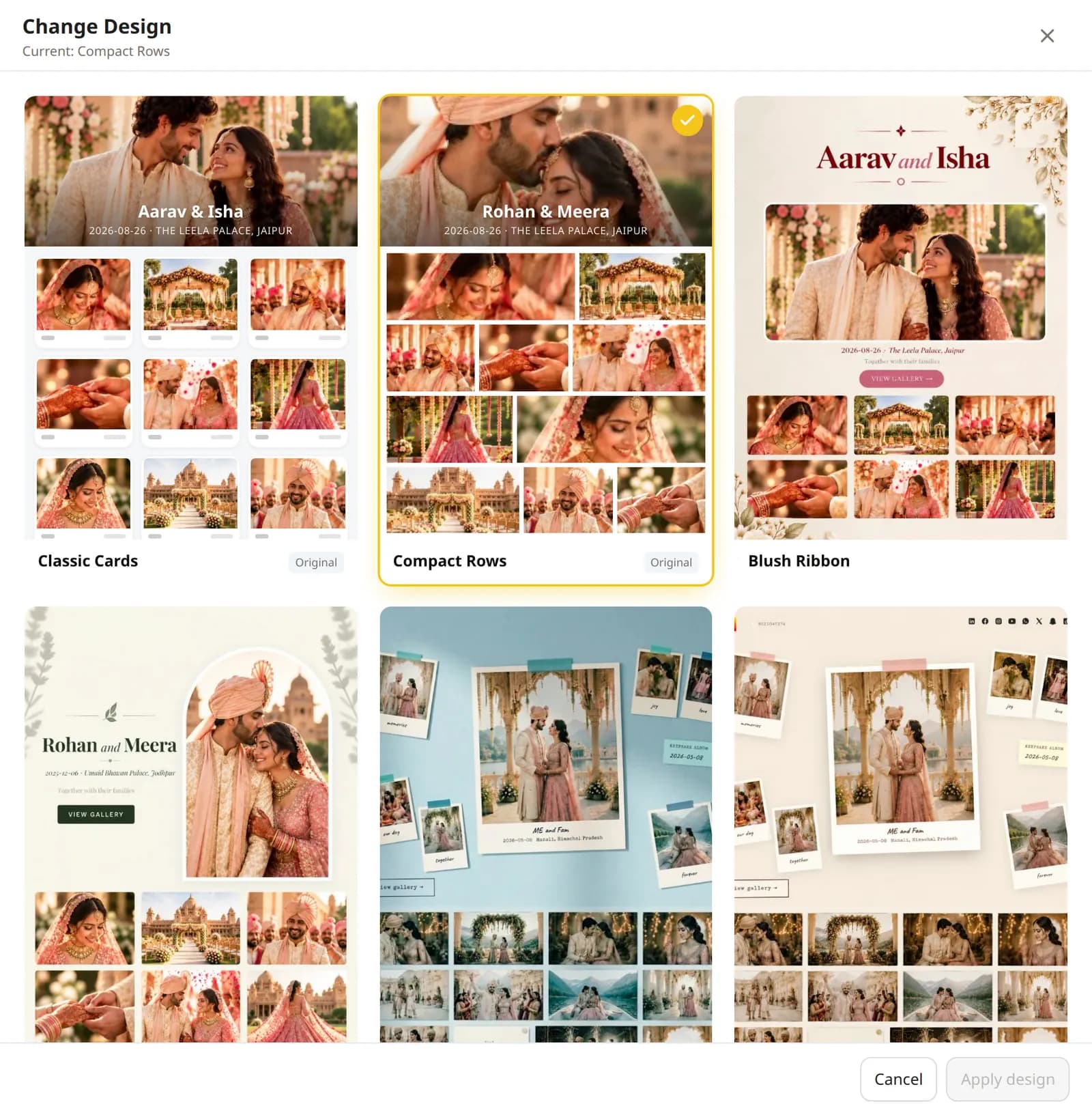
  • Change Design drawer with gallery design previews such as Classic Cards, Compact Rows and Blush Ribbon

    Each booking can use its own gallery design.
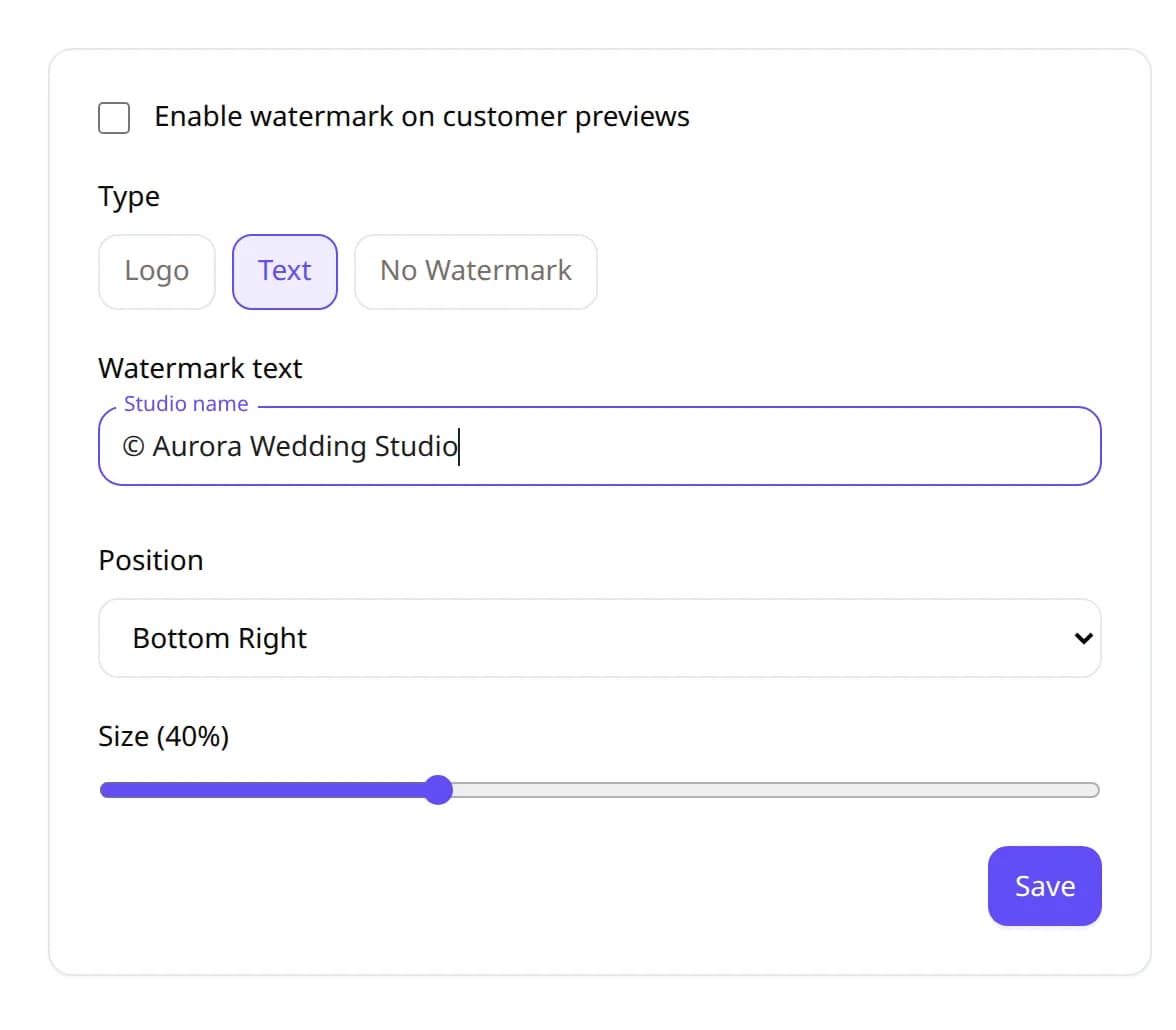
  • Watermark settings with Logo, Text and No Watermark options, studio name text, position and size controls

    Watermark settings: logo or text, position and size.
Client gallery · example wedding
All · 3,200Wedding · 1,240Haldi · 610Mehndi · 480Reception · 870
AllSelectedNot selectedSelect All
  • Close bridal portrait marked as selected
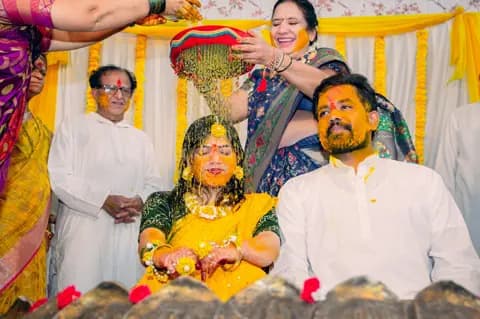
  • Family applying haldi to the bride
  • Bride resting on the groom's shoulder
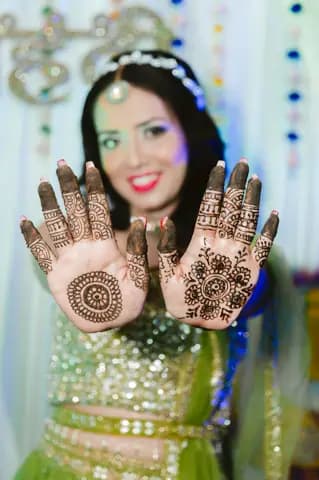
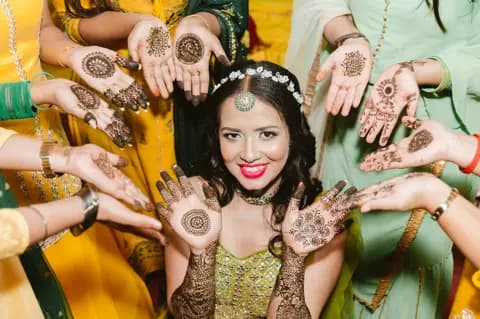
  • Friends showing mehndi hands
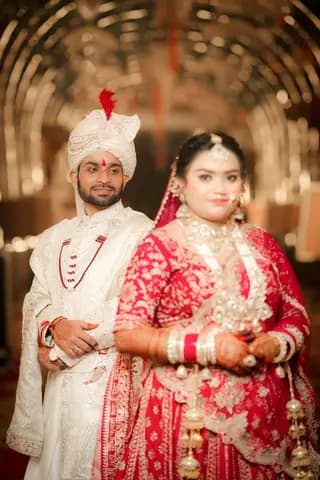
  • Bride and groom at their reception
  • Couple exchanging garlands
  • The bride adjusting her dupatta
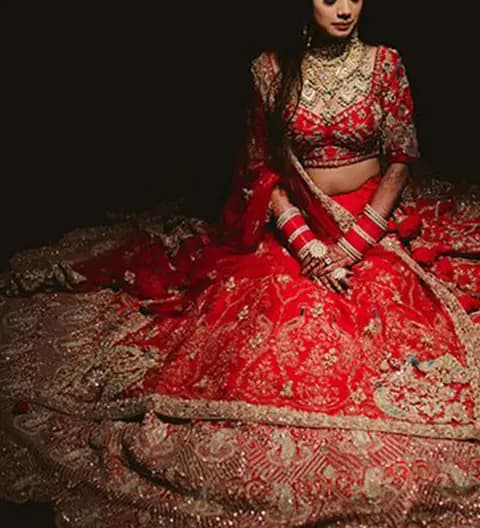
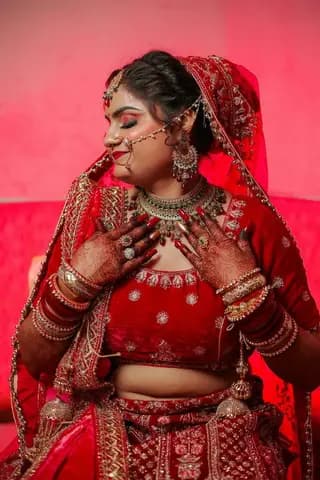
  • Bride in a maroon lehenga
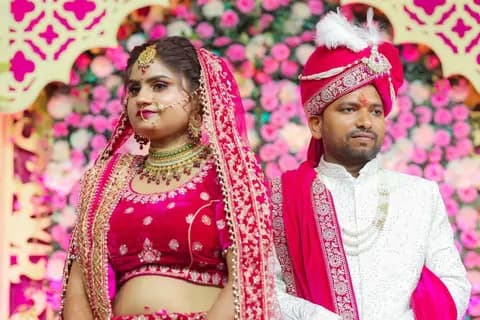
  • Couple by a flower wall
428 of 3,200 selectedSubmit (428)

Online photo selection

Photo Selection Made for Real Wedding Shoots

One Indian wedding is the wedding, pre-wedding, haldi, mehndi, engagement, reception, couple and family shoots - thousands of photos. Instead of sending everything, upload it once, organise it into folders, and let your client select the photos they want in a private wedding client gallery.

photos uploaded
3,200
photos uploaded
selected by the client
428
selected by the client
final selection, locked
Ready
final selection, locked
  • Photographer uploads

    The whole shoot goes into the booking, several photos at a time in the background.

  • Organise into folders

    One folder per function, each with its own photo count.

  • Client opens the gallery

    One private gallery link or QR code for the booking.

  • Client selects photos

    Every photo is Selected or Not selected; filter and Select All per view.

  • Final selection arrives

    The client submits, the set locks, you download it as a ZIP.

While the client selects

  • Selected / Not selectedEvery photo carries its status. Filter to All, Selected or Not selected, and Select All or Unselect All per view.
  • Filter by folderClients choose function by function instead of scrolling one endless page.
  • Live selection countThe count is always visible on Submit and Download Selected.
  • Submit locks the setAfter submitting, photos can't be selected, uploaded or deleted by accident.
  • ZIP of the selectionDownload exactly the selected photos as a ZIP; you decide whether the client can download too.
  • One gallery, three usesThe same booking gallery feeds photo selection, the guest face scan and the AI album generator. Nothing is uploaded twice.

Gallery mockup uses licensed sample photos; folder totals are an example wedding.

Share

Get the gallery to every guest

Invitations by WhatsApp or email, and a booking QR code for the venue - every one opening the same gallery.

Add guest

Guest name (optional)

Priya

WhatsApp number

+91 98•• ••• •10

Add guest

WhatsApp

Hi Priya, your wedding photos are ready 📸 your-studio/images/…

You press Send ✓✓

Guest invitations

Invite Guests from the Booking Card

Next to Share and QR, Add Guest takes a WhatsApp number, an email, or both for each guest - with an optional name for a personal greeting. Every invitation carries this booking's own gallery link, the same address its QR code opens.

  • WhatsApp, one tap per guest

    Add as many numbers as you like. The first guest's chat opens as soon as you add them, in your studio's WhatsApp with the gallery link typed in - WhatsApp usually shows the booking QR code as the link's preview. You press Send; Send next opens the rest one by one.

  • Email, sent automatically

    Add a guest's email and the invitation goes out straight away in your studio's name: a View Photos button, the gallery link and the booking QR code. Replies come back to you.

No extra cost: WhatsApp invitations use WhatsApp's own click-to-chat links, and emails are sent by Smart Photo Selection - no paid messaging service. What each guest can see or download still follows the booking's access and privacy settings.

Illustrations use example names and links.

Total: 3,200ShareScanQR

Scan for your photos

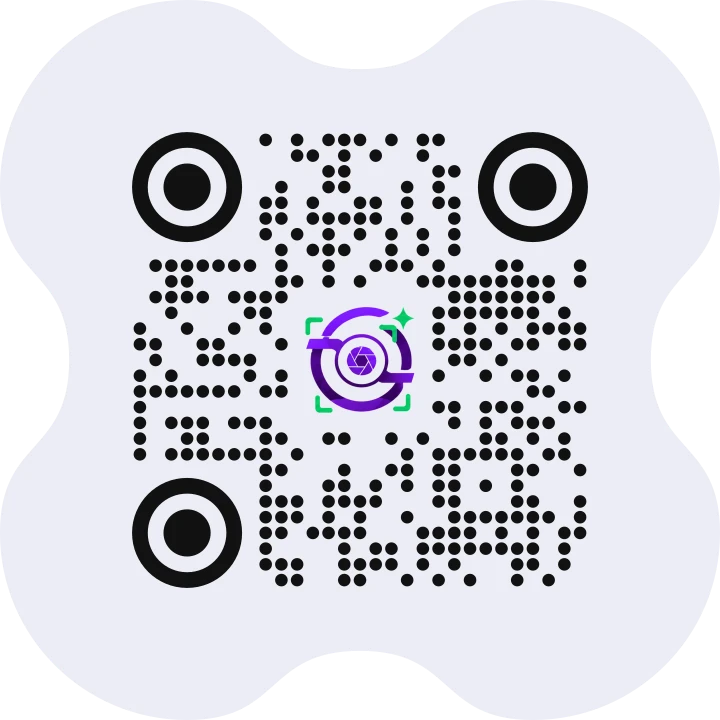
Sample booking QR code in the Smart Photo Selection design (opens the website)

Your Studio · Gallery

Your Studio · Gallery

  • Bride and groom at their reception, the event gallery a booking QR code opens
  • Bride in a maroon lehenga
  • Haldi ceremony
  • Mehndi hands

No app · no account

Booking QR code

Share Your Event Gallery with a Booking QR Code

Generate a QR code for a photography booking and share it with guests or customers. They scan it with any phone camera to open the associated booking or gallery - subject to that booking's access and privacy settings - instead of typing a link or waiting for you to send photos one by one.

  1. 1Open the booking's photos. In the gallery or on the booking's Booking Images card, click QR next to Share and Scan.
  2. 2Copy or download the code. The dialog shows the QR code for this booking's gallery link, with Copy Link and Download QR as a PNG.
  3. 3Share it anywhere. Print it at the venue, show it on a screen during the event, or send the link in a chat - the code and the link open the same page.
  4. 4Guests scan and they're in. Any phone camera opens the booking's gallery in the browser: no app to install, no account to create.

The QR code your customers get

Every booking gets its own branded code, ready to print on a standee, an invitation or a thank-you card, or to send on WhatsApp. Download QR saves it as a high-resolution PNG.

  • Smart Photo Selection logo in the centre
  • Soft dotted modules and round corner markers
  • Rounded “clover” card that prints cleanly
  • Error-correction level Q: still scans with the logo in the middle

What a guest can see or download follows the booking's access and privacy settings - a private gallery shows only the face-scan gate. The sample QR is real and opens this website.

Unlock the full potential of every gallery

Keep thousands of photos organised and private - and let every guest find their own pictures with a face scan.

Photographer's booking gallery: share, scan, QR code, link and delete buttons, Change Design, All / Selected / Not Selected filter and Download Selected above the client's selected wedding photos

Smart photo management

Thousands of Photos, Organised Per Booking

Upload the whole shoot into the booking, sort it into a folder per function and keep the gallery private. The booking gallery's toolbar holds Share, Scan, QR, the gallery design, the All · Selected · Not selected filter and Download Selected.

  • Upload full shoots

    Bulk upload into the booking with background progress; failed files can be retried.

  • Folders for every function

    Wedding, haldi, mehndi, reception… each folder shows its photo count, and photos without a folder stay visible.

  • Private client gallery

    Share the booking gallery by link or QR code - no folder of everything over WhatsApp.

  • Straight into Album Studio

    Album Studio reads the booking with the same folders, filters to All · Selected · Not selected and searches by file name or number.

AI face scan

Find Your Wedding Photos with AI Face Scan

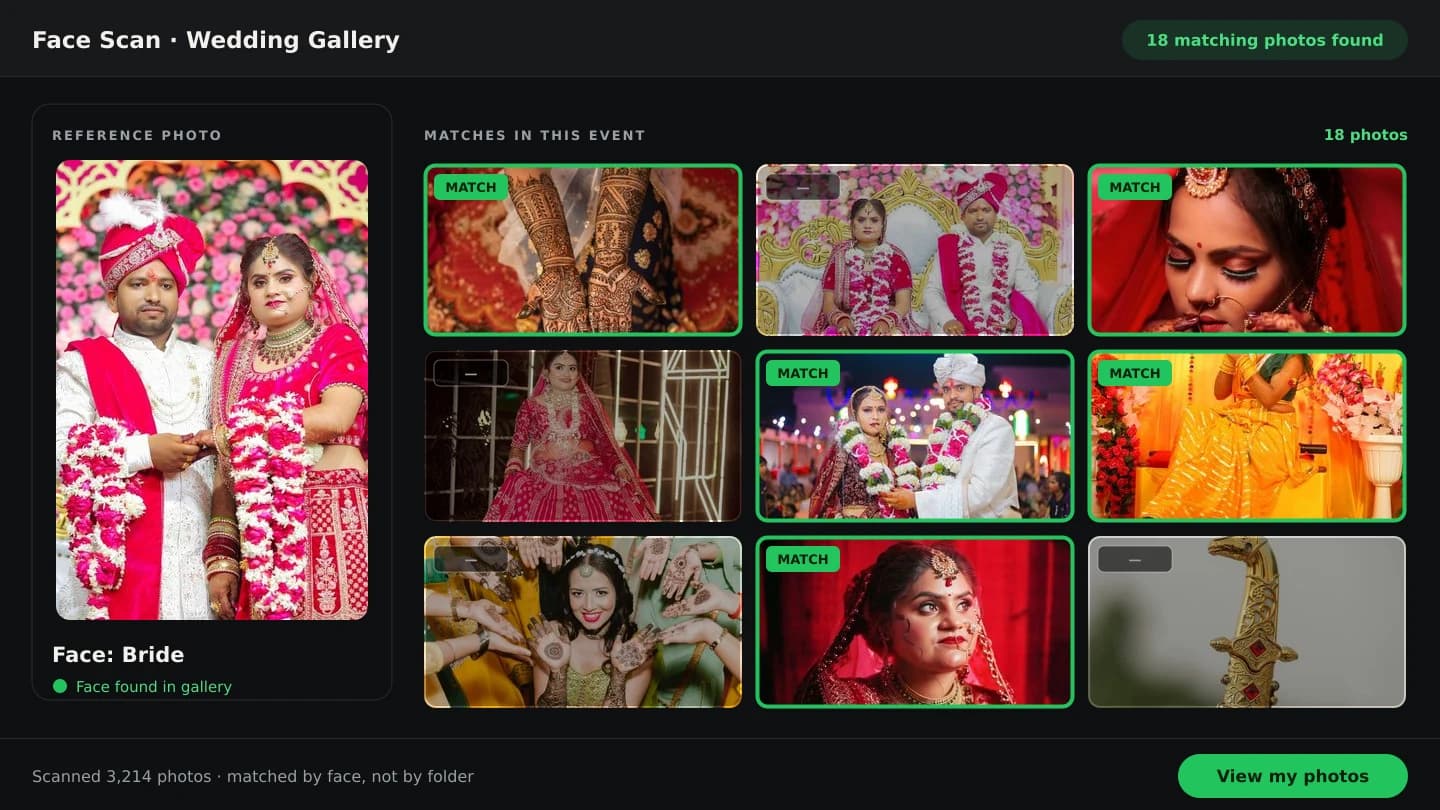
Discover photos featuring you across event and wedding galleries using AI-powered face matching - without manually browsing thousands of photos. The person scans their face once in the phone's browser and sees the photos they're likely in.

9:415G

Find your photos

Look at the camera

The bride in a red lehenga and maang tikka, the face being scanned

Scanning 3,200 photos…

  • The bride adjusting her dupatta
  • The bride and groom smiling together
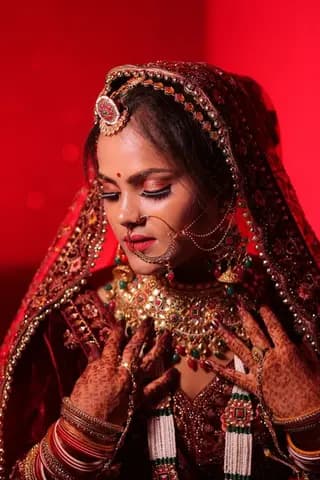
  • The bride seated in a dark red setting
  • The bride and groom in front of a flower wall
  • The bride smiling with her hands near her face
  • The couple under the floral mandap
  • Scan the person's face

    The bride opens the booking's scan link or QR code on her phone and looks at the camera - or start a scan from the gallery's Scan button with her beside you.

  • The gallery is searched

    The scan is compared with the photos uploaded to that booking - AI-powered face matching across every folder at once.

  • Likely matches appear

    The photos she appears in open on a results page with the number of matches found.

  • Review and share

    Open each photo, come back to the results page later, or share it. Earlier scans stay listed for the booking.

Who it finds photos for

  • The bride smiling, showing her mehndi and ringsBrideEvery photo she's in, without scrolling the whole wedding.
  • The groom in a red safa holding the brideGroomHis own scan gives his own results page.
  • Family members applying haldi to the brideFamilyParents, siblings and relatives each scan once from the same link.
  • Guests around the couple at the reception“Send me all the photos my mother is in”Send the scan link to her mother. She scans her face and gets her photos - no hours of manual searching.

Each booking has its own scan link and QR code to share on WhatsApp, show on screen or print. The scan uses the phone's camera in the browser - no app and no guest account - so the person scans their own face; there is no search by uploading someone's photo. Results are likely matches to review, not a guarantee. Face scan is part of photographer premium plans. Example: a 3,200-photo wedding · face boxes are real detections · counts are illustrative.

Wedding album automation

Raw photos to AI composition to a finished 12 × 36 spread

These are the six photos that became the spread below, and the exact frames the design gives them. Step through it, or let it play.

Step 1 of 4: Select photos. Pick the frames for the spread from the booking gallery or your computer.

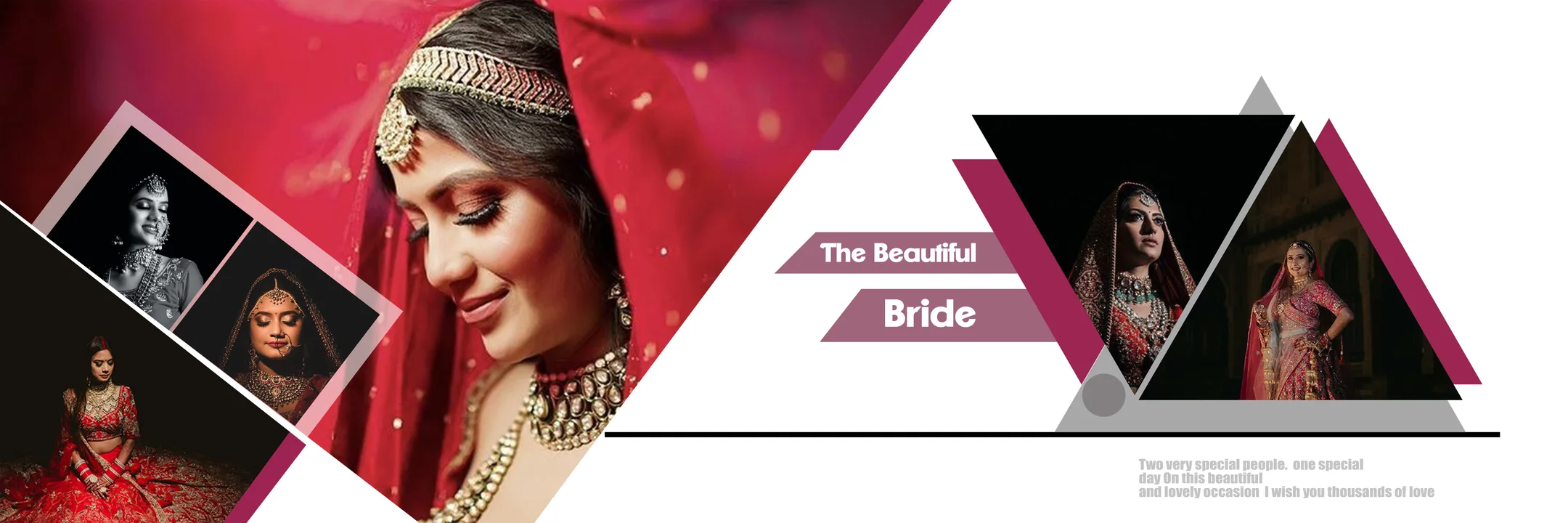
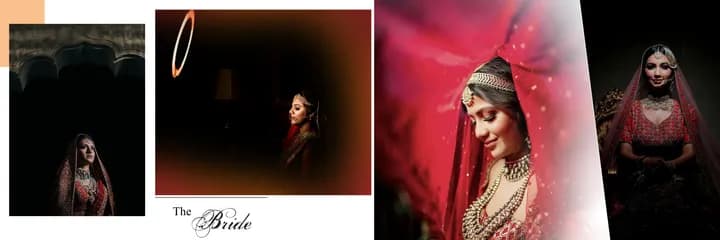
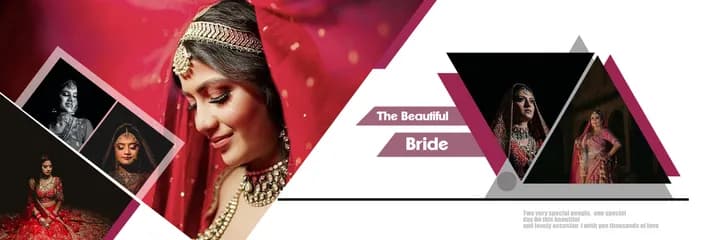
12 × 36 wedding album spread titled The Beautiful Bride: a red-veiled bride close-up filling the left page with three framed bridal portraits, opposite two triangle-framed portraits under maroon banners

Album automation is included on Premium Plus and Premium Studio plans · How album automation works →

PROFESSIONAL ALBUM EDITOR

AI Creates. You Control.

Nothing the AI makes is a flat picture. Every sheet opens as a layered document in a Photoshop-style editor built for albums, so you can swap a photo, re-crop a face, grade the colour or rewrite the title before export.

Album Studio · Editor
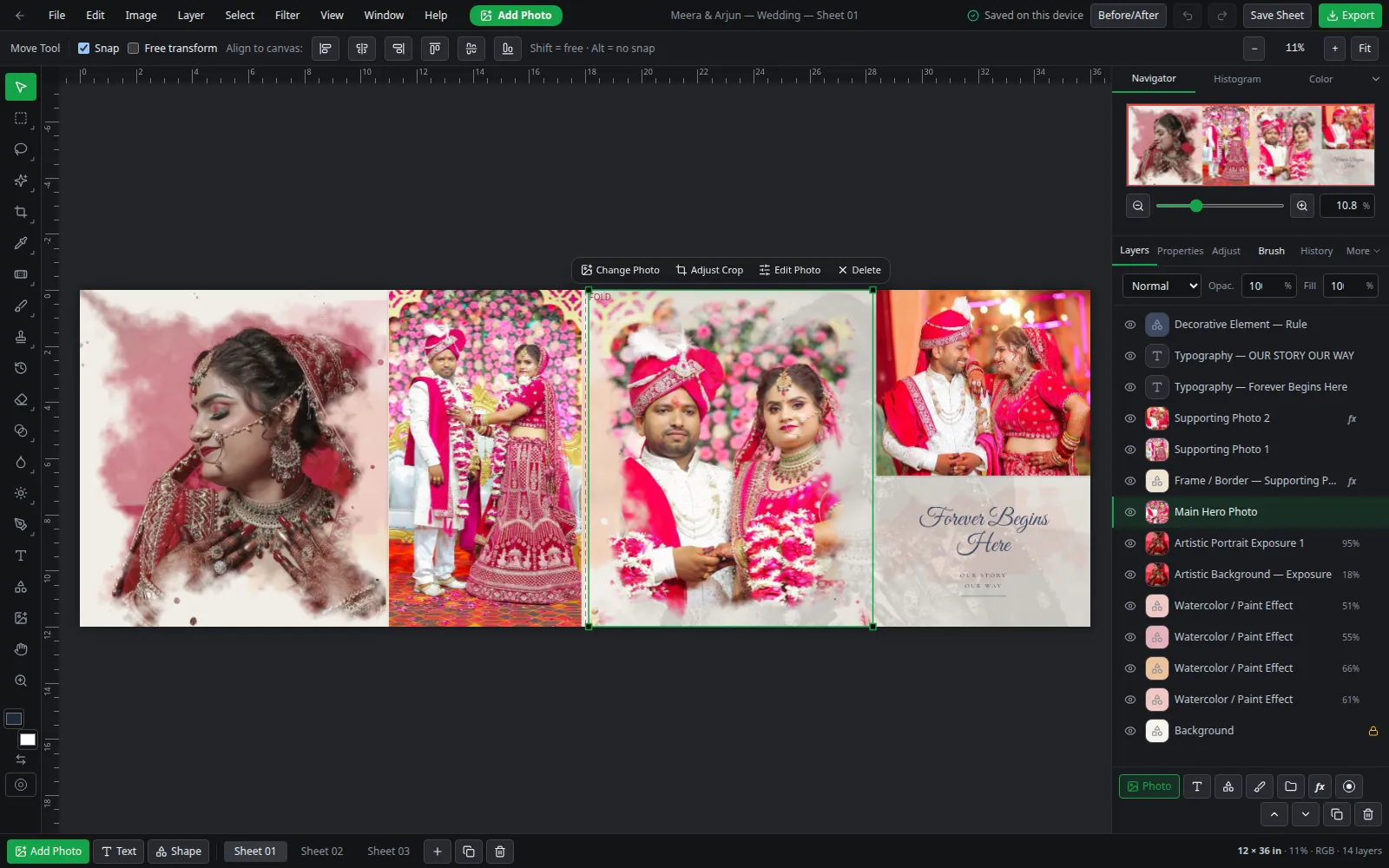
Album editor with the main hero photo of a wedding spread selected, showing Change Photo, Adjust Crop and Edit Photo actions, the fold marker and the layers panel
Screenshot: the Smart Photo Selection editor with an AI-generated 12 × 36 sheet open (dark theme).
  • Layers & masks

    • Photo, text, shape, paint and adjustment layers
    • Layer masks and clipping masks
    • Blend modes and opacity
    • Drop shadow
  • Selections

    • Rectangular and elliptical marquee
    • Lasso and polygonal lasso
    • Magic wand
    • Select all, inverse, feather, expand, contract
  • Colour

    • Curves, levels, HSL / colour mixer
    • Colour balance, selective colour, gradient map
    • Exposure, contrast, highlights, shadows, whites, blacks
    • Temperature, tint, vibrance, saturation, clarity, dehaze
    • Vignette, grain, noise reduction
    • XMP, ACV and CUBE presets · copy & paste adjustments
  • Retouching

    • Brush, eraser and clone stamp
    • Spot healing and healing brush
    • Dodge, burn and sponge
    • Blur, sharpen and smudge
    • Linear and radial gradient, paint bucket, eyedropper
  • Precision

    • Rulers, guides, grid and snapping
    • Print guides for bleed and safe area
    • Undo / redo with a history panel
    • Before / after compare
    • Custom keyboard shortcuts and a command palette
  • Export

    • Full-resolution JPG and PNG
    • Genuinely layered PSD
    • Per-sheet export
  • Open any AI sheet as layers and finish it your way.

    Explore the professional album editor

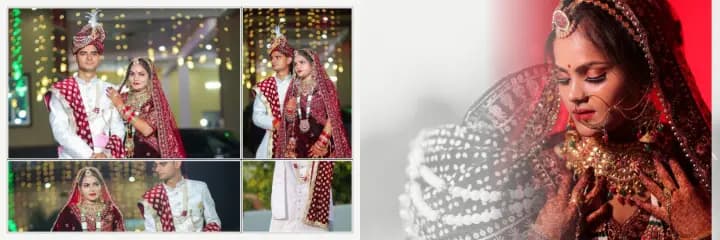
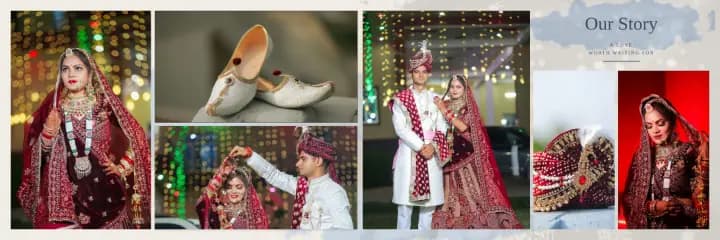
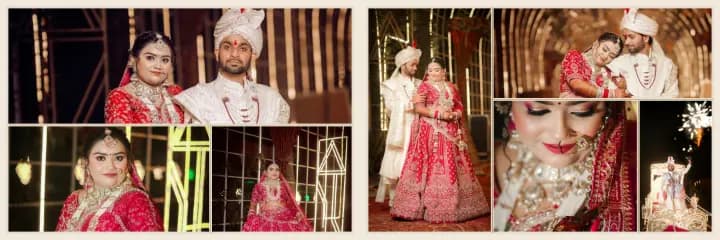
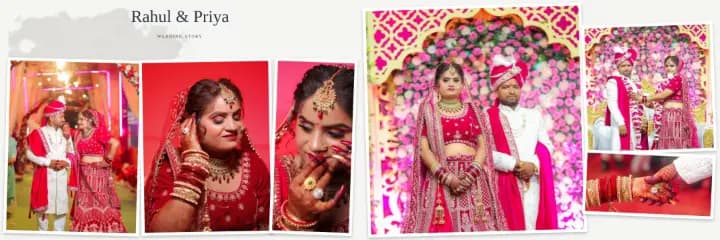
Wedding albums built with Smart Photo Selection

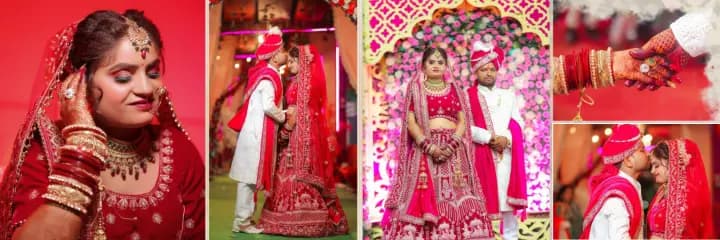
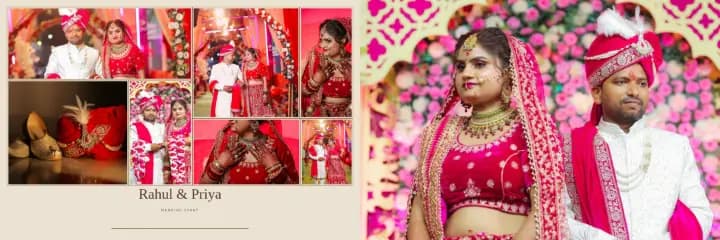
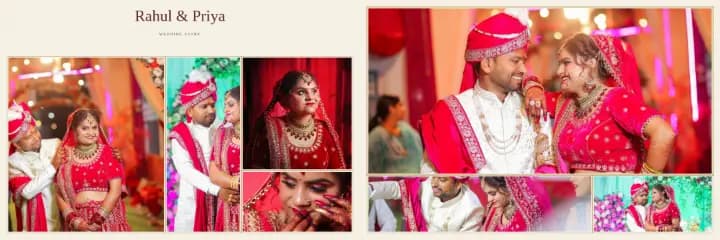
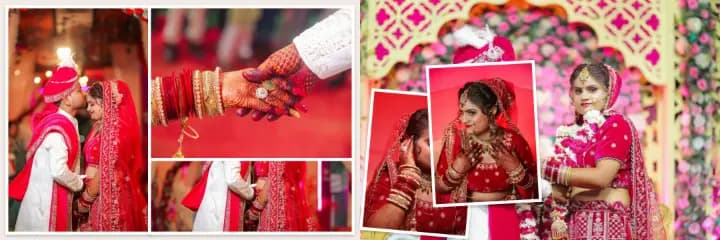
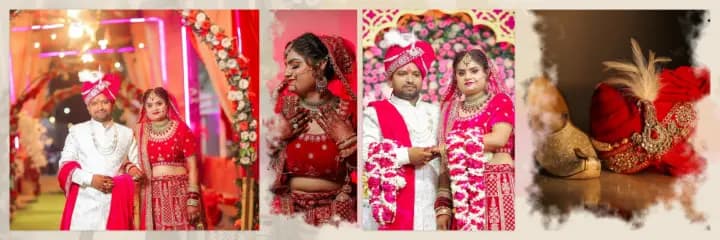
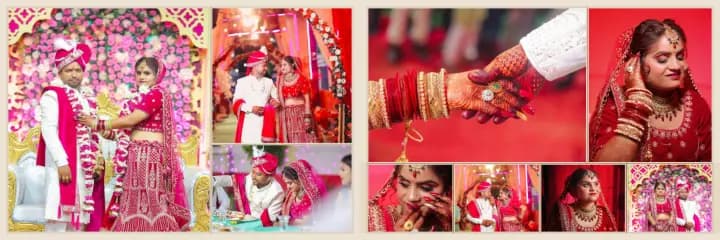
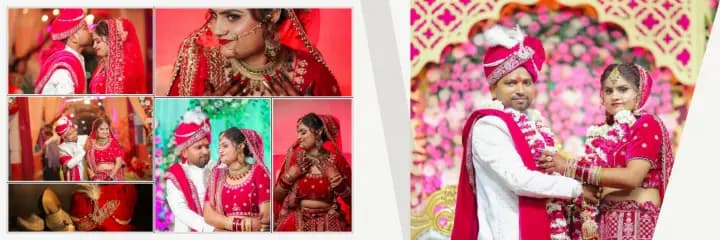
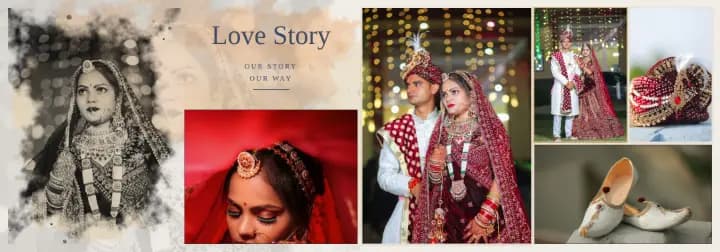
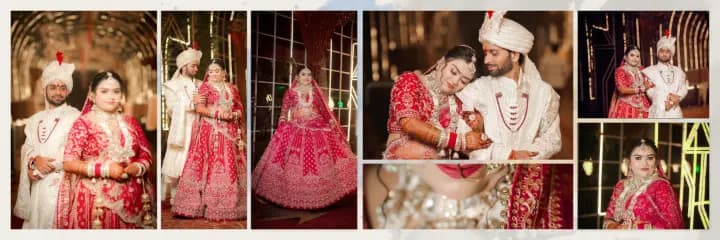
Every spread below was generated from a client's selection - then refined in the Album Studio and exported for the print lab.

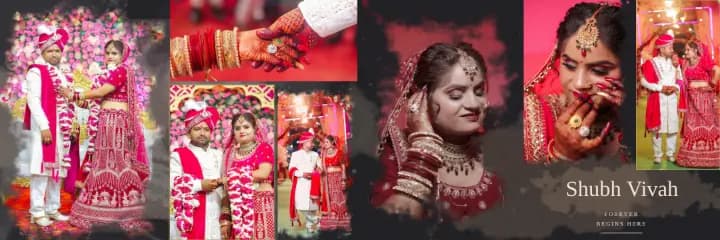
12 × 36 Indian wedding album spread: bride in a red lehenga and groom in a red safa on a floral stage, mehndi hands, and a soft exposure portrait of the bride beside the title Shubh Vivah
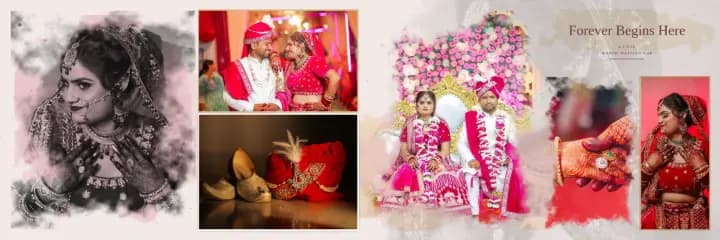
Wedding album spread with a black-and-white bridal portrait, the couple on the stage throne and close-ups of jewellery and the groom's safa
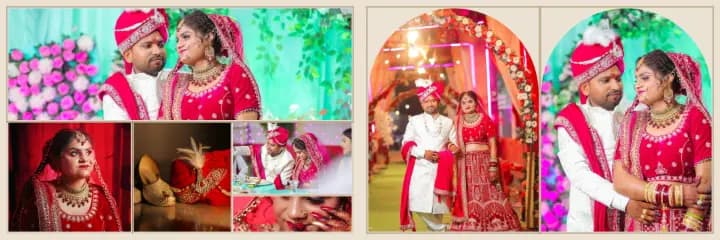
Traditional Indian album spread: arch-framed portraits with gold lines beside a wide ceremony photo
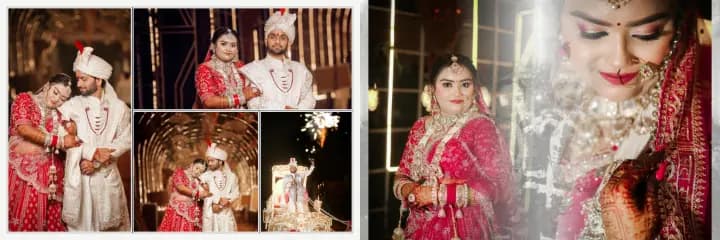
Full-bleed album spread of the bride in red, the couple walking the aisle and holding hands
Luxury editorial album spread: a full-bleed couple photo and a framed mosaic with a script title
Couple hero album layout: a large framed couple portrait with supporting photos and a title
Layered luxury album spread: tilted framed prints over a full-bleed wedding photo
Minimal four-photo album spread with the couple, the groom and the bride
Nine-photo storytelling spread with a hero portrait, a story mosaic and a strip of moments
Asymmetric editorial spread: a diagonally cut hero photo beside a graded mosaic
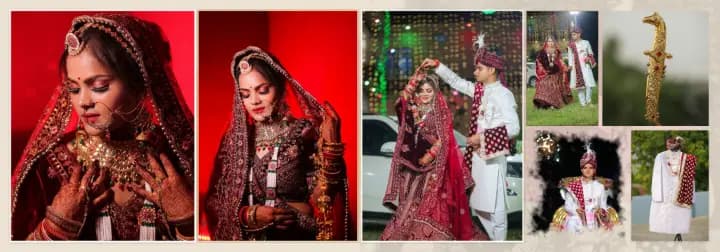
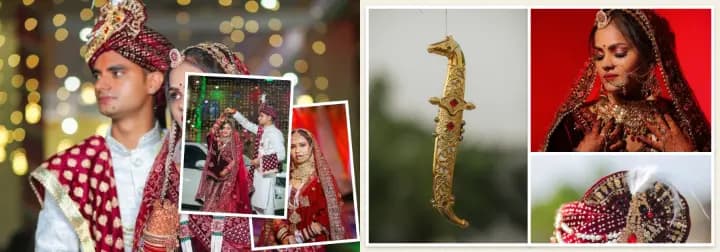
14 × 40 royal wedding album spread in maroon and ivory: bride in a velvet lehenga, couple under fairy lights, safa and juttis
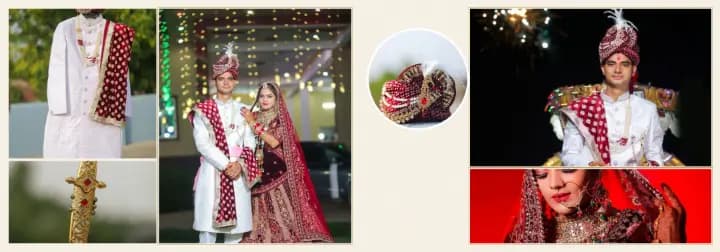
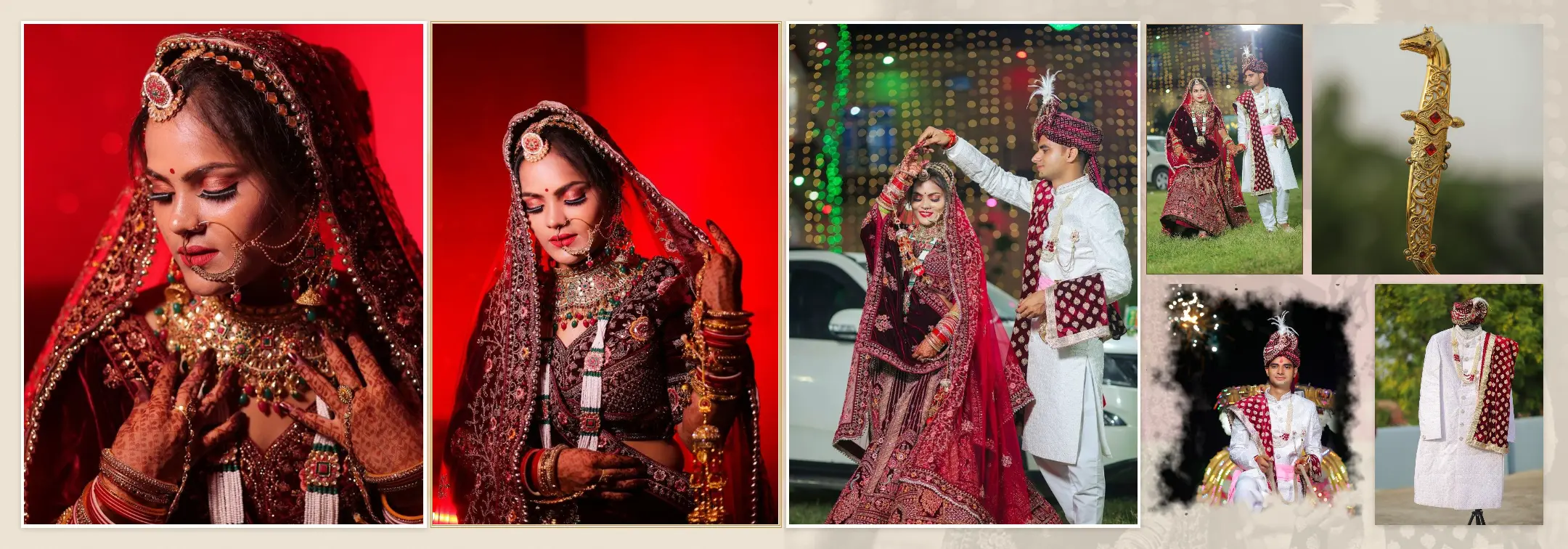
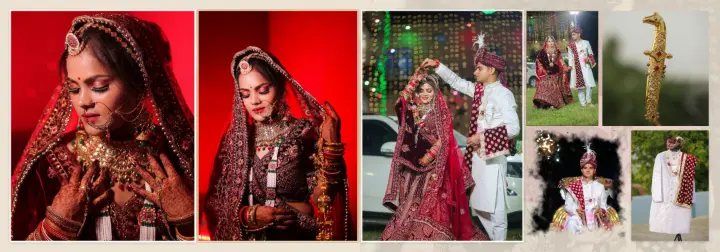
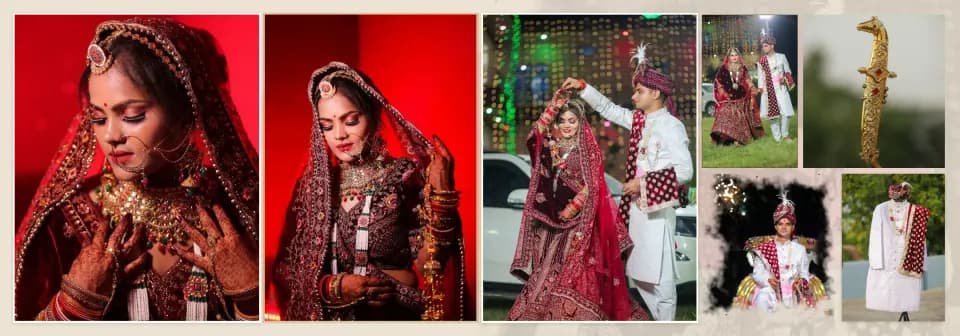
Royal wedding album spread with bridal portraits against red, the couple dancing and a golden dagger detail
Royal wedding album spread with framed prints layered over a full-bleed portrait
Groom-focus royal album layout: tall portrait, portrait column and a ringed circle detail
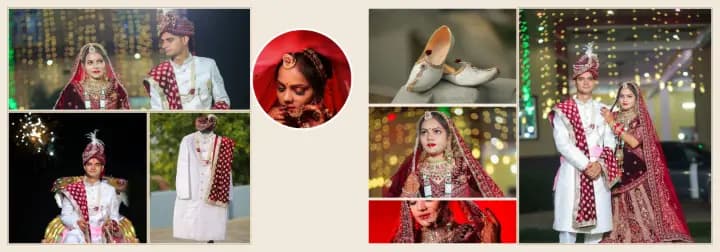
Royal album spread of bridal portraits, the couple and the groom's accessories
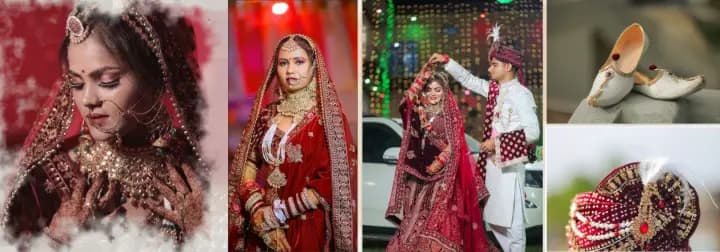
Bride-focus royal album spread: a tall bridal portrait, a portrait column and a circle detail
Cinematic wedding album spread with a double-exposure bridal portrait over the couple and a fireworks entry
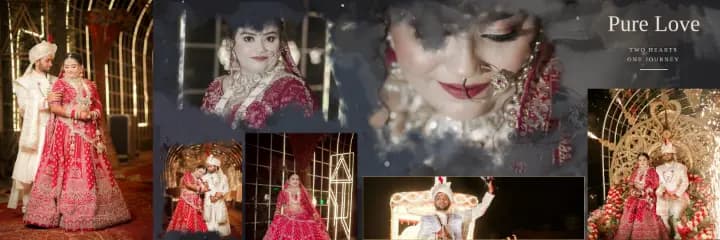
Cinematic triple-exposure spread: two portraits fading into a monochrome background photo
Full-bleed cinematic album spread: the couple close together, the bride under lights and a watercolour exposure
Night reception album spread with a monochrome exposure of the couple and a fireworks stage
Cinematic wedding spread: two full-bleed pages with layered inset prints
Modern editorial wedding album template filled with couple and bridal portraits
Storytelling wedding album template with a sequence of couple moments
Double-exposure album template: a portrait blended into a soft monochrome background
Modern editorial album spread on cream paper with the royal couple and bridal portraits
Wedding ceremony album spread with a panoramic ceremony photo and portraits
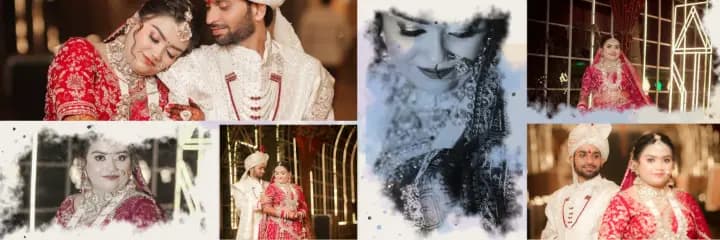
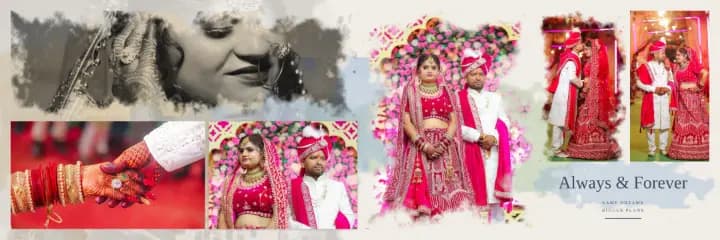
Engagement-style album spread with tilted prints on a soft watercolour wash
Varmala ceremony album layout: the couple exchanging garlands, the groom and a bridal close-up
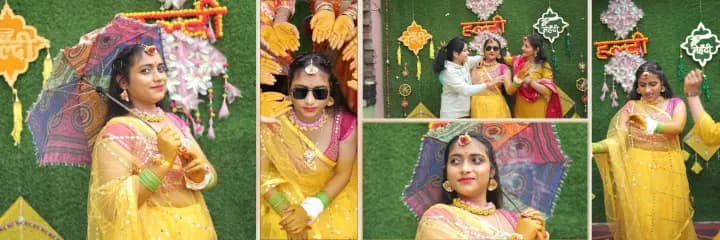
Haldi ceremony album spread with the bride in yellow among family and marigold decor
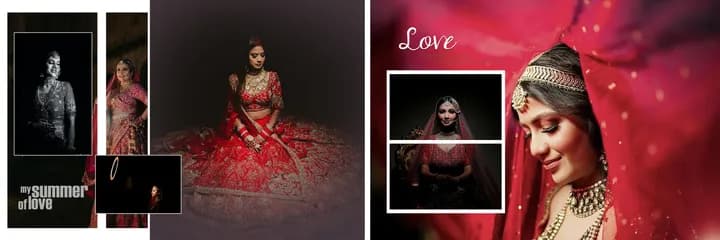
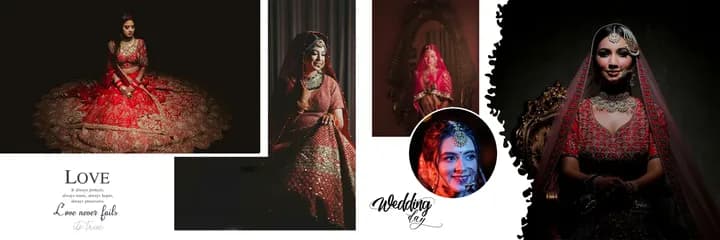
12 × 36 wedding album spread: bride in a red lehenga on a crimson backdrop, framed black-and-white portraits and the script title My Summer of Love, opposite a red-veiled bride portrait under a stacked Love frame
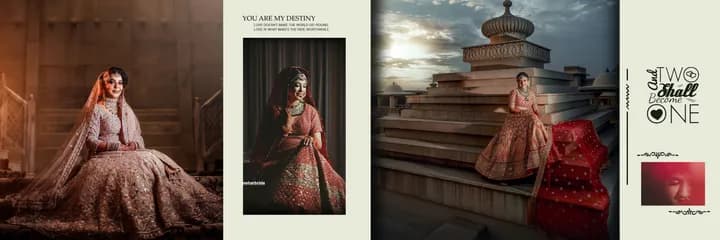
12 × 36 wedding album spread: bride in a gold lehenga on a palace terrace beside a cream page titled You Are My Destiny, the groom on the steps and a typographic Two Shall Be One page
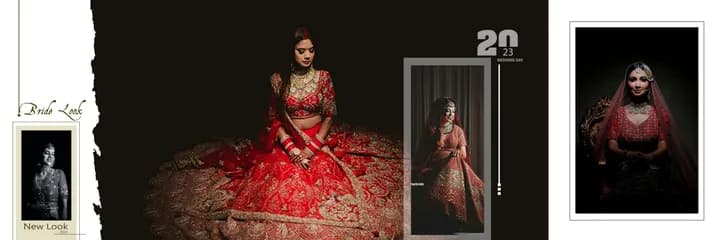
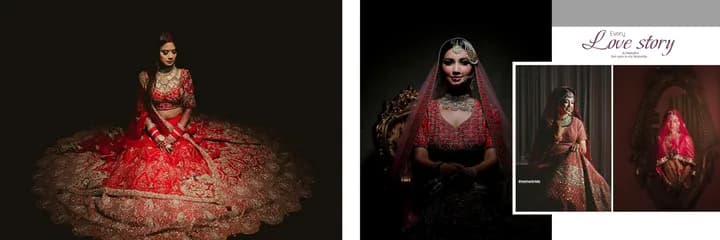
12 × 36 wedding album spread: red lehenga portrait on black, dark bride portraits and a cream Love Story panel
12 × 36 wedding album spread: dark editorial pages with framed portraits, the title The Summer of Love and a crimson Love panel with a veil portrait
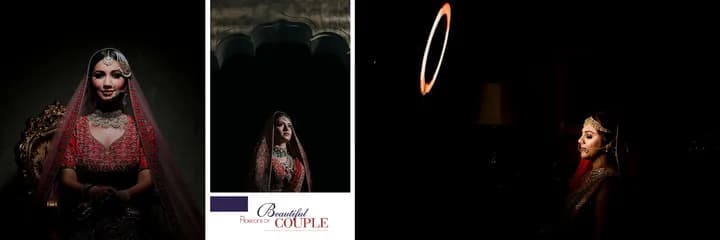
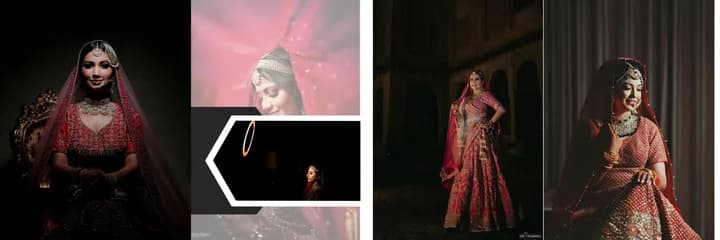
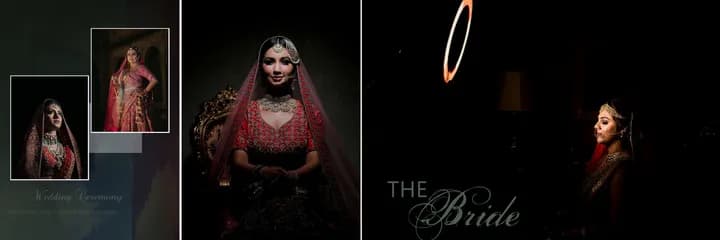
12 × 36 wedding album spread: red-veiled bride close-up with a framed inset opposite a dark split portrait page with a neon ring light
12 × 36 wedding album spread: cream page with three bride portraits and a Wedding Bride title beside a black page with one lit portrait
12 × 36 wedding album spread: dark bride portrait on the left page, cream Wedding Ceremony page with a bride close-up and floral details on the right
12 × 36 wedding album spread: bride in red on a dark page, cream floral page titled The Beauty Eyes and Hearts with framed portraits, and a veiled bride portrait
12 × 36 wedding album spread: bride and groom portraits either side of a cream page with a gold mandala, a circular bride portrait and the title Bride and Groom love story
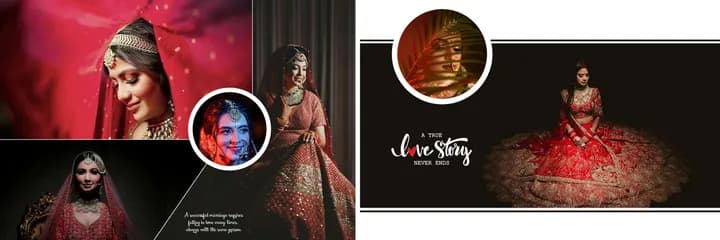
12 × 36 wedding album spread: crimson veil portrait and circular couple inset on the left, black page with gold ornament and the title True Love Story on the right
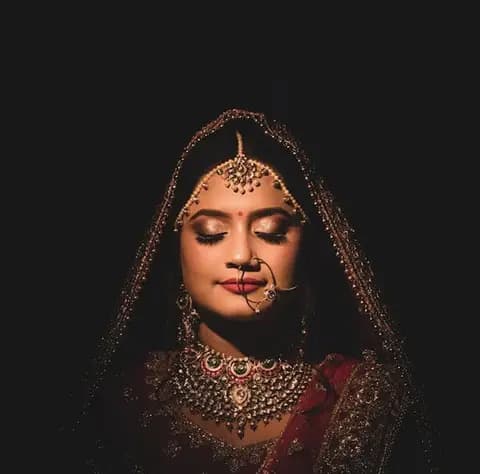
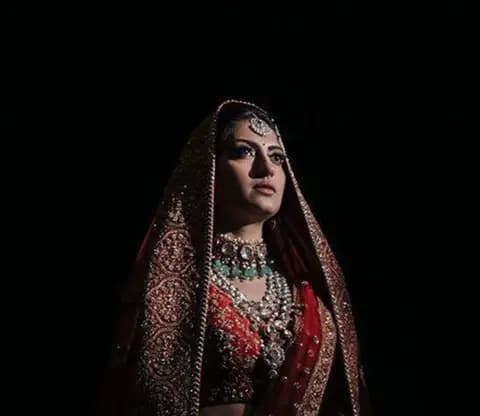
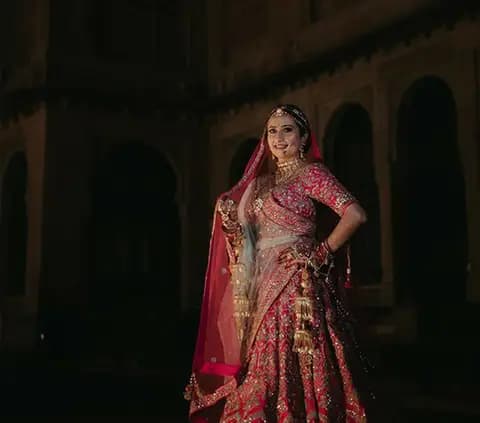
12 × 36 wedding album spread titled The Beautiful Bride: a red-veiled bride close-up filling the left page with three framed bridal portraits, opposite two triangle-framed portraits under maroon banners
Bride in a maroon lehenga
Bride adjusting her red dupatta
Haldi ceremony
Reception portrait
Mehndi hands
Varmala ceremony
Drag to compare

Before & after

Drag the handle. On the left, 7 photos as they come from the booking gallery; on the right, the 14 × 40 spread the AI album generator composed from exactly those 7 - split 2 + 5 across the pages, with the details used as accents.

Real output of the album engine

Royal wedding album spread with bridal portraits against red, the couple dancing and a golden dagger detailBefore · 7 selected photosAfter · AI-designed spread
⇆
Digital flipbook

Deliver the album as a page-turn flipbook

Turn your finished albums into interactive page-turn experiences - the same viewer your clients open from a link or QR code. Try it: drag a page corner.

  • Turn the pages like a real albumDrag a corner, swipe on a phone or use the arrow keys.
  • From your automation albumAn approved automation album becomes a Flipbook Album without re-uploading; the client sees it for the shared version.
  • A public link and QR codeEach flipbook has its own public page, ready to share on WhatsApp or print as a QR code.
Open the flipbook showcase Included on the Premium Studio plan

The real flipbook viewer with licensed demo photos.

INSIDE THE APP

See the product.

Real screens from Smart Photo Selection.

smartphotoselection.com · Client selection
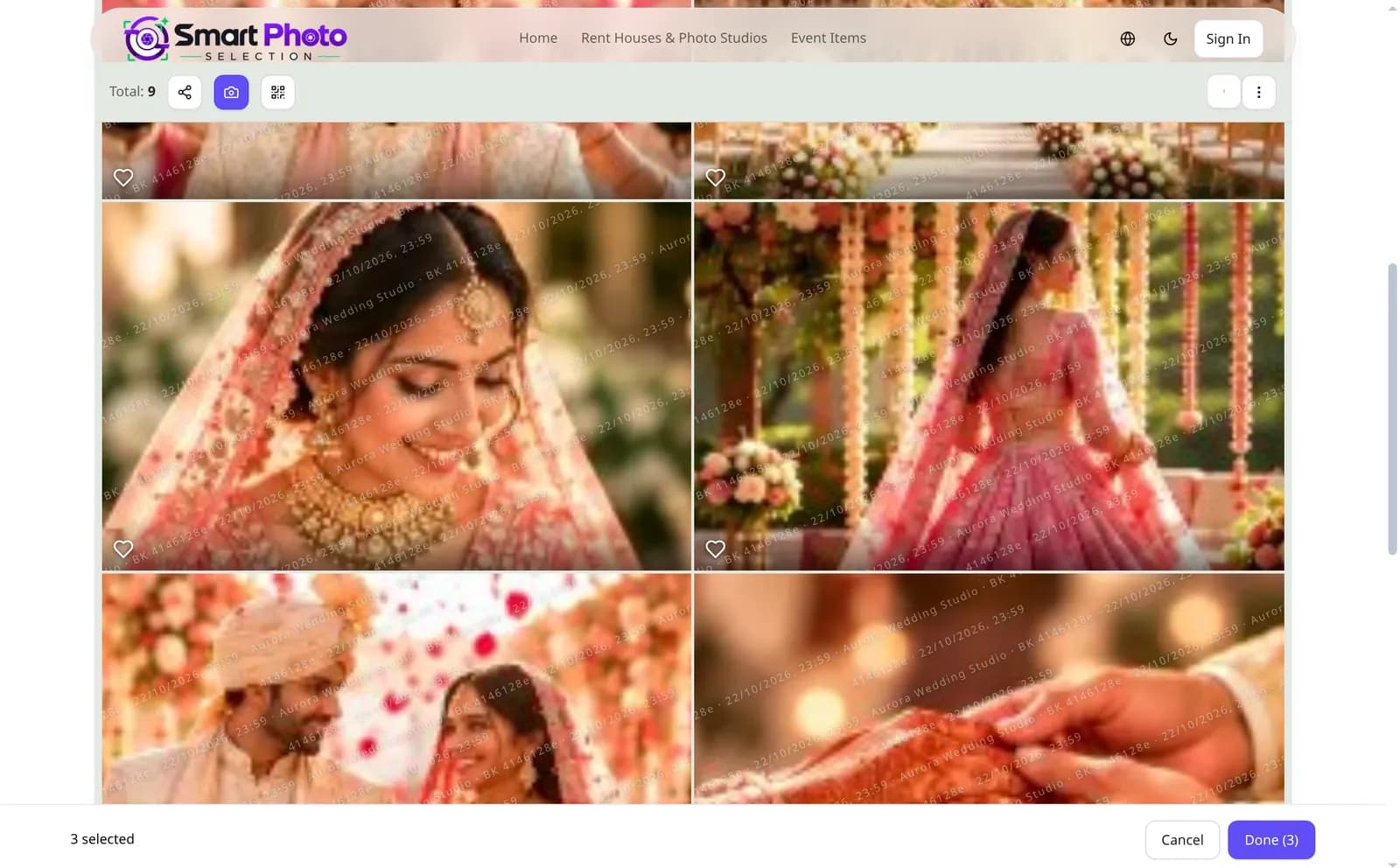
Client gallery on the web with wedding photos, heart buttons and a bar showing 3 selected photos with Cancel and Done
The client's gallery: favourites are marked and submitted in the browser.
Full-bleed album spread of the bride in red, the couple walking the aisle and holding hands
Royal wedding album spread with bridal portraits against red, the couple dancing and a golden dagger detail
Cinematic triple-exposure spread: two portraits fading into a monochrome background photo
FOR PHOTOGRAPHERS

Your workflow, with the repetitive part removed.

Album design is where weddings stall: hundreds of selected frames, a dozen spreads, the same layouts rebuilt again and again. Smart Photo Selection does the first draft so you can do the part only you can.

  1. 1

    Start from a design, not a blank canvas

    Every sheet begins as a composed layout - AI or template - so your time goes into the finishing.

  2. 2

    Photos straight from the booking

    Pick from the booking gallery the couple already selected from, or add files from your computer. Nothing is copied around.

  3. 3

    Your house style, reused

    Upload your own PSD album designs once; slots are detected, confirmed and filled for every new wedding.

  4. 4

    Regenerate what doesn't work

    Don't like one sheet? Regenerate just that sheet with a new composition from the same photos.

  5. 5

    Print-ready from the start

    True album sizes at 300 DPI, fold-safe placement and print guides for bleed and safe area.

  6. 6

    Hand-off your lab understands

    Full-resolution JPG and PNG per sheet, or a layered PSD for final retouching.

From the Blog

Latest blogs

Album guides, photo-selection workflows and face-scan tips for wedding photographers.

Wedding guest receiving the photos they appear in after an AI face scanface scan

How AI Face Scan Helps You Find Wedding Photos Faster

A wedding gallery answers everyone's first question badly: it shows three thousand photos and lets each guest scroll. AI face scan reverses that. The guest scans their face once in the phone's browser, and the photos they appear in come back to them - across every folder of the wedding, without anyone sorting pictures by hand. This post explains how the scan works, where it fits in a wedding photography workflow, and what it does and does not promise.

Bhanwar Lal KumawatFounder & Full-Stack Developer
Face match results separating confident matches from possible matches in a wedding galleryface scan

How Accurate Is AI Face Matching for Wedding Photography?

“How accurate is it?” is the first question photographers ask about AI face matching for wedding photos - and the honest answer is more useful than a single percentage. Accuracy depends on what was photographed, how the scan was taken and what you count as a correct match. This post explains what the AI face scan actually measures in Smart Photo Selection, how results are labelled, what makes Indian wedding galleries hard, and what to promise your guests instead of a number.

Bhanwar Lal KumawatFounder & Full-Stack Developer
Photographer's delivery view of a wedding gallery with a downloadable booking QR codephoto delivery

How Photographers Can Share Event Photos Using Booking QR Codes

A booking QR code is one image that replaces a long gallery link: the photographer generates it from the booking's photos, prints it at the venue or sends it in a chat, and every guest who scans it lands on that event's gallery in their phone's browser. This post walks through how the code is generated in Smart Photo Selection, what it actually opens, how the booking's access and privacy settings still apply, and where to place it so guests use it.

Bhanwar Lal KumawatFounder & Full-Stack Developer

Frequently Asked Questions

Find answers to common questions about Smart Photo Selection

What is Smart Photo Selection?
Smart Photo Selection is a complete photography workflow platform for photographers - AI photo selection, face scan photo finding, photo galleries and delivery, an AI album generator, 400+ system templates, PSD template upload and a Photoshop-style layered editor with JPG, PNG and layered PSD export.
How can a photographer get started?
Create an account, choose a plan, then create your first booking, upload the photos and share the gallery link with your client.

Something else? Contact support or read the documentation.

Bring your next wedding into one workflow

Create a booking, share the gallery by link or QR, let the client select the photos, and generate the album from that selection - with Face Scan so every guest finds their own pictures.

Questions? Call +91 63767 36945 · Mon – Sat, 9:00 AM – 7:00 PM IST

Start Free TrialMon – Sat, 9:00 AM – 7:00 PM IST

Your Next Album Can Start Here.

Bring the selected photos of your next wedding. Let the AI draft the spreads, then make every one of them yours.

Cinematic triple-exposure spread: two portraits fading into a monochrome background photo
Royal wedding album spread with bridal portraits against red, the couple dancing and a golden dagger detail
Full-bleed album spread of the bride in red, the couple walking the aisle and holding hands

Want a walkthrough first? Talk to us.

Free demo and setup help for photographers · Mon – Sat, 9:00 AM – 7:00 PM IST