AI album generator
AI Album Generator for Photographers
Select the photos from a wedding and the AI album generator designs the spreads: a hero image on every sheet, supporting and detail photos around it, masks and fades, and a background taken from the photos' own colours.
The result is a set of editable sheets, so you keep the final say on every frame.
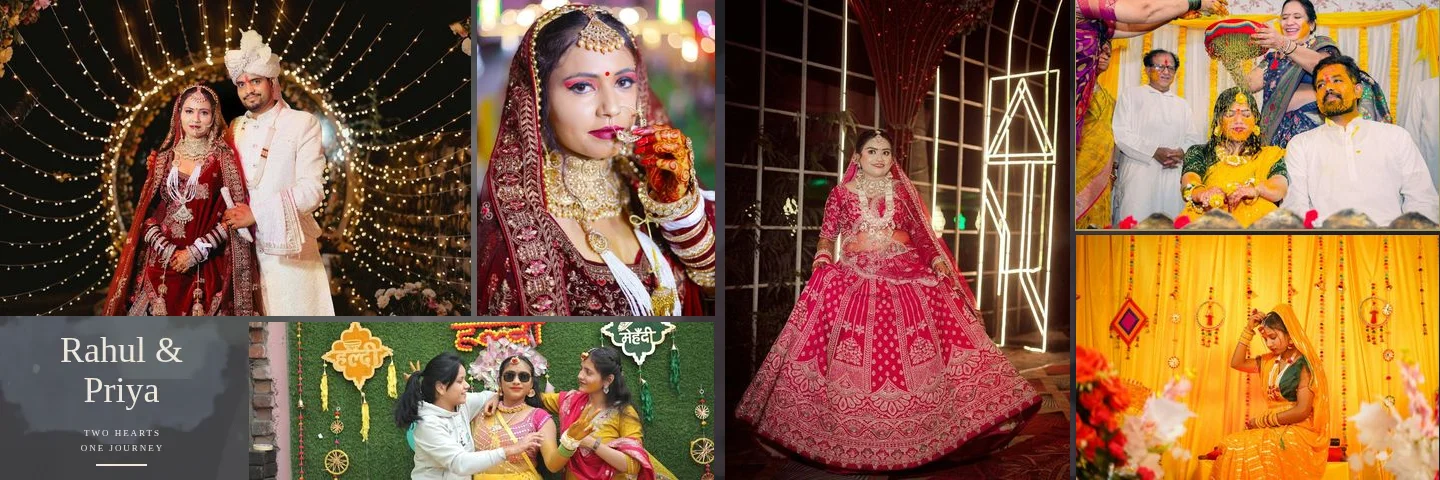
Sample layouts are shown with licensed sample wedding photos; your own photos take their place.
Composition, not a grid
What the AI Album Generator Designs
A wedding spread is read as a story: one image carries the sheet, the others support it. The generator builds that hierarchy for each sheet, and no two consecutive sheets use the same layout.
A hero photo per sheet
The strongest frame (sharp, well exposed, with clear faces) gets the largest area.
Supporting and detail photos
Smaller frames are sized by importance instead of being split evenly.
Layered and exposure blends
Double- and triple-exposure layouts fade one photo into another.
Backgrounds from your photos
Colours are sampled from the selection, so the sheet matches the wedding's palette.
Face-safe cropping
Detected faces stay inside the crop and away from frame edges.
Orientation-aware
Portrait photos go to tall frames and landscapes to wide ones; nothing is stretched.
How It Works, Step by Step
- 01
Choose the photos
Pick from the booking gallery and its folders, or upload from your computer.
- 02
Review the AI selection
Sharpness, exposure, faces and near-duplicates are scored; add or remove photos freely.
- 03
Pick a design
Let AI compose freely, use clean justified rows, or fill a library template.
- 04
Generate and refine
Set the photos per sheet, generate, then open any sheet in the editor.
Design styles
Composition Styles the Generator Uses
Styles are chosen to suit the number and orientation of photos on each sheet, so a 4-photo sheet and a 12-photo sheet are designed differently.
Hero editorial
One dominant photo with a column of supporting frames.
Double and triple exposure
Photos blended with soft fades for a cinematic opening sheet.
Storytelling
A sequence of moments across the spread, read left to right.
Layered luxury
Overlapping frames with shadows on a textured background.
Dense editorial and mosaic
Many photos in a tight, varied arrangement for busy events.
Cinematic dark
Staggered frames on a deep background for evening and reception photos.
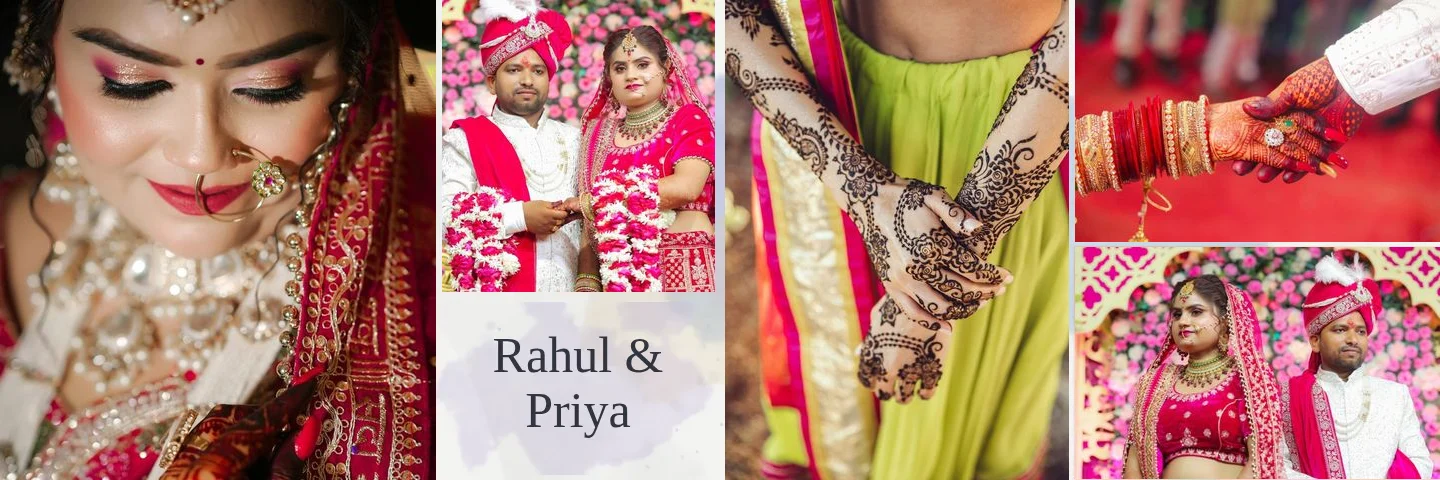
Cinematic dark 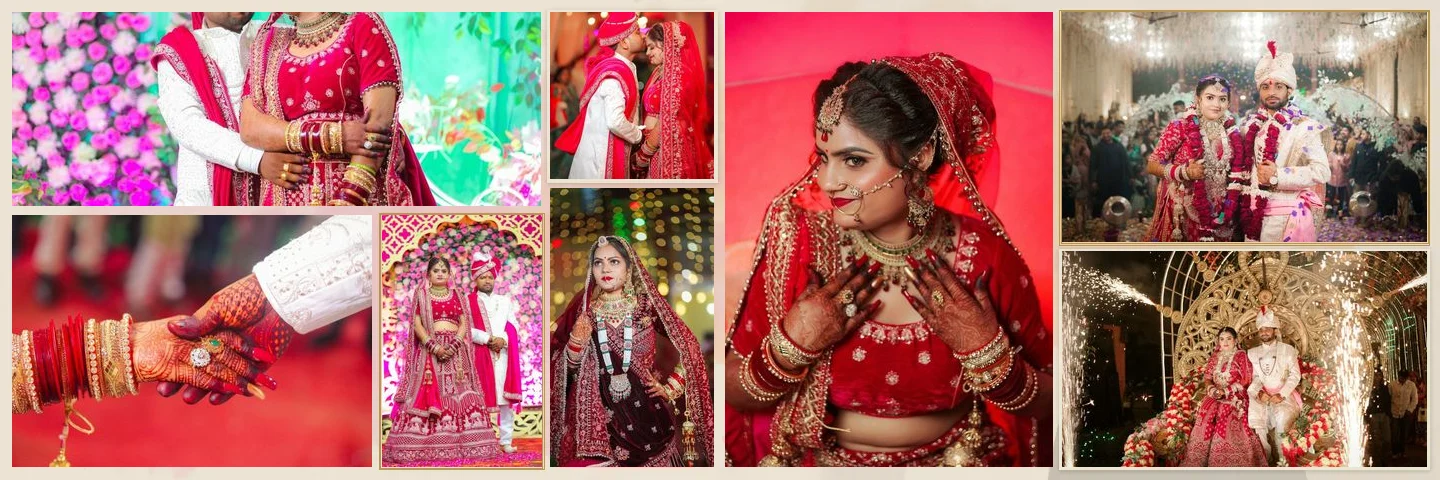
8 photos 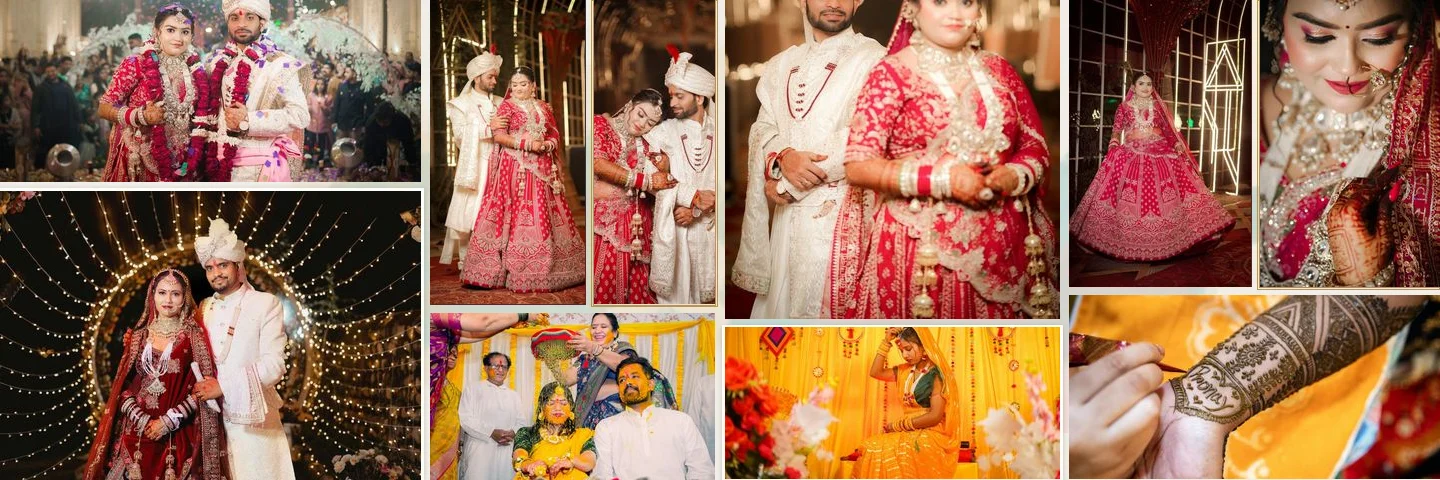
10 photos
What “AI” Means Here
The generator analyses your photos (sharpness, exposure, faces, colours and duplicates) and designs the layout from that analysis. It does not create, retouch or change the content of your photographs, and it never adds stock images or placeholders to a real album.
The analysis runs in your browser on the booking's photos. Final sheets are rendered from the original files, so the layout you approve is produced at full resolution. To change anything, open the sheet in the wedding album editor.
FAQ
Common Questions
Does the AI change my photos?
Can I choose which photos are used?
How many photos go on one sheet?
Will every sheet look the same?
Can I use the AI with my own PSD template?
Is an AI album ready to print as generated?
- How Smart Photo Selection WorksThe workflow from booking photos to print-ready export.
- Wedding Album Templates150 templates in 10 styles, laid out for your album size.
- Professional Wedding Album EditorLayers, crops, colour, text and exports for every sheet.
- Double Exposure Album DesignsPortraits blended into scenes with gradient fades and painted edges.
- AI Wedding Album Design: The Complete GuideWhat the AI decides, what you decide, and how to get a print-ready album.
- Photo SelectionCull the shoot and let the client choose before you design.
Generate Your First AI Wedding Album
Pick the photos from a booking, let the generator design the spreads, and refine them in the editor.