Smart Photo Selection - Help Center
Smart Photo Selection brings a photographer's whole workflow into one place: create a booking for each event, upload and share the gallery by link or QR code, let the client select their photos online, help guests find their pictures with face scan, and design print-ready wedding albums in Album Studio.
New here? Start with What is Smart Photo Selection? or jump straight to creating your first booking.
Documentation categories
- Getting StartedSet up your account, learn the dashboard, and create your first booking.Explore 4 articles
- BookingsCreate events, configure settings, choose a cover photo, and manage visibility.Explore 3 articles
- Client Photo SelectionLet clients pick their favorite photos from an online gallery.Explore 3 articles
- Guest ManagementInvite guests to a booking's gallery by WhatsApp and email.Explore 1 article
- QR Codes & SharingGenerate QR codes and share gallery links with guests and clients.Explore 3 articles
- Photo GalleriesUpload photos, choose layouts, and share galleries with clients.Explore 3 articles
- Watermarks & DownloadsProtect photos with text or logo watermarks and control who can download.Explore 3 articles
- Face ScanGuests scan their face in the browser and see the photos they appear in.Explore 2 articles
- Wedding Album StudioDesign print-ready wedding albums from selected photos.Explore 6 articles
- Digital FlipbookTurn a finished album into a page-turn flipbook with a link and QR code.Explore 1 article
- Studio PortfolioBuild and publish your studio's public portfolio website.Explore 3 articles
- Plans & StorageSubscription plans, album storage usage, and limits.Explore 3 articles
- Customer GuidesHelp for clients viewing galleries and selecting photos.Explore 3 articles
- TroubleshootingSolve common sign-in, gallery, upload, download, and QR problems.Explore 4 articles
- FAQsFrequently asked questions for photographers and customers.Explore 2 articles
Explore Smart Photo Selection features
Pick a feature to read its step-by-step guides.
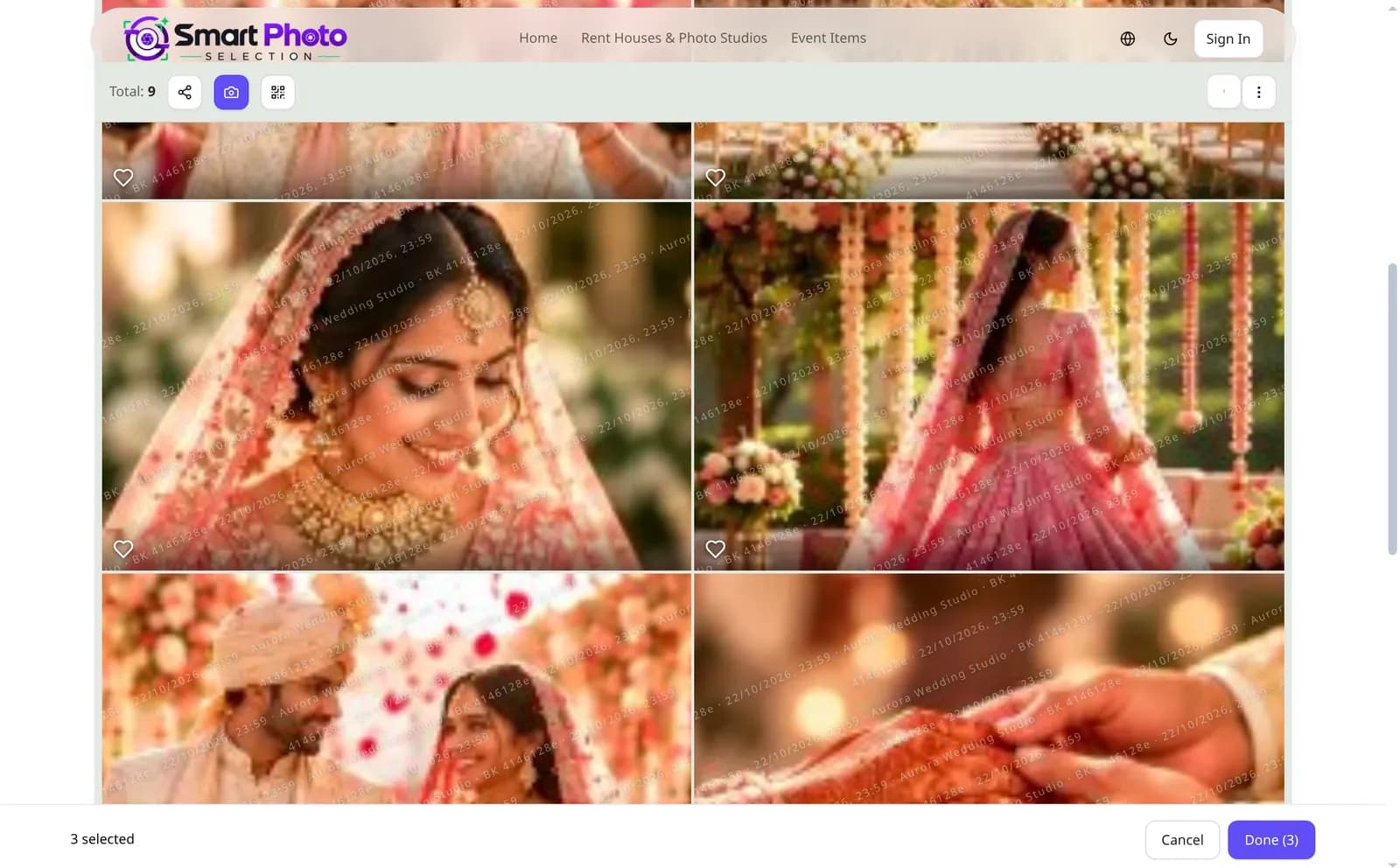
Client proofing
Online Photo Selection
Clients heart their favourites in a private gallery; you see the selection, lock it and download it as a ZIP.
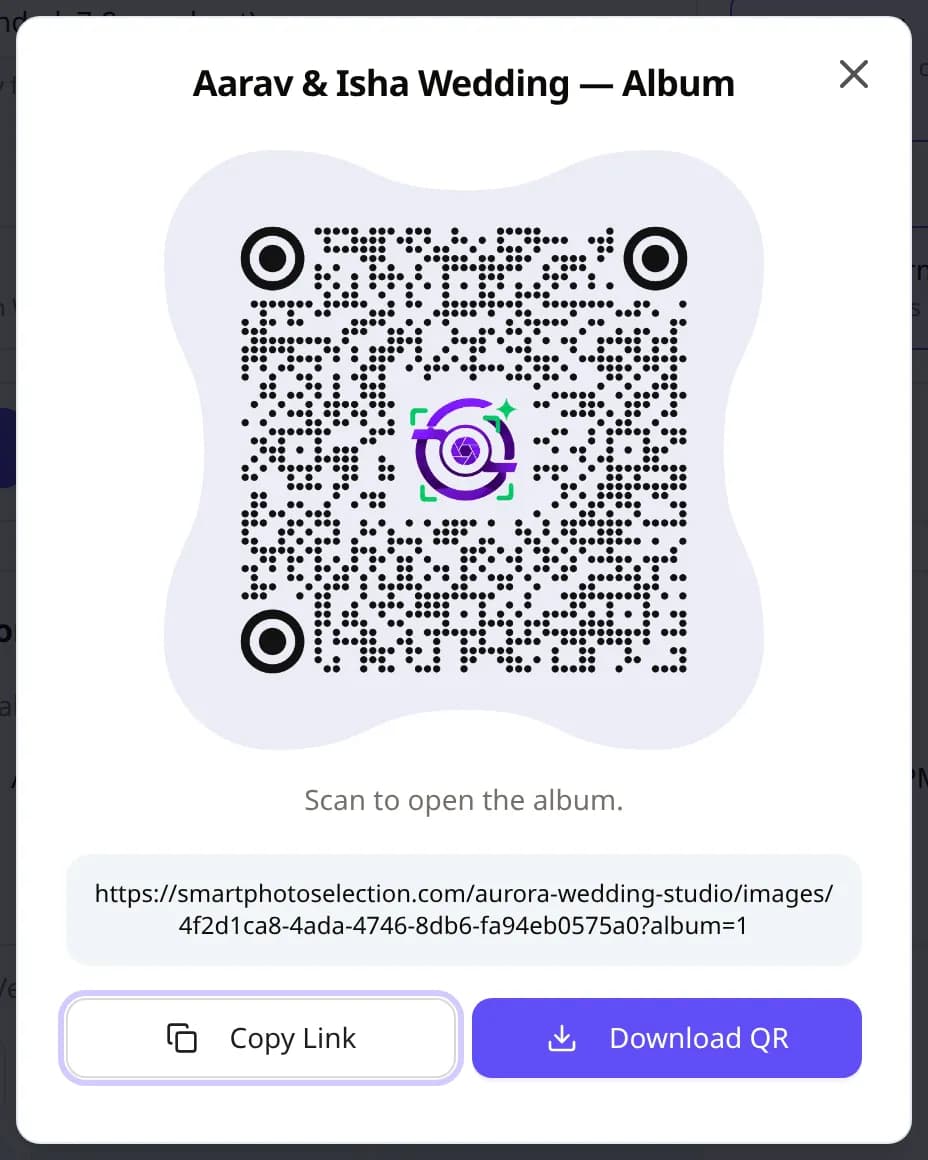
Sharing
Booking QR & Guest Invitations
Share a booking by QR code or link, and invite guests by WhatsApp or email from the booking card.
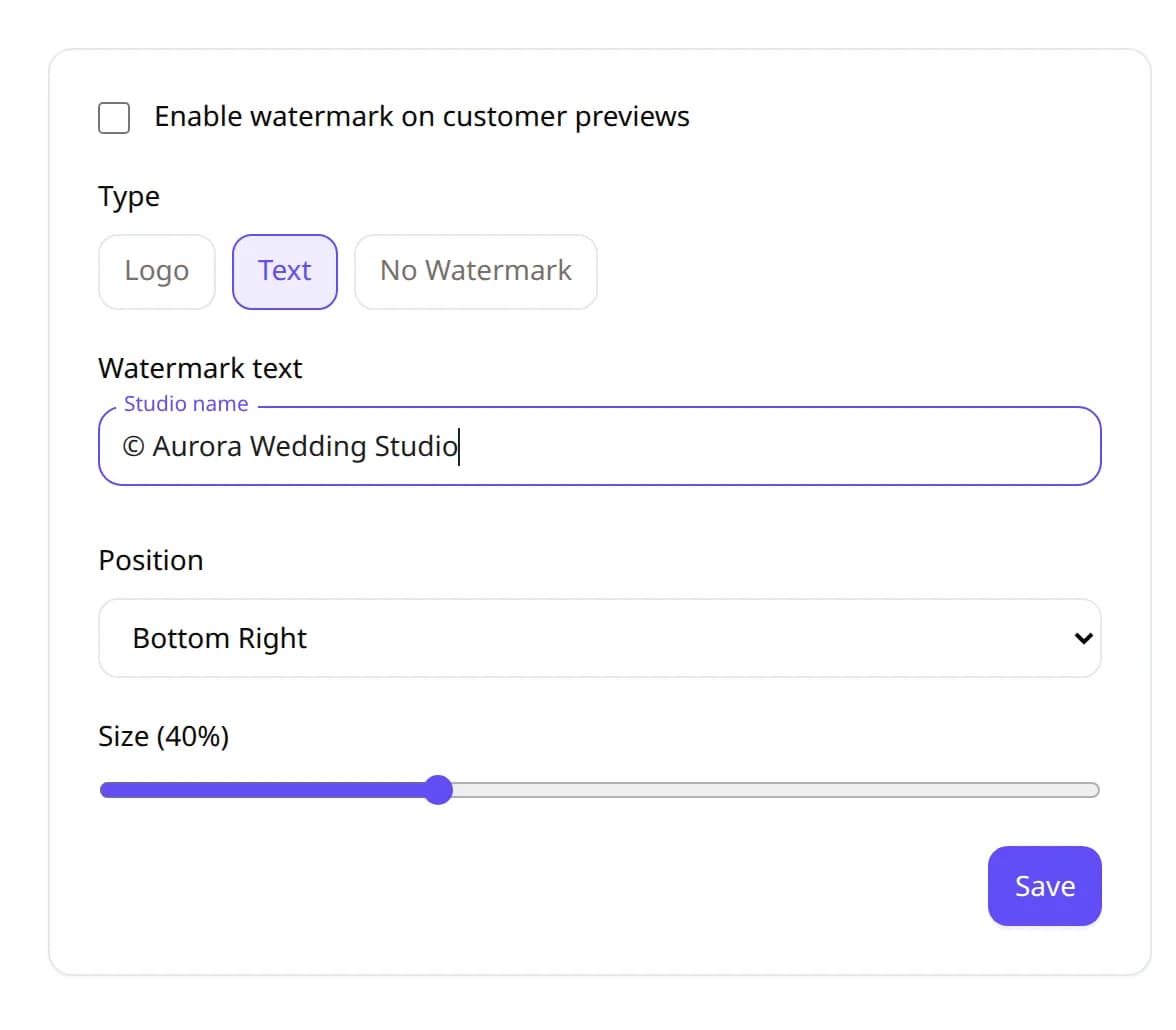
Protection
Watermarks & Downloads
Logo or text watermark on customer copies, per-booking overrides, and original files for you and the print lab.
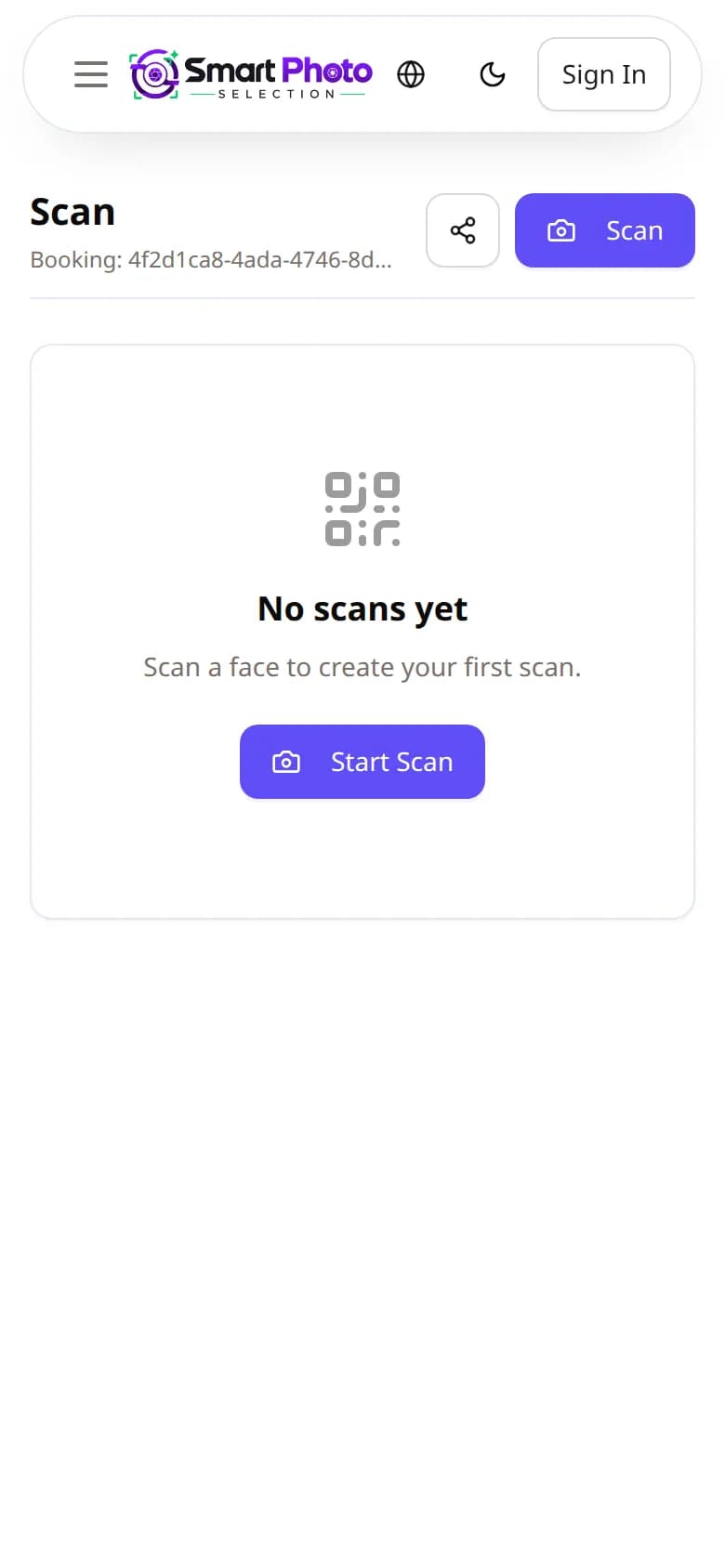
AI face search
Face Scan
Guests scan their face in the phone's browser and see the photos of the booking they appear in.
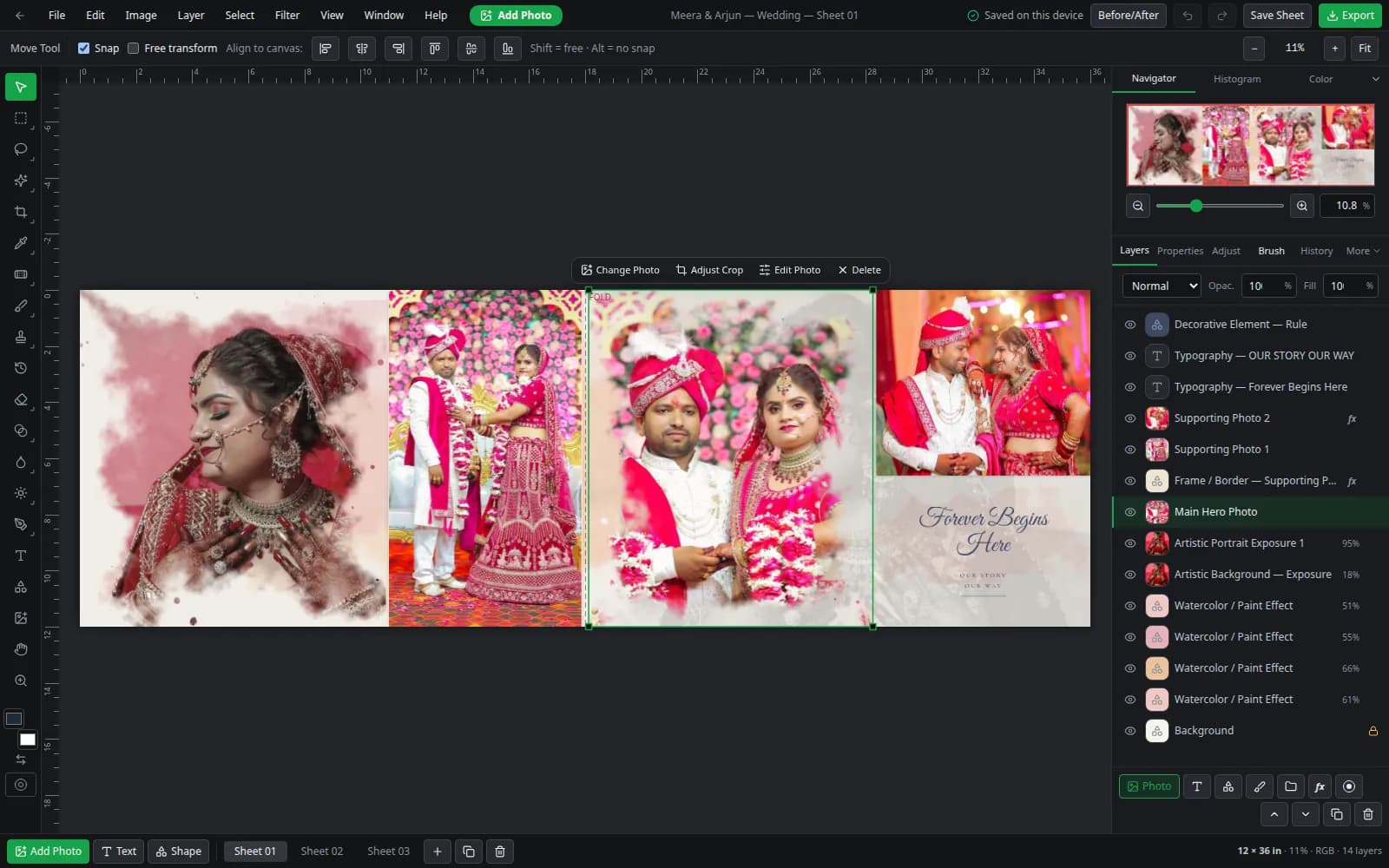
Album design
Album Studio & Automation
Generate album sheets from the selection, refine them in the layered editor and export JPG, PNG or PSD.
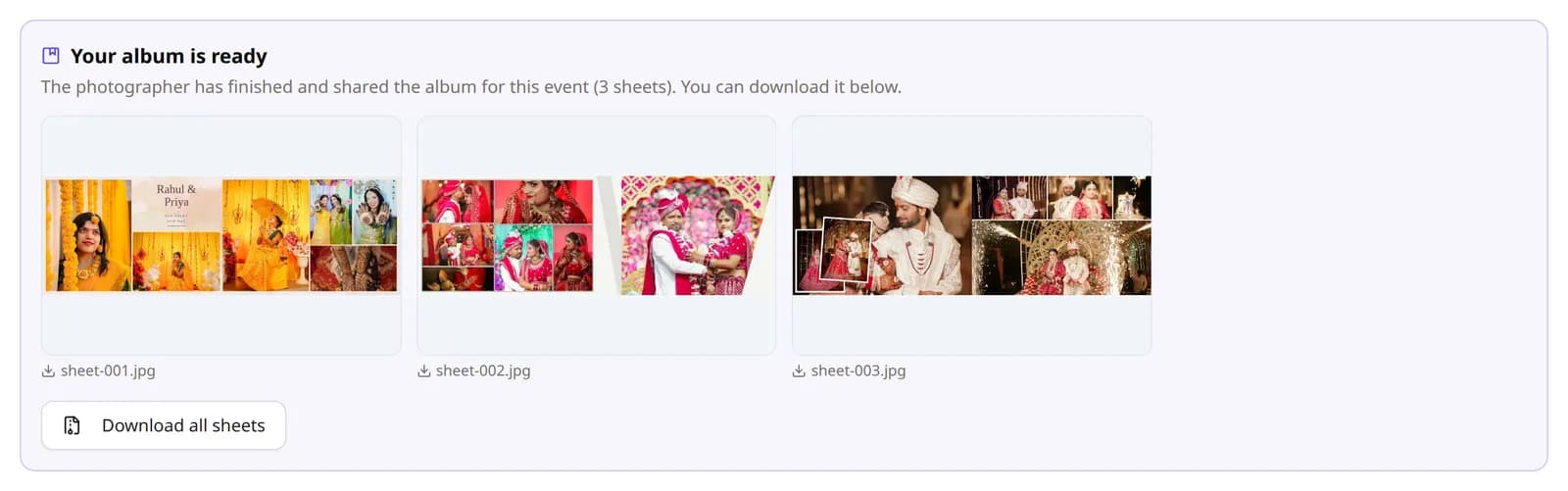
Delivery
Digital Flipbook
Turn a finished album into a page-turn flipbook with its own public link and QR code.