
Smart Photo SelectionSmart Photo Selection
    HomeRent Houses & Photo StudiosEvent Items
    Smart Photo SelectionSmart Photo Selection
    Sign In
    Smart Photo SelectionSmart Photo Selection

    Built with ❤️ for memorable celebrations. Smart Photo Selection — AI photo selection for photographers.

    Terms & Conditions•Privacy Policy•Cancellations & Refunds•Shipping Policy•Contact Us

    © 2026 Smart Photo Selection. All rights reserved.

    Skip to content
    Smart Photo SelectionSmart Photo Selection
    • Photo Selection
    • Face Scan
    • Templates
    • For Photographers
    LoginGet Started
    1. Home
    2. AI Photo Selection

    AI photo selection

    AI Photo Selection for Wedding Photographers

    AI photo selection scores every photo you choose — sharpness, exposure, faces and near-duplicates — and returns a ranked shortlist in shooting order. The analysis runs in your browser on the photos you picked, and you review, add and remove frames before the set goes anywhere.

    It assists the cull; it does not decide it, and it never changes your photographs.

    Get Started
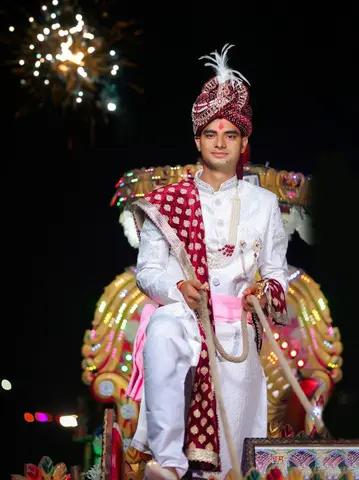
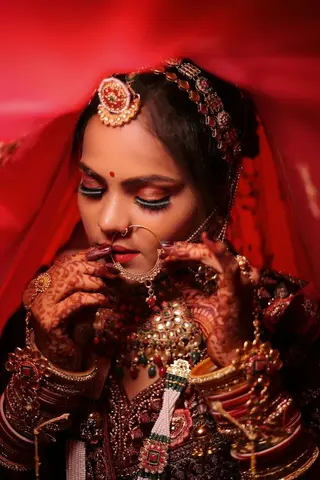
    Wedding · Day 14 selected
    Selected
    Not selected
    Selected
    Selected
    Not selected
    Selected
    Client selectionSubmit selection

    The basics

    What Is AI Photo Selection?

    AI photo selection is a ranking pass over photos that are already in the booking. Each photo is scored from 0 to 100 for technical quality, with a reason you can read beside it: sharp, blurry / out of focus, too dark, blown highlights, 2 faces, similar to another frame. The result is a shortlist in album order that you can reorder, extend or cut.

    It is one step inside the wider photo selection workflow, which also covers culling in the gallery and your client's own selection. No stock or generated images are involved, and nothing is published without you.

    The signals

    How the Scoring Works

    Every photo is measured on your device and compared with the rest of the set. The score is built from these signals, and each one leaves a readable reason on the photo:

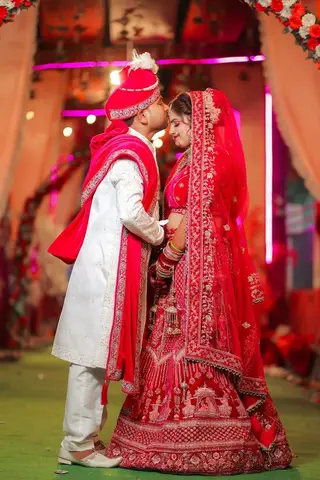
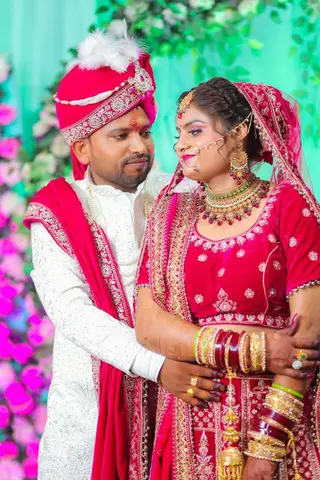
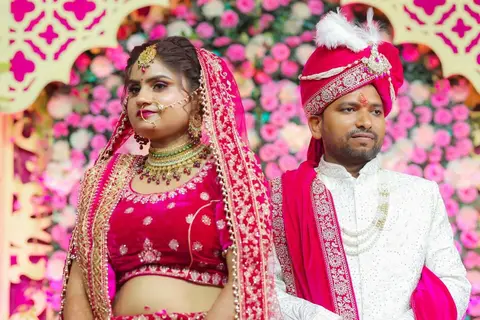
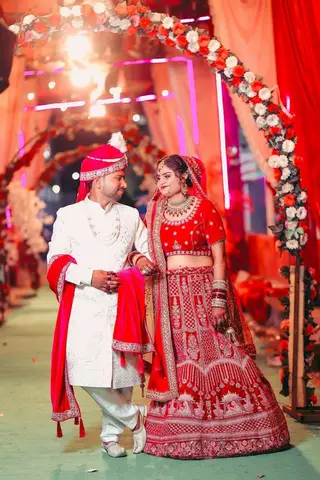
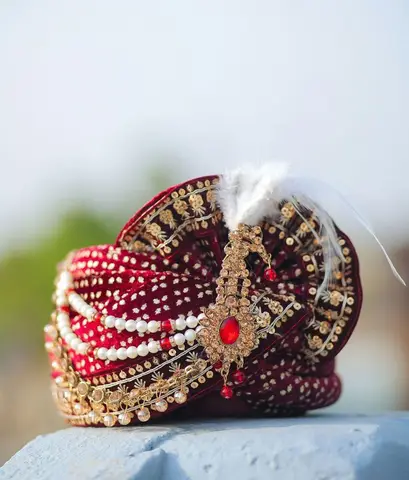
    Culling · Royal Maroon Wedding412 of 3,214 kept
    duplicate
    soft
    duplicate
    soft
    Sharpness · exposure · near-duplicate checks✓ Keepduplicate✗ Reject
    • Sharpness

      A focus measure compared with the median of the set: blurry / out of focus and softer than the rest pull a photo down, sharp lifts it.

    • Exposure

      Brightness and clipped areas are measured, giving reasons such as blown highlights, too dark, too bright and flat / low contrast.

    • Faces

      Detected faces raise the score, and the count appears as a reason — 1 face, 2 faces.

    • Near-duplicates

      Neighbouring frames in shooting order with a similar image hash are grouped, so only the strongest of a burst competes and the rest are marked similar to another frame.

    • Orientation

      Each photo keeps its own aspect ratio, so portrait frames are matched to portrait slots in the layout instead of being squeezed to fit.

    • Reasons, not just a number

      Scores run from 0 to 100 and every one shows why, so you can judge the number instead of trusting it.

    Step by step

    From Chosen Photos to a Ranked Set

    1. 01

      Choose the photos

      Pick the folders to consider from the booking, or add photos from your computer. Only the photos you choose are analysed.

    2. 02

      Run AI selection

      Set how many photos you need and run it. Progress is shown photo by photo, and you can stop it at any time.

    3. 03

      Review the ranked set

      The shortlist arrives in album order, each row with its score, its reasons and the file's sequence number. What was left out is listed too.

    4. 04

      Adjust and use it

      Add frames back, replace or remove any photo, move frames earlier or later, then take the set into the album design or your delivery.

    When to override

    AI vs Manual Selection

    The score measures technical quality, not meaning. Knowing when to trust it is the whole skill.

    • Trust it for the mechanical pass

      Blurry frames, blown reception shots and burst twins are easy to miss across thousands of photos, and the reasons make them obvious.

    • Override it for meaning

      Deliberate motion, dark reception scenes and backlit portraits often score low, and the moment that mattered is not visible in the data.

    • Read the not-chosen list first

      The frames a couple asks for by name are usually quiet moments the score did not reward. Open what was left out and add it back.

    • Cull before you run it

      Deleting obvious rejects first gives the ranking better material and a shorter analysis.

    • Manual stays available

      Skip the AI and choose by eye in the gallery instead — both routes end at the same confirmed set.

    The workflow

    Where AI Photo Selection Fits

    The ranked set is a hand-off, not a destination. It moves forward through the same booking:

    • After upload

      Photos arrive with bulk photo upload, one folder per function.

    • During culling

      The ranking is the first pass over a folder, inside the wider photo selection workflow.

    • Before the album

      The shortlist feeds the AI album generator, which designs the spreads from it.

    • Before delivery

      Confirm the set, then share it through the online photo gallery and deliver the ZIP.

    • Across the workflow

      How upload, selection, face scan and delivery fit together is on the photography workflow page.

    FAQ

    Common Questions

    What is AI photo selection?

    A ranking pass: Smart Photo Selection scores the photos you choose for sharpness, exposure, faces and near-duplicates, and returns a shortlist in album order that you review before it is used.

    Does AI photo selection edit my photos?

    No. It scores, ranks and orders. Colour or retouching changes only happen when you add them in the album editor or the photo editor.

    How does it decide which photos are best?

    Sharpness relative to the rest of the set, exposure (blown highlights, too dark, too bright, flat contrast), detected faces, and near-duplicate grouping. Every score shows its reasons.

    Can I skip the AI and choose everything myself?

    Yes. Use all of your selected photos instead, or select by hand in the gallery. The AI is a first pass, not a requirement.

    Why did a good photo get a low score?

    Deliberate motion, dark reception scenes and backlit portraits often score low. Reasons such as too dark or softer than the rest explain the number; add the photo back yourself.

    Is this the same as client photo selection?

    No. AI ranking happens on your side before anything goes out; client selection is your couple or organiser marking the photos they want in the gallery. Smart Photo Selection supports both.

    Where does the ranked set go next?

    Into the album design step, or forward to delivery once you have confirmed it. Nothing is published or sent without you.

    Explore the Rest of the Workflow

    • Photo SelectionPhoto selection software: cull the shoot, let clients select online, deliver the approved set.
    • AI Album GeneratorDesigns the album spreads from the shortlist you confirm.
    • Photo Gallery & DeliveryShare an online client gallery by link or QR code and deliver selected photos.
    • Photography WorkflowHow upload, selection, face scan and delivery fit together.
    • Guide: Use AI Photo SelectionSet the target, run it, read the reasons and adjust the shortlist, step by step.
    • AI Photo Selection for Wedding PhotographersWhere the scores help and where they mislead.

    Run AI Photo Selection on Your Next Shoot

    Upload the shoot, let the ranking surface the weak and repeated frames, and keep the final call.
    Get Started
    Smart Photo SelectionSmart Photo Selection

    AI photo selection, face scan photo finding, online galleries and AI wedding albums for photographers, plus tent house and event item rentals.

    • WhatsApp
    • +91 63767 36945
    • [email protected]

    Album Studio

    • AI Album Generator
    • Professional Album Editor
    • Wedding Album Templates
    • PSD Album Automation
    • Wedding Album PSD
    • Double Exposure Albums
    • Photo Editor

    Photography

    • Photo Selection Software
    • Photo Selection
    • AI Photo Selection
    • Client Photo Selection
    • Face Scan Photo Finder
    • Face Search
    • Photo Gallery & Delivery
    • Bulk Photo Upload
    • Wedding Photography
    • Event Photography
    • Photography Workflow

    Event Rentals

    • Rent Houses
    • Browse Tent Houses
    • Event Items

    Resources

    • How It Works
    • Guides
    • Blog
    • 12 × 36 Wedding Album
    • 12 × 30 Wedding Album
    • 14 × 40 Wedding Album
    • For Photographers
    • FAQ
    • About
    • Contact
    Smart Photo Selection

    © 2026 Smart Photo Selection. All rights reserved.

    • Privacy Policy
    • Terms & Conditions
    • Cancellations & Refunds
    • Shipping Policy