Wedding photography
Wedding Photography Workflow: Selection, Culling & Sharing
Weddings produce more photos than almost any other shoot, across several functions and often several days. Smart Photo Selection gives wedding photographers one place to upload them, cull with AI assistance, let the couple select online, share with families by QR code, and deliver the final set.

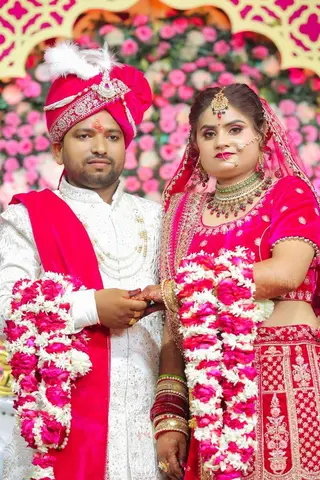
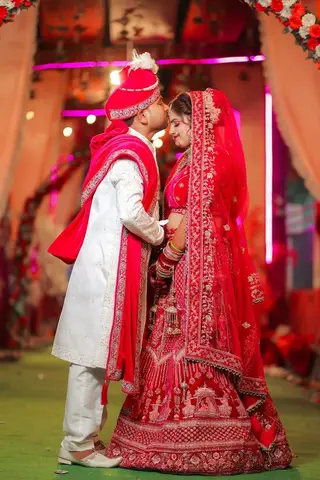
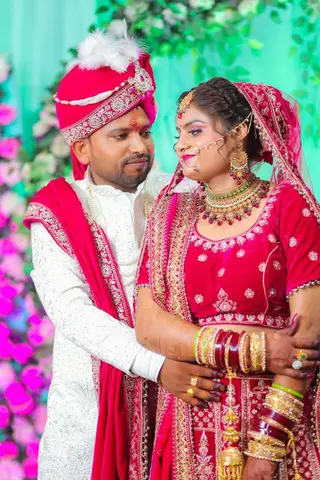
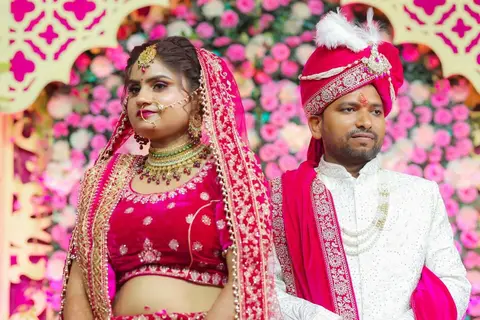
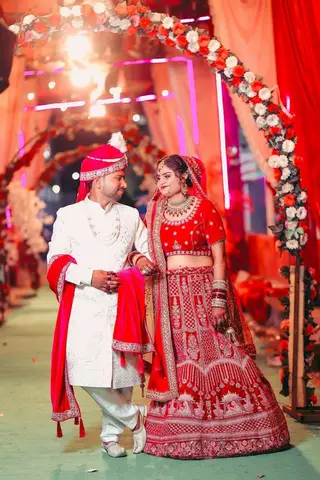
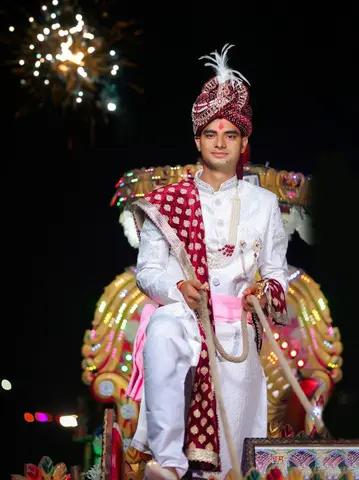
The wedding workflow
A Wedding Photography Workflow, Step by Step
- 01
Upload each function
Haldi, mehendi, the wedding and the reception in separate folders. See bulk photo upload.
- 02
Wedding photo culling
AI-assisted culling helps set aside blurry and duplicate frames.
- 03
Couple selects online
The couple marks favourites and submits. Read about wedding photo selection.
- 04
Share and deliver
Families find their photos by face scan; you download the selected set.
Wedding photo selection
Wedding Photo Selection and Album Selection
The couple selects photos in the online gallery, folder by folder, and submits when they're happy. That submitted set is also a natural album selection: download it and start the wedding album design.
Design the album from the same booking with the AI album generator, wedding album templates or your own PSD designs.
Wedding photo sharing
Wedding Photo Sharing With Guests
One QR code for the wedding
Print it or show it at the venue; guests open the photo finder on their phones.
Guests find photos by face
No scrolling through the whole wedding; each guest sees the photos they appear in.
Your studio on every gallery
Studio name, Instagram and phone on the wedding photo gallery.
FAQ
Common Questions
How do wedding photographers select photos?
How can wedding guests find their photos?
How can photographers manage large numbers of wedding photos?
Can the couple's selection be used for the album?
- Wedding Photo SelectionFunctions to folders, couple proofing, and the album shortlist.
- Client Photo SelectionProofing without the back-and-forth: select, submit, download.
- Photo SelectionPhoto selection software: cull the shoot, let clients select online, deliver the approved set.
- Face Scan Photo FinderGuests find their own photos with an in-browser face scan.
- Photo Gallery & DeliveryShare an online client gallery by link or QR code and deliver selected photos.
- Event PhotographyEvent photo selection with organisers and a QR photo finder for every guest.
A Smoother Workflow for Your Next Wedding
From the first upload to the last family member finding their photos.