PSD templates
Wedding Album PSD Templates & Automation
Use the PSD album designs you already own. Upload a template, confirm its photo slots, and reuse it for every wedding, then export finished sheets as JPG or PNG, or as a layered PSD.
This page explains what a PSD needs, what is supported and what the exported PSD contains.
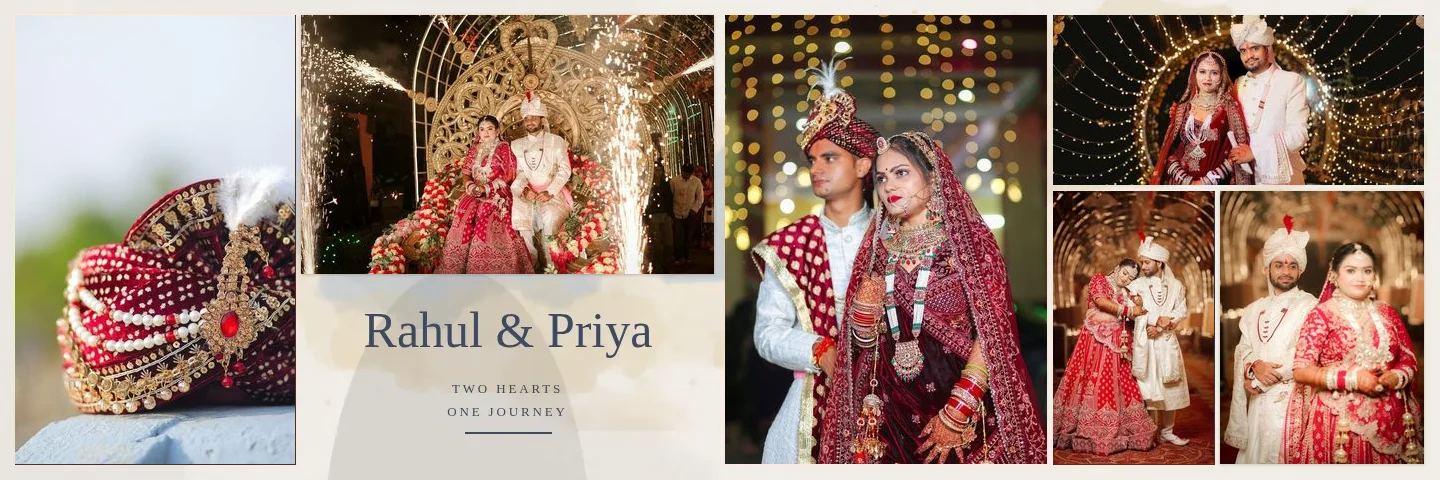
- Slot 01DSC_5401.jpg
- Slot 02DSC_5402.jpg
- Slot 03DSC_5403.jpg
- Slot 04DSC_5404.jpg
- Slot 05DSC_5405.jpg
- Slot 06DSC_5406.jpg
Sample layouts are shown with licensed sample wedding photos; your own photos take their place.
Preparing a PSD That Works Well
- 01
One placeholder per photo
Use a clipping-mask shape or a smart object for every photo position.
- 02
RGB, 8 bits per channel
Convert CMYK or 16-bit designs before uploading.
- 03
Set the resolution
With a resolution such as 300 ppi, the album size can be shown in inches.
- 04
Number the slots (optional)
Photo 01, Photo 02 … sets the fill order when every number is unique.
What Is Supported
Colour mode
RGB and Grayscale, 8 bits per channel.
Size
Up to 30,000 px per side and 250 megapixels, files up to 1.5 GB.
Layers
Up to 1,500 layers, including groups, masks, vector masks and clipping.
Spreads and artboards
Slots are ordered page by page, left page before right page on spreads.
Artwork above photos
Frames, text and textures above a slot are kept on top of the inserted photo.
Design outside the slots
Previews and exports use Photoshop's own merged image outside the photo slots.
Not supported: PSB (Large Document Format), CMYK, Lab, Indexed and Duotone modes, and 16- or 32-bit files. Each is rejected with instructions to convert it.
What the Layered PSD Export Contains
The export keeps your template's own layer tree: groups, masks, text, smart objects, effects and adjustment layers. Each photo is inserted as a raster layer directly above its slot with clipping enabled, so it takes the slot's shape; the original placeholder is hidden, not deleted. The template's colour profile is embedded again, and the file is re-opened after writing to verify it.
Photos are raster layers, not smart objects, and text or shapes you add in the editor are rasterized. For finishing work outside Smart Photo Selection, open the PSD in your own image editor.
FAQ
Common Questions
Can I use PSD templates I bought elsewhere?
Why was my PSD rejected?
Do I have to analyse the PSD for every album?
Does the PSD export keep my text editable?
What size will my album be?
- PSD Album AutomationDetect photo slots in your PSD and map photos in sequence.
- Professional Wedding Album EditorLayers, crops, colour, text and exports for every sheet.
- Wedding Album Templates150 templates in 10 styles, laid out for your album size.
- Guide: Upload a PSD TemplateStep by step, with the PSD requirements.
- JPG, PNG, TIFF or PSD?Which album file format to send your lab.
- 12 × 36 Wedding Album DesignsPixel sizes, photo counts and templates for 12 × 36 in spreads.
Upload Your First PSD Template
Analyse it once, confirm the slots, and use it for every album.