Album editor
Professional Wedding Album Editor
A professional editor built specifically around the album workflow: photo frames you can fill from the booking, layers, colour correction, text and full-resolution export, in the browser.
AI-generated sheets, library templates and your own PSD templates all open here.
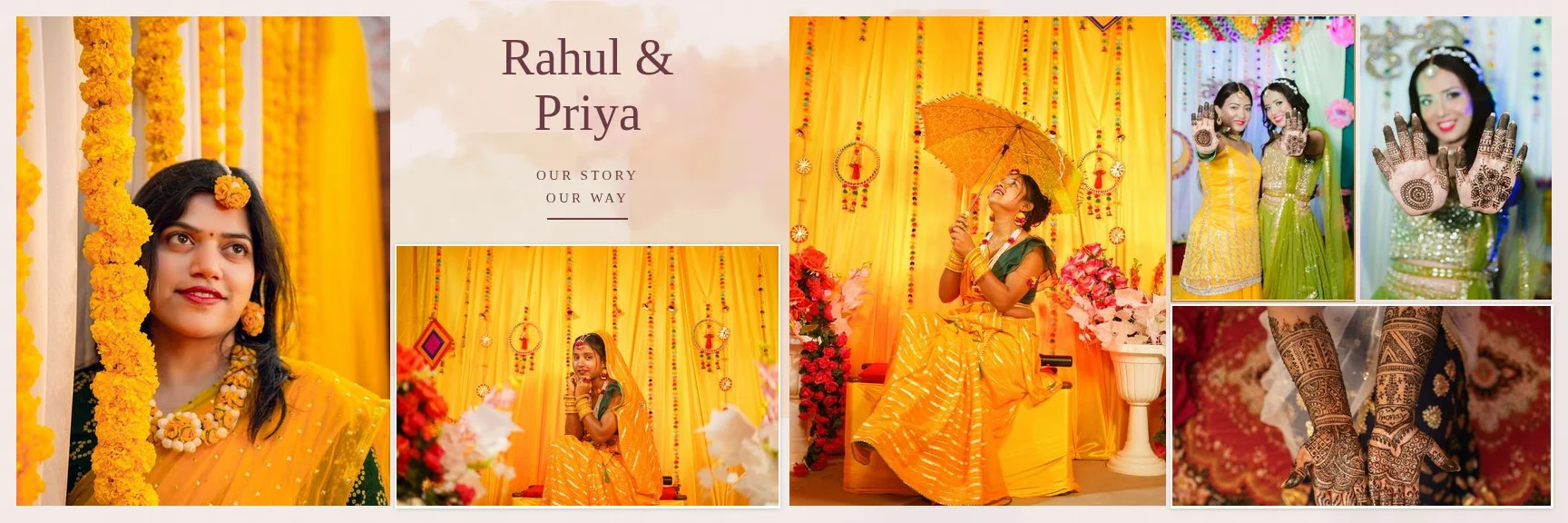
Sample layouts are shown with licensed sample wedding photos; your own photos take their place.
Photos
Built Around Photo Frames
Add photos anywhere
From the top bar, the tool bar, the Photos panel or an empty frame's “+ Add Photo” button.
Drag and drop
Drag photos from the Photos panel onto the sheet or straight into a frame.
Change, remove, adjust crop
Each filled frame has quick actions and a right-click menu.
Pan and zoom inside frames
Reposition the photo within its frame without changing the frame.
Aspect-locked resizing
Corners keep the ratio; free transform is one setting away.
Same photo picker everywhere
Booking folders, search, sorting and uploads match the gallery.
Tools and Layers
Move, Photo, Crop, marquee, lasso and magic wand selections, Brush, Eraser, healing, Clone Stamp, dodge and burn, Gradient, Text, Shape, Eyedropper, Hand and Zoom, each with a keyboard shortcut. The full photo-editing toolset is described on the professional photo editor page.
Layers
Rename, hide, lock, reorder, duplicate and delete, with layer thumbnails.
Opacity and blend modes
16 blend modes including Multiply, Screen, Overlay and Soft Light.
Masks and clipping
Layer masks you can paint, clipping masks, and the rounded or soft-fade masks from templates and AI layouts.
Text
Fonts, sizes, alignment, letter spacing, uppercase and underline.
Shapes
Rectangles and ellipses with fill, stroke and corner radius.
Fold-safe placement
On spreads, photos and text dragged across the centre fold are moved onto one page; export is blocked if anything still crosses it.
Colour
Color Correction, Filters and Presets
Adjustments are non-destructive: the original file is never changed, and the final render applies them to the full-resolution photo.
Light
Exposure, brightness, contrast, highlights, shadows, whites and blacks.
Colour
Temperature, tint, vibrance, saturation and hue.
Detail
Sharpness, blur, clarity, dehaze, grain and noise reduction.
Curves, levels and colour
Curves, levels, HSL, colour balance, selective colour and gradient maps, also as adjustment layers.
Ten filter looks
Grayscale, Black & White, Sepia, Vintage, Cinematic, Warm, Cool, Fade, Vivid and Matte, with intensity.
Preset import
Lightroom/Camera Raw XMP develop presets, Photoshop ACV curves and CUBE LUTs; unsupported settings are listed.
Workspace, History and Shortcuts
Rulers, guides and grid
Rulers in inches, draggable guides, a 1-inch grid, snapping and print guides (trim 0.125 in, safe area 0.375 in).
Undo and redo
Up to 100 steps per sheet, with a History panel to jump back.
Autosave
Changes are saved as you work and restored when you return.
Keyboard shortcuts
Customise any shortcut, with conflict detection and import/export.
Command palette
Press Ctrl+K to run any command by name; press ? for the shortcut list.
Light and dark themes
The editor follows the site theme.
Export
Export JPG, PNG or a Layered PSD
Exports render each sheet from the original photos at the album's full size. JPG embeds the DPI and, when the template PSD has one, its colour profile; PNG embeds the DPI; the PSD keeps layers, with photos as raster layers and editor text and shapes rasterized.
FAQ
Common Questions
Can I retouch photos inside the album editor?
Can I undo everything?
Which device should I use?
Are my edits saved if I close the tab?
Can I change keyboard shortcuts?
- Professional Photo EditorSelections, masks, retouching and colour grading in a layer-based editor.
- AI Album GeneratorDesigned wedding album spreads built from your selected photos.
- Wedding Album Templates150 templates in 10 styles, laid out for your album size.
- Wedding Album PSD TemplatesWhat a PSD needs, what is supported and what the PSD export contains.
- Guide: Edit an AI-Generated DesignSwap photos, adjust crops and fix the fold, step by step.
- Smart Photo Selection GuidesStep-by-step how-tos with the real button and menu names.
Open the Album Editor
Start a sheet from a template, an AI layout or a blank canvas.