Wedding Album Design
Double Exposure Wedding Album Ideas That Actually Work
A double exposure blends two photographs into one image: usually a portrait that dissolves into a place, a texture or a second moment. Done well, it gives an album an opening or chapter spread that no single photo could. Done badly, it turns faces into fog. These are pairings that work, the photo qualities that make them work, and the situations where a plain frame is the better choice.
By Smart Photo Selection TeamUpdated 5 min readIn Wedding Album Design
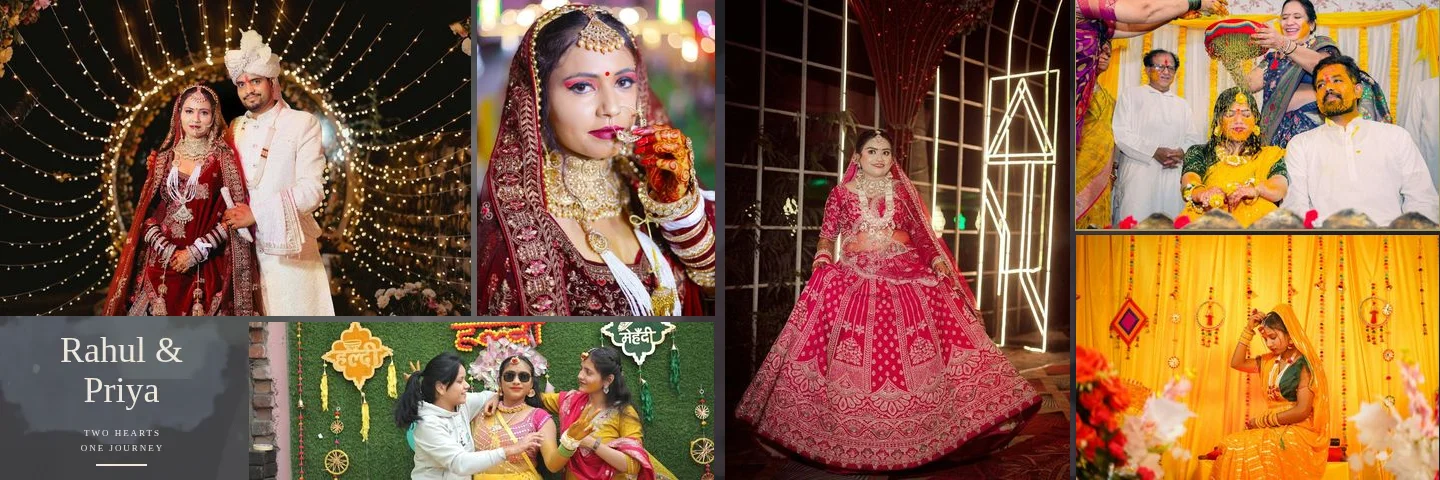
What makes a double exposure work
In an album, a double exposure is almost always built from layers rather than in camera: a base photo (often the place), a portrait above it, and a gradient or painted mask that fades the portrait into the base. Three qualities decide whether the result reads clearly:
- A clean silhouette. The portrait should have a simple background, ideally dark or plain sky, so the face and shoulders stay readable where the fade begins.
- Texture in the partner photo. Venues, trees, fabric, lights and décor give the blend something to dissolve into. A flat grey wall gives nothing.
- Compatible tones. Two photos with very different white balance blend into mud. Match warmth and contrast first.
Ten pairing ideas
1. Couple portrait + venue exterior
The classic opening spread. A close couple portrait on one page fades into a wide shot of the palace, resort or banquet hall. It sets the place and the people in a single image.
2. Bride's profile + her bridal details
A side profile against a dark background, blended with the lehenga embroidery, jewellery or veil lace. The profile's clean edge carries the shape; the texture fills it.
3. Groom's portrait + baraat procession
A calm portrait of the groom fading into the colour and movement of the baraat. The contrast between stillness and energy is the point.
4. Couple + sky at golden hour
A backlit couple silhouette blended with a sunset or cloud photo from the same evening. Because the tones already match, the blend is soft and natural.
5. Mandap or stage décor + pheras
Flowers and drapes from the empty mandap, faded into a moment from the pheras. The décor frames the ceremony instead of competing with it.
6. Hands with mehndi + the mehndi gathering
A close-up of finished mehndi dissolving into a wide shot of the function. Works especially well on a light, warm page.
7. Portrait + fairy lights at night
Out-of-focus lights from the reception blended into a night portrait add sparkle without retouching. Best on dark templates.
8. Parents + the couple
A parents' portrait fading into the couple's. Use it sparingly; it is emotional and works once, near the end of the album.
9. Pre-wedding location + wedding day
A landscape from the pre-wedding shoot behind a wedding-day portrait links the two stories, if the client is having a combined album.
10. Triple exposure for a chapter opener
A faded background, a hero portrait and a third crossing photo. It is busier than a double exposure, so keep it for the first spread of a function or the album's last page.
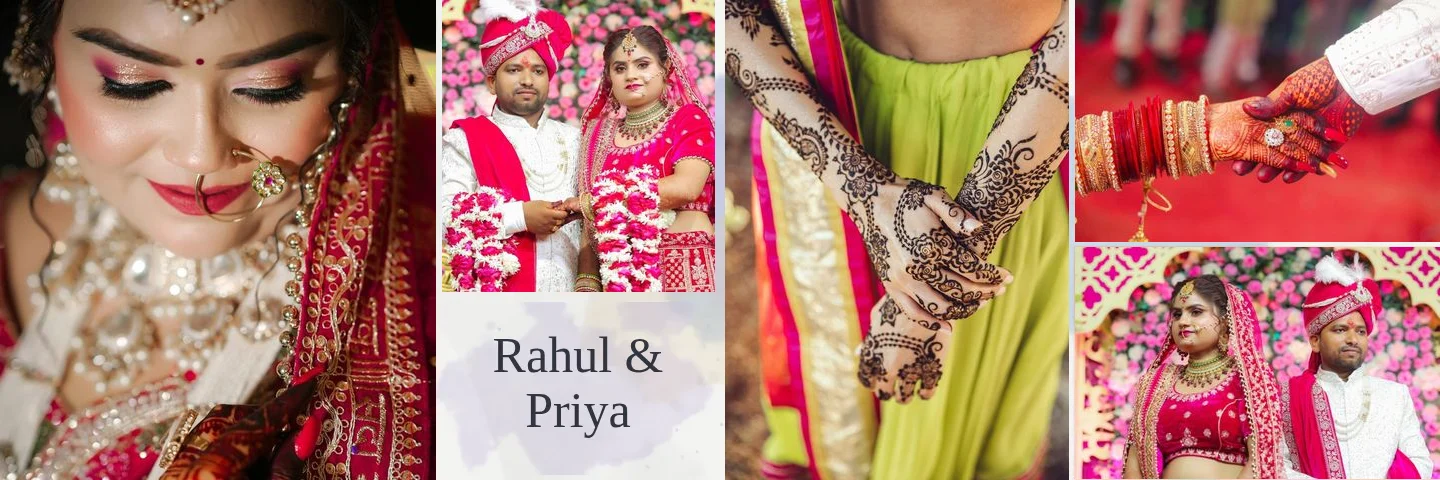
Where exposures belong in an album
Exposure spreads are strong punctuation. Used on every page, they stop meaning anything. A useful rhythm is one exposure spread at the start of the album, one at the start of each major function (haldi, mehndi, wedding, reception), and one at the end. In between, let documentary spreads carry the story. For pacing across the whole album, see how many photos per spread.
On a double-page spread, keep the exposure on one page. A face that fades across the centre fold disappears into the binding. Smart Photo Selection keeps every photo, including exposure layers, on one side of the fold automatically.
When to avoid a double exposure
- Group and family photos. Faces are small; a fade makes some of them disappear. Use a plain frame.
- Busy backgrounds on the portrait. Guests, chairs or bright windows behind the subject fight the blend.
- Key documentary moments. The varmala, the first look, the vidaai: these are memories, not textures. Show them clearly.
- Low-resolution files. Exposure areas are large. A photo flagged below 200 ppi will look soft.
- Clients who want a classic album. Ask. Some couples love the effect; some parents find it confusing.
How Smart Photo Selection creates exposure spreads
Smart Photo Selection builds exposures from your own photos without generating or repainting anything. The AI album generator uses double- and triple-exposure compositions when a sheet has a suitable portrait and a landscape photo, and regenerating gives a new variation. Most of the 400+ library templates include one or two portrait exposure areas with painted duotone treatments; the Creative and Floral styles are the most painterly.
Every exposure stays editable: move the fade, repaint the mask, change the blend mode or opacity, or remove the mask to get a plain frame back. The double exposure designs page shows more examples, and the step-by-step guide explains how to create or adjust a double exposure.
For how exposures fit into the bigger picture of AI-assisted album design, read AI wedding album design: the complete guide.
double exposurealbum design ideaslayeringwedding albums
Frequently Asked Questions
Is a double exposure done in camera or in editing?
Both are possible, but in albums it is usually built afterwards from two separate photos, so you can choose the pairing and control the fade.
How many exposure spreads should an album have?
There is no rule, but a few placed at the start of the album and of each major function usually work better than one on every spread.
Which blend mode is best?
A normal layer with a gradient fade mask is the most controllable. Screen or Lighten can work for dark portraits over bright textures; check skin tones afterwards.
Can I undo an AI-made exposure?
Yes. Delete or disable the fade mask in the editor and the photo becomes a plain frame.
Related Articles
- AI Wedding Album Design: The Complete GuideHow AI wedding album design works, what it does well, where you still decide, and a practical workflow from photo selection to print-ready export.
- Indian Wedding Album Design Ideas: Haldi, Mehndi, Sangeet, Wedding and ReceptionIndian wedding album design ideas for every function: haldi, mehndi, sangeet, baraat, pheras, vidaai and reception, with layouts, palettes and pacing.
- How Many Photos per Wedding Album Spread?Choosing how many photos to put on each wedding album spread: density, pacing, hero images, page splits like 3 + 4, and when fewer photos tell more.
Step-by-Step Guides
- How to Create Double and Triple Exposure Album DesignsMake double and triple exposure wedding album spreads in Smart Photo Selection: let the generator build them, or blend a portrait into a scene yourself with layers and masks.
- How to Use Layers, Layer Masks and Clipping Masks in Smart Photo SelectionLearn how layers, layer masks, clipping masks and adjustment layers work in the Smart Photo Selection editor, with the exact menu names and shortcuts.
- How to Edit an AI-Generated Album DesignRefine AI-generated wedding album spreads: regenerate a sheet, change photos and crops, resize frames, edit text and exposure layers, and keep it all off the fold.
Related Features
Design Your Next Album in Smart Photo Selection
Generate spreads from a booking's photos, refine them in the layer-based editor and export print-ready files.