Smart Photo Selection guide
Duplicate Photo Detection
Find duplicate photos in your bookings using SHA-256 hashing, without paid AI services. Premium Studio feature.
By Smart Photo Selection TeamUpdated Published 1 min read
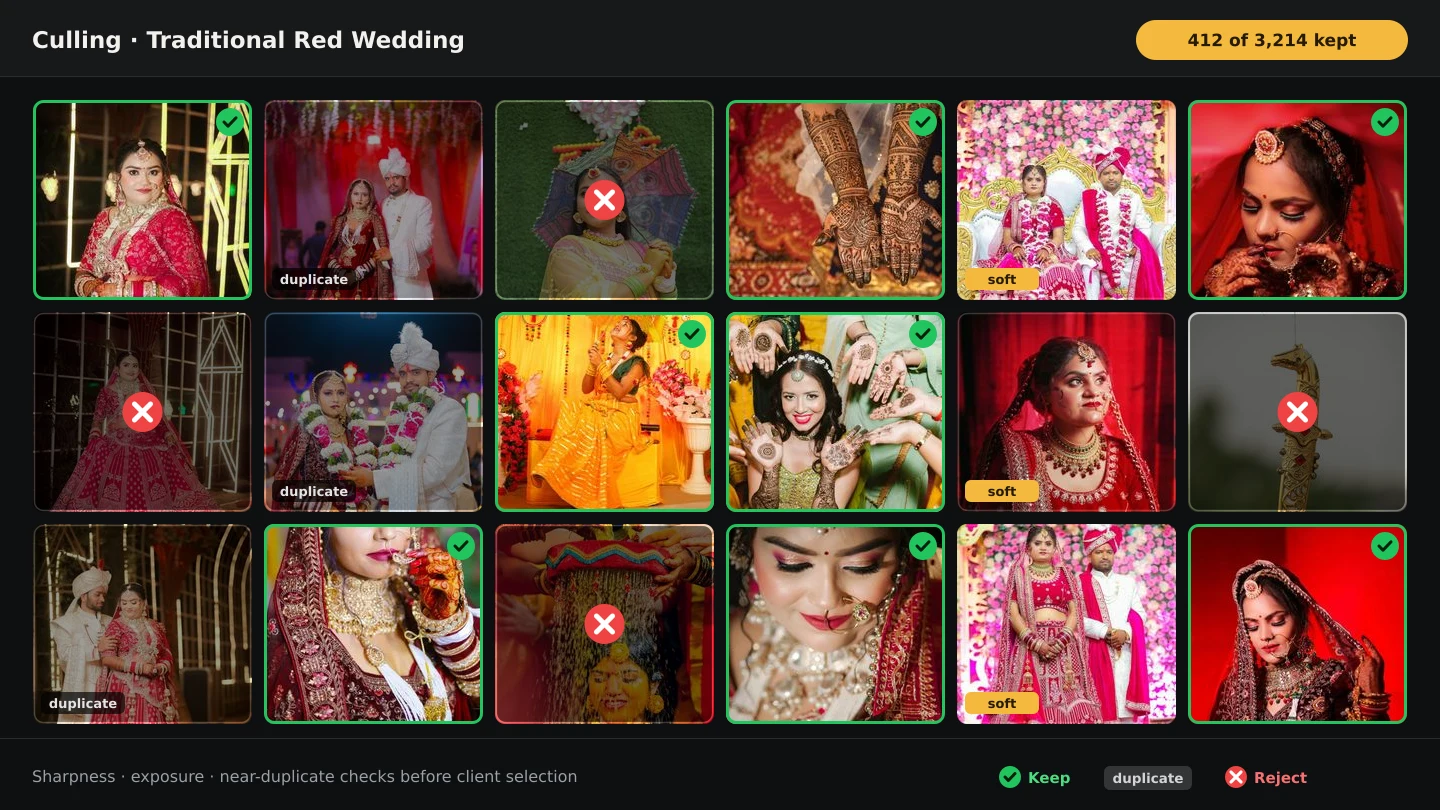
Short answer
Duplicate Photo Detection computes a SHA-256 hash for every photo in a booking and groups exact duplicates together. No paid AI, no automatic deletion - review the groups and remove the copies you do not want.
What You Need
- An active Premium Studio subscription.
- A booking with uploaded photos.
How duplicate detection works
The system calculates a SHA-256 hash for each photo. Photos with identical hashes are grouped as duplicates. Only exact copies are detected - near-duplicates with slight edits are not.
Step by step
- 1
Open a booking
Navigate to Bookings, select a booking with photos, and click View Photos.
- 2
Run duplicate detection
Click Find Duplicates in the photo toolbar. The system scans all photos in the booking.
- 3
Review results
Duplicates are grouped together with file names, sizes and previews so you can verify each set.
- 4
Remove duplicates
Select which photos to keep and click Remove Selected Duplicates. The originals you keep stay in the booking.
Tips
- Run duplicate detection after uploading all photos.
- Review results carefully before deletion.
- Keep backups of important photos.
Common Mistakes
No duplicates found when you expect some
Ensure the files are byte-identical - only exact hashes match.
Scan taking too long
Large bookings take longer. The scan is bounded and runs against stored metadata.
Cannot remove originals
The system prevents deleting every photo in a duplicate group.
Frequently Asked Questions
Does it use paid AI?
No. It uses deterministic SHA-256 hashing with no network AI calls.
Can it detect edited near-duplicates?
No - only byte-identical files are grouped.
Related Guides
- How to Upload and Organize Event PhotosUpload a full wedding shoot into Smart Photo Selection, keep one folder per function, recover failed uploads and check the gallery is organised before you cull.
- How to Select Photos Manually in Smart Photo SelectionChoose photos by hand in the Smart Photo Selection gallery: folder tabs, Selected and Not Selected filters, full-size preview, Select All and saving.
- How to Cull Photos Before SelectionCull the raw shoot in Smart Photo Selection: review folders at full size, remove blinks, blurs and test frames, and keep the client's view clean.
Related Features
Try It in Smart Photo Selection
Open Album Studio with a photographer account, pick a booking and follow the steps above on your own photos.