
Smart Photo SelectionSmart Photo Selection
    HomeRent Houses & Photo StudiosEvent Items
    Smart Photo SelectionSmart Photo Selection
    Sign In
    Smart Photo SelectionSmart Photo Selection

    Built with ❤️ for memorable celebrations. Smart Photo Selection — AI photo selection for photographers.

    Terms & Conditions•Privacy Policy•Cancellations & Refunds•Shipping Policy•Contact Us

    © 2026 Smart Photo Selection. All rights reserved.

    Skip to content
    Smart Photo SelectionSmart Photo Selection
    • Photo Selection
    • Face Scan
    • Templates
    • For Photographers
    LoginGet Started
    1. Home
    2. Wedding Photo Selection

    Weddings

    Wedding Photo Selection, From Functions to Final Album Set

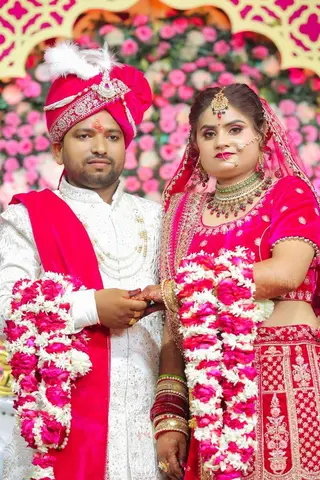
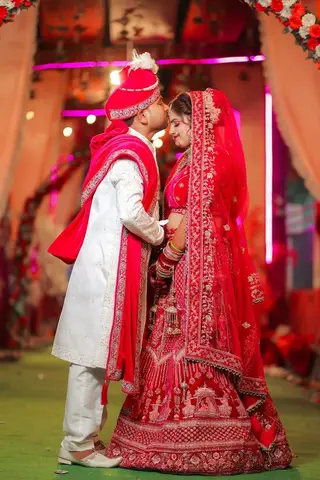
    A wedding is several shoots in one — haldi, ceremony, reception — and the couple must turn thousands of photos into the few hundred they will edit, print and bind. Wedding photo selection in Smart Photo Selection keeps that decision organised: one booking, one folder per function, couple proofing in a shared gallery, guests self-serving through face scan, and a submitted set that feeds the album directly.
    Get Started
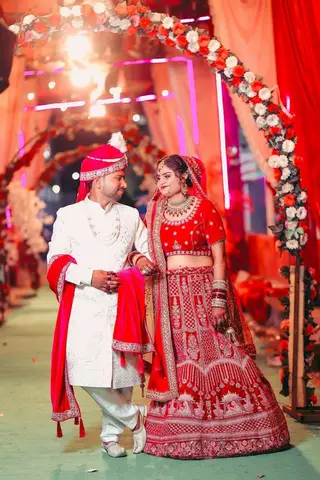
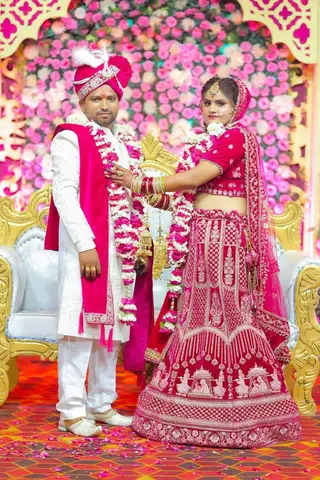
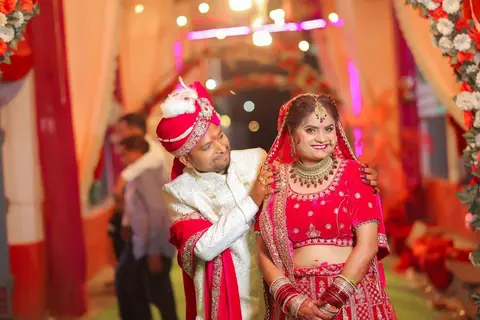
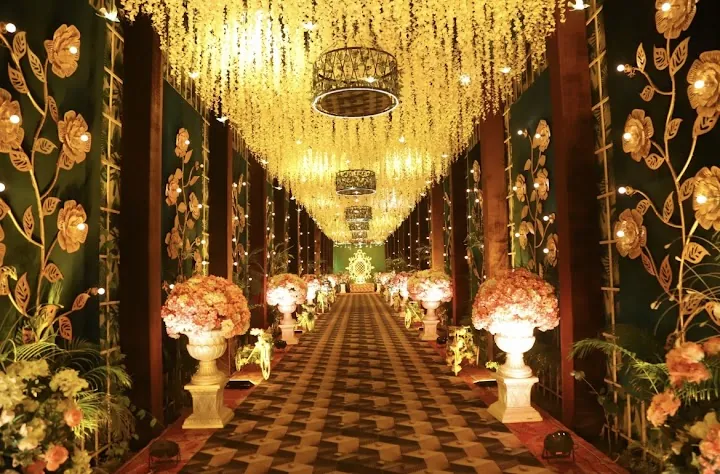
    Decorated wedding venue aisle with hanging floral lights
    Wedding · Day 14 selected
    Selected
    Not selected
    Selected
    Selected
    Not selected
    Selected

    The workflow

    How Wedding Photo Selection Flows

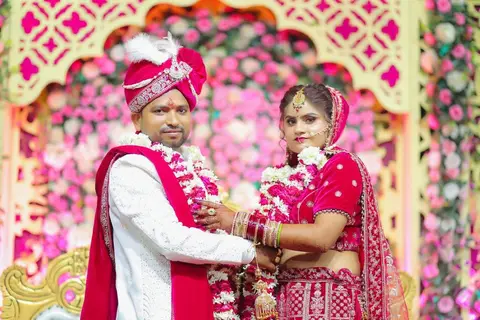
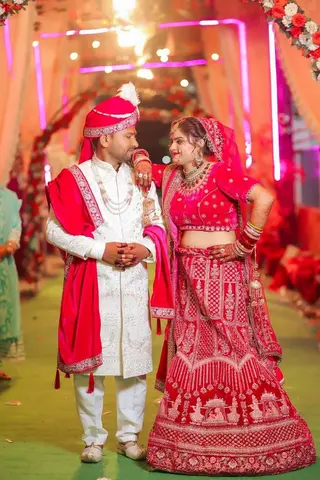
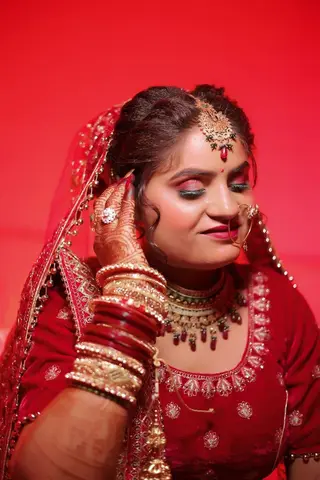
    Wedding · Day 1 · Traditional Red8 of 12 Selected
    Selected
    Not selected
    Selected
    Selected
    Not selected
    Selected
    Not selected
    Selected
    Selected
    Not selected
    Selected
    Selected
    Click a photo to select · Shift + click for a rangeSubmit selection
    1. 01

      Organise by function

      Upload the shoot so each function lands in its own folder. Counts per folder tell you the coverage at a glance.

    2. 02

      Cull before the couple sees it

      Remove missed focus, test shots and repeats — optionally after an AI ranking pass that surfaces them first.

    3. 03

      Couple proofing

      Share the gallery. The couple marks favourites function by function, checks the Selected view, and submits.

    4. 04

      Family input, one list

      Pass the same link to family for a second opinion; there is still only one submitted set at the end.

    5. 05

      Submitted set to album

      Download the ZIP for editing, or start the AI album generator and PSD automation from the booking's photos.

    The couple

    Proofing the Couple Actually Finishes

    • Function by function

      Folders match how the couple remembers the day, so choosing feels like reliving it, not admin.

    • Selected view as checklist

      Filtering to selected photos shows progress and makes gaps — “we chose nothing from the sangeet” — obvious.

    • Across sittings

      Selections persist, so a working couple can finish over several evenings and submit once.

    • A number to aim at

      Agree the target in the brief — album size decides it — so favourites stay realistic.

    Guests

    Every Guest Gets Their Photos Without Asking

    After a wedding, the “please send my photos” messages arrive for weeks. The face scan on the same gallery link ends them: each guest scans their face in the browser and gets their own photos.

    • QR at the venue

      Display or print the booking's QR code at the reception so guests scan before they leave.

    • No guest accounts

      A browser camera scan and a results page — nothing to install, nobody to onboard.

    • Bride and groom first

      The couple can check their own coverage the same way. See face search.

    • Your studio credited

      Studio name, Instagram and number sit on the gallery every guest opens.

    After approval

    From Submitted Set to Finished Album

    Selection is only half the wedding workflow. The submitted set is the exact input Album Studio needs: the AI album generator designs spreads from it, or your verified PSD templates fill automatically — centre-fold safe, exported as JPG, PNG or layered PSD.

    • AI-designed spreads

      The generator composes balanced sheets from the approved photos. See the AI album generator.

    • Your PSD templates

      Verified templates fill in album order, keeping your studio style. See album automation.

    • Edit before export

      Refine sheets in the layer-based editor. See the professional album editor.

    FAQ

    Common Questions

    How do wedding photographers send photos to clients for selection?

    Upload the shoot into a booking with one folder per function, cull it, and share the gallery link. The couple marks favourites in the browser and submits, which locks the set.

    How many photos should a couple select?

    Agree a target in the brief — it follows from what comes next: the edit package and the album size. The Selected filter makes it easy to see the running count against the target.

    Can family members join the selection?

    Yes. Pass the same gallery link to family for opinions; the submitted set stays a single agreed list.

    What about guests who want their pictures?

    Guests use the face scan on the same link — a browser camera scan shows them the photos they appear in, without touching the couple's selection.

    Does the selection flow into the wedding album?

    Yes. The submitted set feeds Album Studio: AI-generated spreads or your own PSD templates, then editing and print-ready export.

    How long do wedding photos stay in the gallery?

    Each booking shows its photo period and deletion date, and you can extend it while editing and album work continue.

    Explore the Rest of the Workflow

    • Photo SelectionCull the shoot, let clients select online, deliver the approved set.
    • Client Photo SelectionProofing without the back-and-forth: select, submit, download.
    • Face Scan Photo FinderGuests find their own photos with an in-browser face scan.
    • Photo Gallery & DeliveryShare an online client gallery by link or QR code and deliver.
    • Wedding Photography WorkflowSelection, culling, sharing and delivery for wedding shoots.
    • Event PhotographyEvent photo selection with organisers and a QR photo finder.

    Give the Couple a Gallery They Will Finish

    Functions in folders, favourites with a submit button, and a set that flows straight into the album.
    Get Started
    Smart Photo SelectionSmart Photo Selection

    AI photo selection, face scan photo finding, online galleries and AI wedding albums for photographers, plus tent house and event item rentals.

    • WhatsApp
    • +91 63767 36945
    • [email protected]

    Album Studio

    • AI Album Generator
    • Professional Album Editor
    • Wedding Album Templates
    • PSD Album Automation
    • Wedding Album PSD
    • Double Exposure Albums
    • Photo Editor

    Photography

    • Photo Selection Software
    • Photo Selection
    • AI Photo Selection
    • Client Photo Selection
    • Face Scan Photo Finder
    • Face Search
    • Photo Gallery & Delivery
    • Bulk Photo Upload
    • Wedding Photography
    • Event Photography
    • Photography Workflow

    Event Rentals

    • Rent Houses
    • Browse Tent Houses
    • Event Items

    Resources

    • How It Works
    • Guides
    • Blog
    • 12 × 36 Wedding Album
    • 12 × 30 Wedding Album
    • 14 × 40 Wedding Album
    • For Photographers
    • FAQ
    • About
    • Contact
    Smart Photo Selection

    © 2026 Smart Photo Selection. All rights reserved.

    • Privacy Policy
    • Terms & Conditions
    • Cancellations & Refunds
    • Shipping Policy