Smart Photo Selection guide
Flipbook Album Showcase
Present your finished albums with a professional flipbook-style presentation in your portfolio. Premium Studio feature.
By Smart Photo Selection TeamUpdated Published 1 min read
Short answer
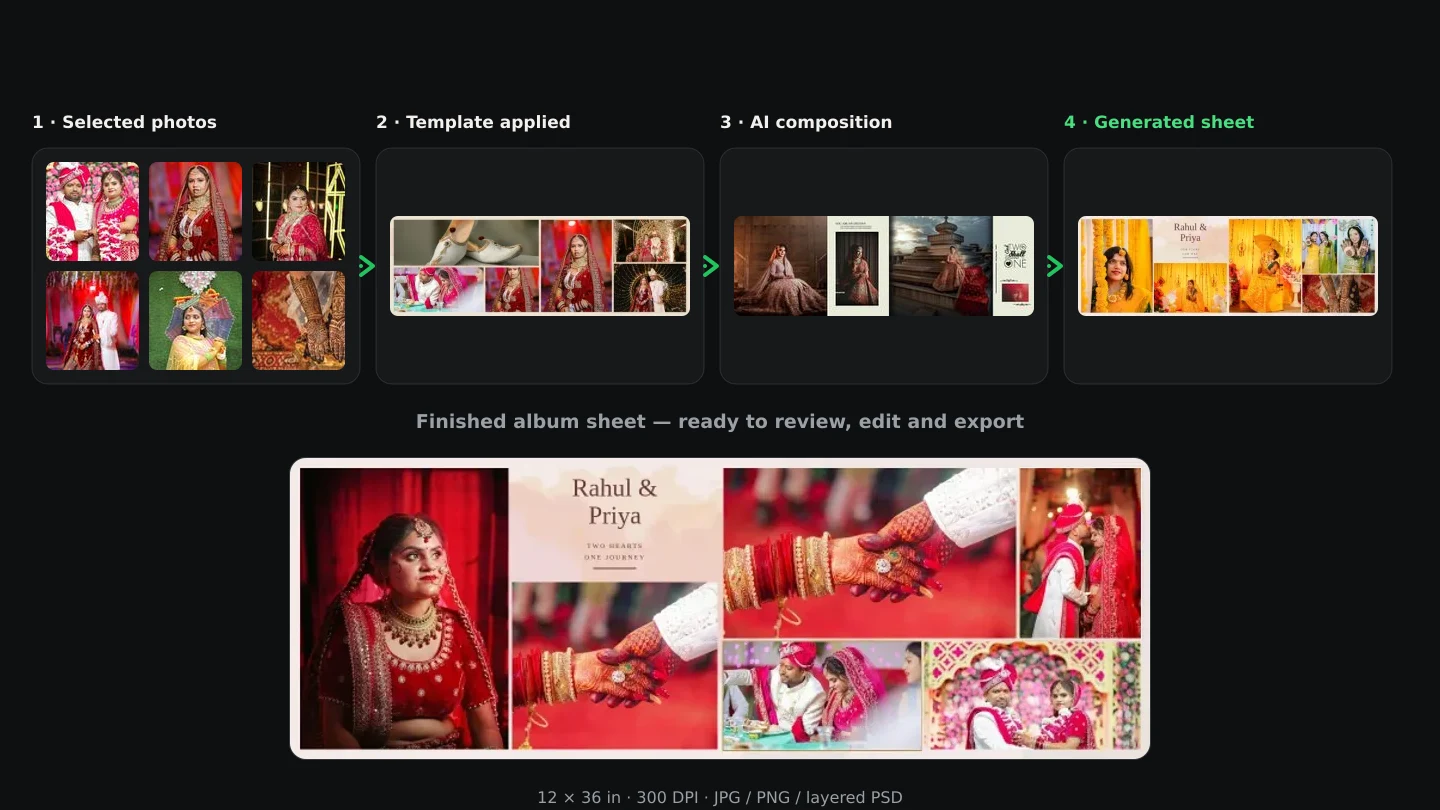
Link a saved, published album to your portfolio and it renders as an interactive flipbook showcase - page-turning spreads, private-token access and PSD download for versions that include them.
What You Need
- An active Premium Studio subscription.
- A published portfolio.
- At least one saved, published album version.
What the flipbook showcase does
A linked album version renders as an interactive flipbook inside your portfolio: page-turning spreads, thumbnails, a full-screen viewer and a download button. The original sheets stay private; only the published version is exposed.
Step by step
- 1
Finish the album
Generate or manually upload the album sheets in Album Studio and publish the version.
- 2
Open the portfolio builder
Edit your portfolio and move to the Albums section.
- 3
Link the album
Choose the published album version from your saved albums. Only published versions are visible.
- 4
Preview and publish
The flipbook appears in the portfolio preview. Publish the portfolio to make it live for visitors.
Tips
- One portfolio can carry several flipbook showcases.
- Re-link a new version without republishing the portfolio.
Common Mistakes
Album not showing
Verify the album version is saved and published; drafts are invisible.
PSD download missing
PSD download is only available when the version includes PSD sheets.
Frequently Asked Questions
Can visitors download the sheets?
Only if the version includes PSDs and the download button is shown. JPEG sheets are for preview.
Related Guides
- Portfolio BuilderCreate a branded studio portfolio website with your logo, photos, videos, reels and album showcases. Available with the Premium Studio plan.
- PSD Showcase PreviewsGenerate JPEG previews from your PSD files to showcase design work in your portfolio while keeping the source files private. Premium Studio feature.
Related Features
Try It in Smart Photo Selection
Open Album Studio with a photographer account, pick a booking and follow the steps above on your own photos.